
Overview
The Schedule page provides a calendar view of issues, work updates, and inspections. Issues and work updates are displayed based on their submission dates. Inspections are displayed based on their due dates.
Steps
Go to Operations.
Open Schedule.
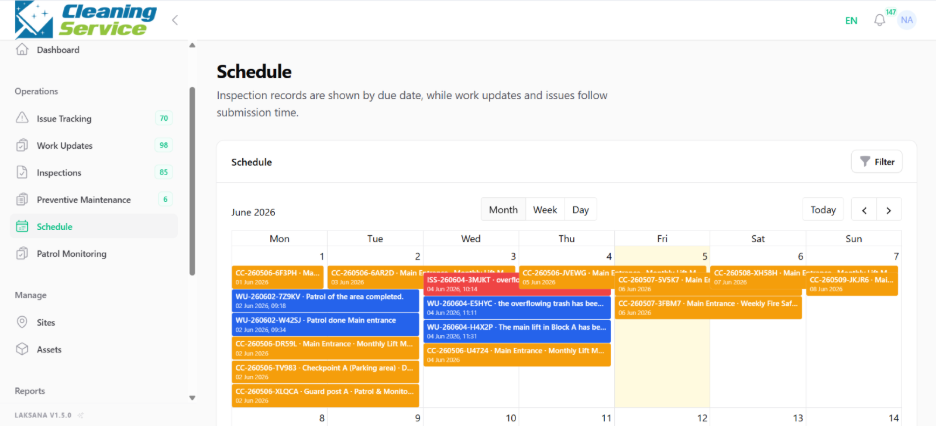
Review the calendar view.
Click an item to open its details.
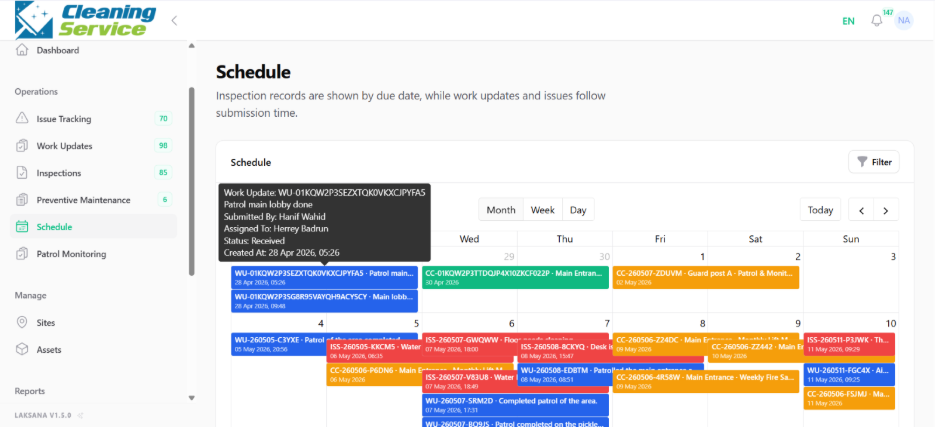
Use the calendar to monitor upcoming inspections and recent submissions.
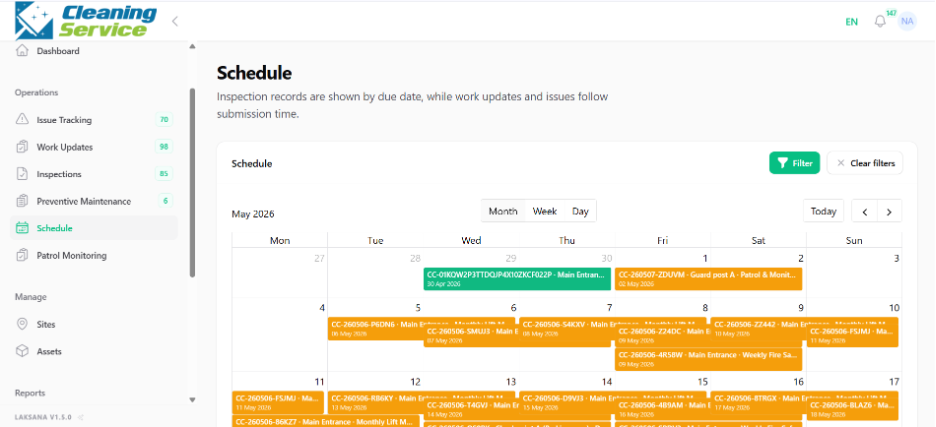
Tips
Use the schedule to plan daily or weekly reviews.
Pay attention to inspection due dates.
Use the calendar together with reports for management review.