Overview
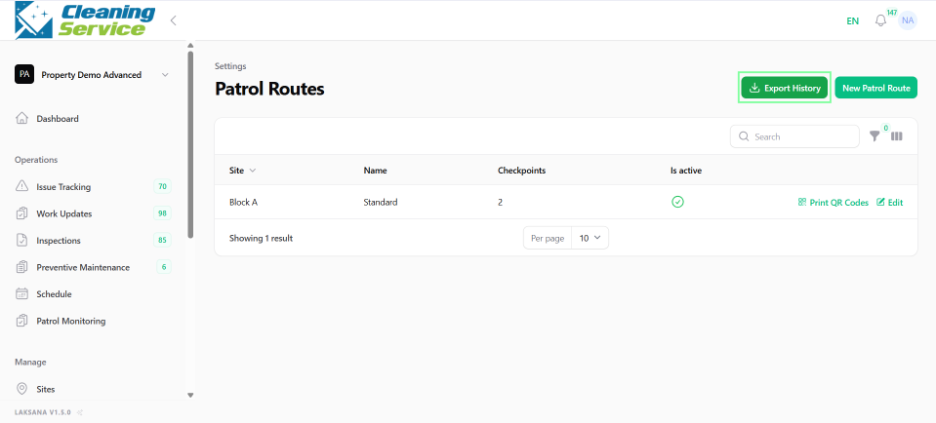
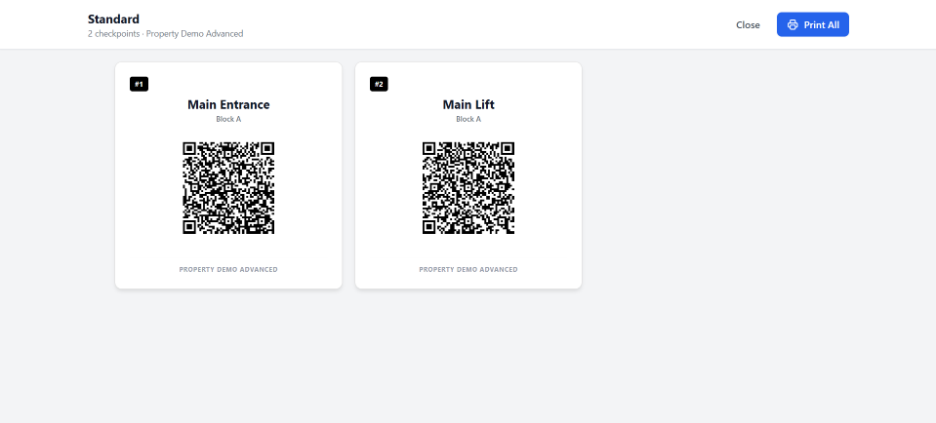
Patrol routes define the route or checkpoints that users follow during patrol activity. Admins can create routes and print QR codes for patrol checkpoints.
Steps
Go to Settings.
Open Operations.
Select Patrol Routes.
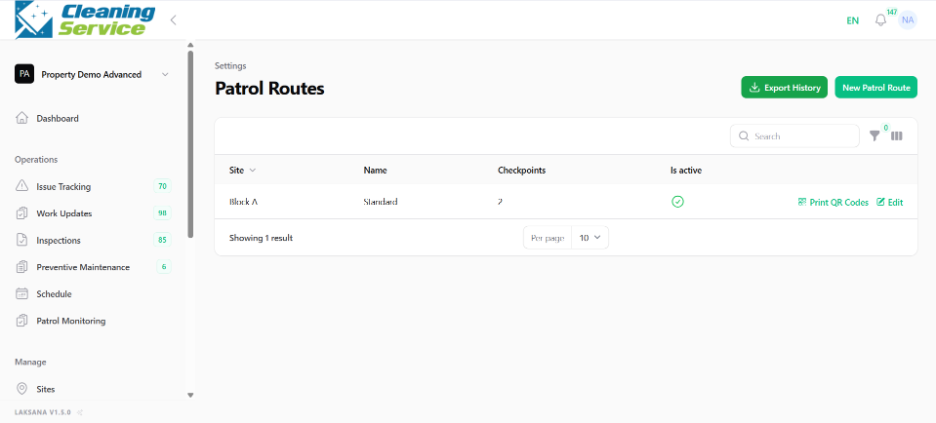
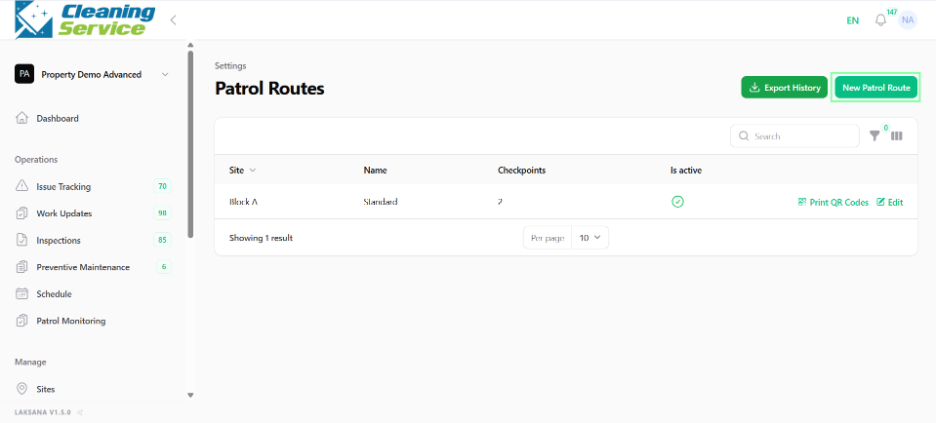
Click Create New.
Enter route details.
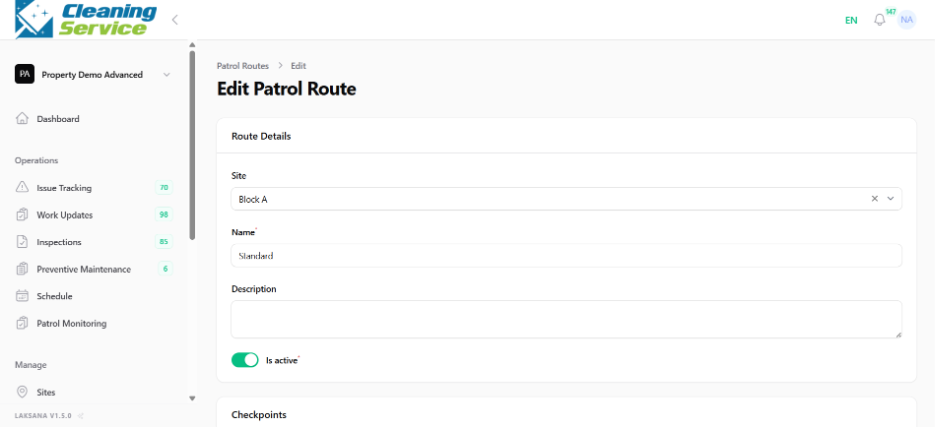
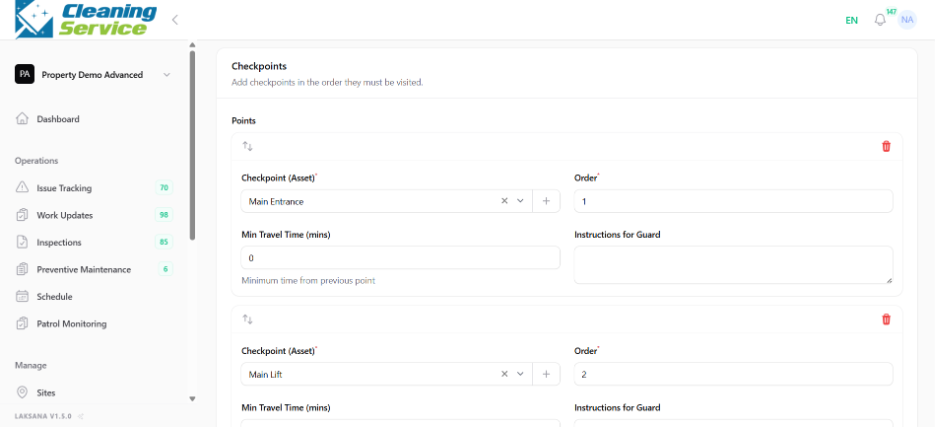
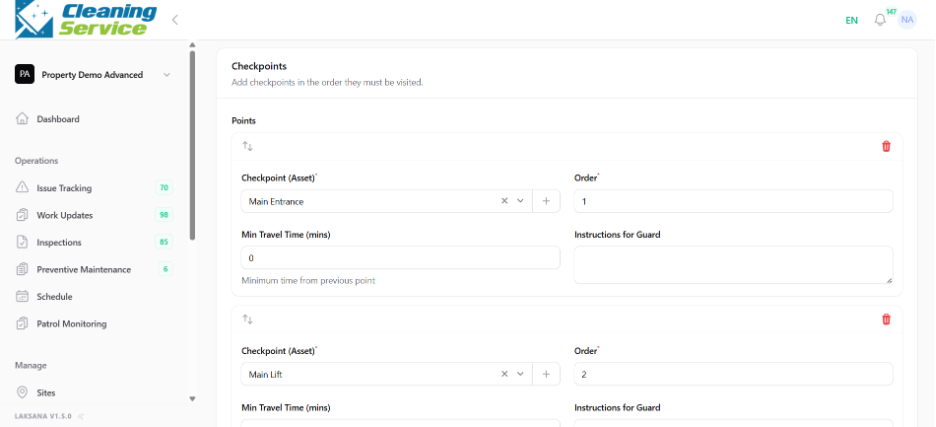
Save the route.
Print QR codes if required.
Tips
Use clear route names.
Place QR codes at actual patrol checkpoints.
Export patrol history for audit or management review.