
Overview
The Plan and Subscription page allows authorised users to view or manage the organisation’s subscription plan and billing information.
Steps
Go to Settings.
Open Billing & Credit.
Select Plan and Subscription.
Review the current plan.
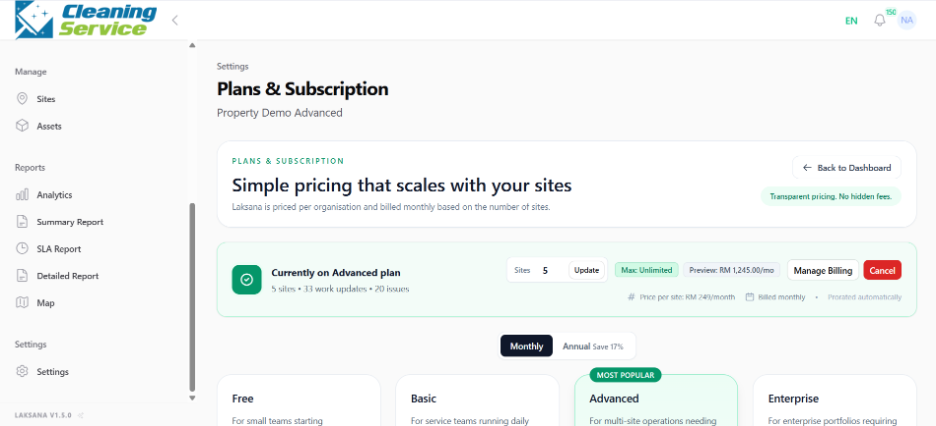
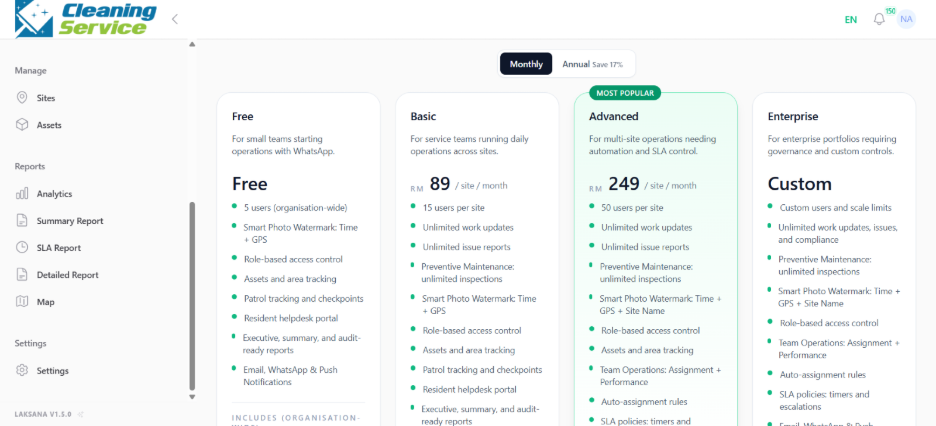
Choose or update plan, if allowed.
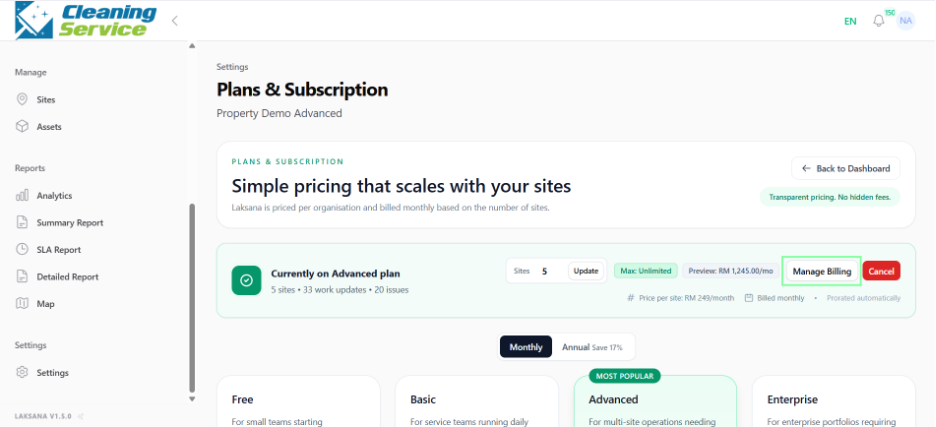
Open Manage Billing for billing-related actions.
Tips
Restrict billing access to authorised users.
Review plan capacity before expanding to more sites.
Contact your Laksana representative if you are unsure which plan is suitable.