
Overview
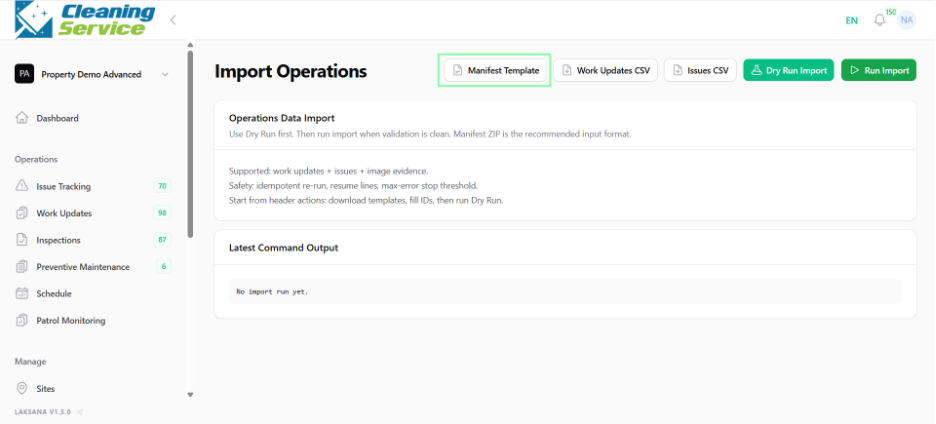
Import Operations allows users to upload operational data such as manifest templates, work update CSV files, and issue CSV files.
Before you start
Prepare the CSV file using the required format. Make sure site, asset, category, and user references are correct.
Steps
Go to Settings.
Open Operations.
Select Import Operations.
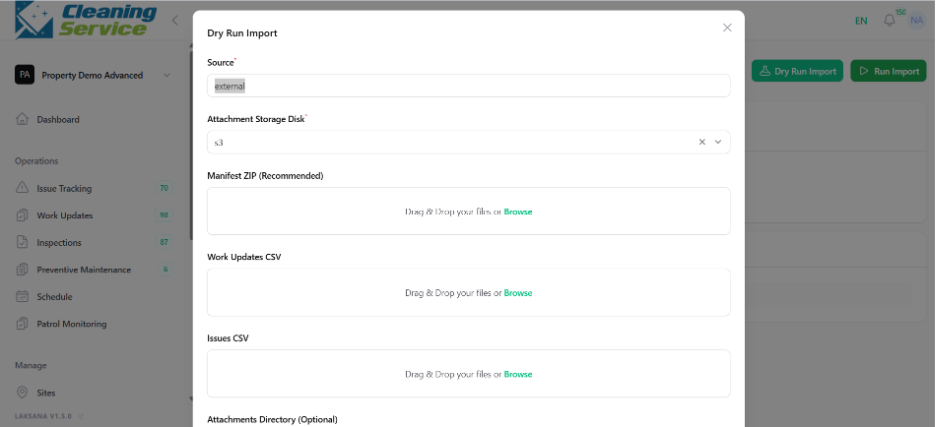
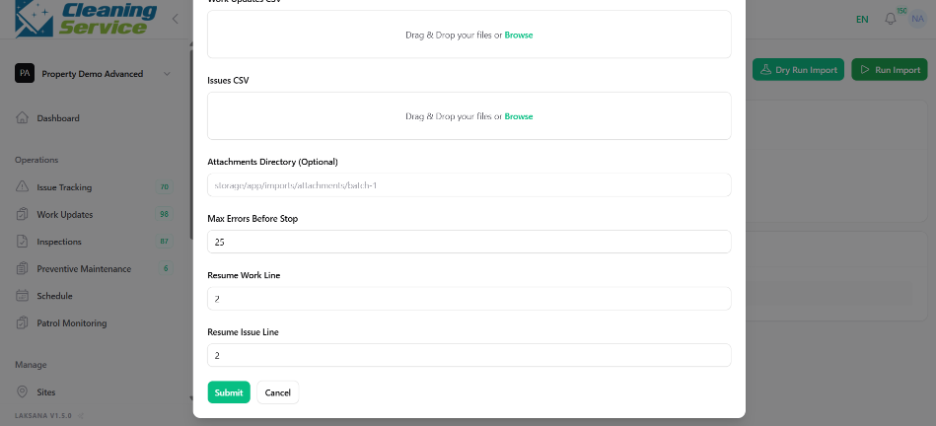
Select the relevant import type.
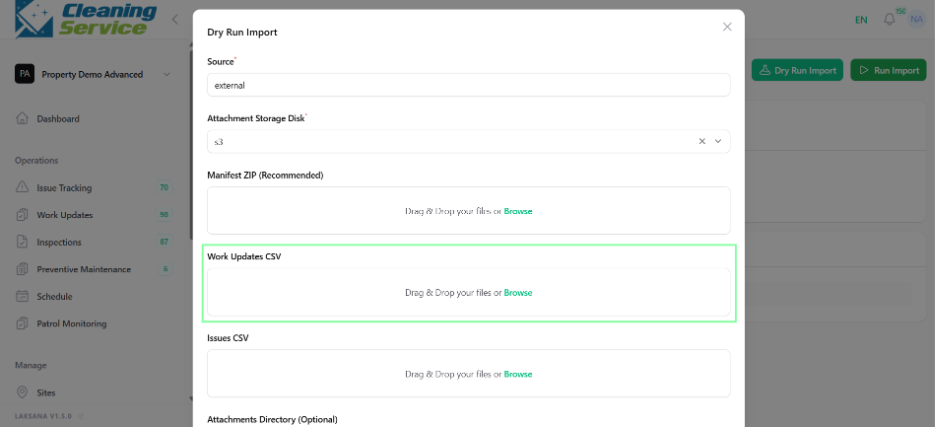
Upload the CSV file.
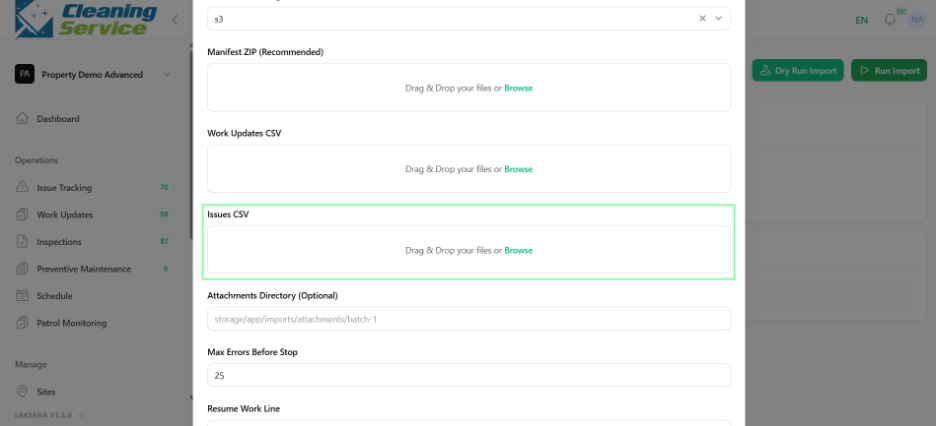
Click Dry Run Import to validate the file.
Review validation results.
Click Run Import to complete the import.
Tips
Always use Dry Run Import before final import.
Fix validation errors before running the import.
Keep a copy of the original CSV file.