
Overview
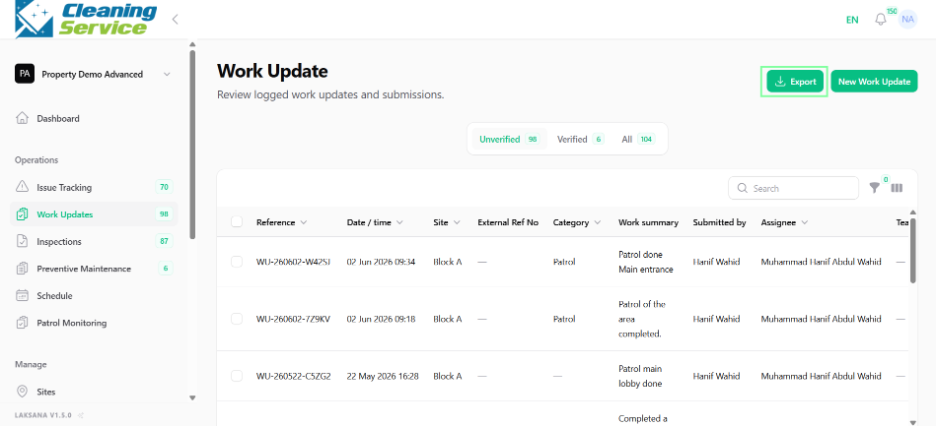
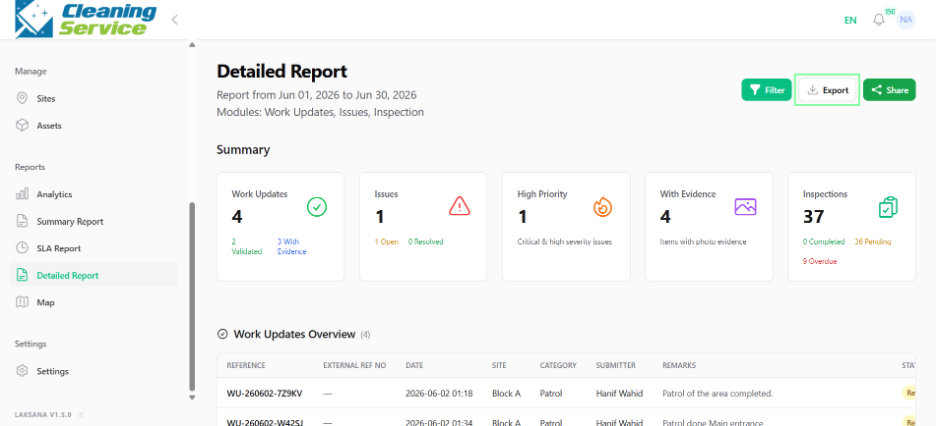
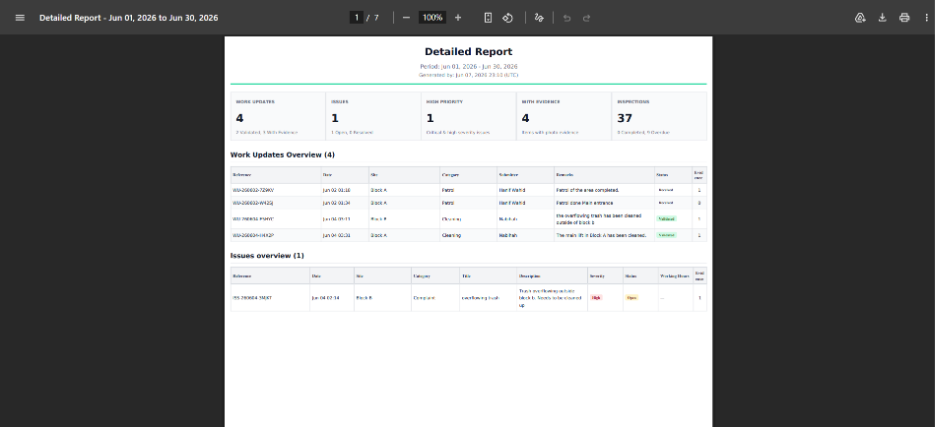
Laksana allows users to export listings and reports for record keeping, analysis, or management sharing.
Common export options
Issue Tracking CSV.
Work Updates CSV.
Sites CSV.
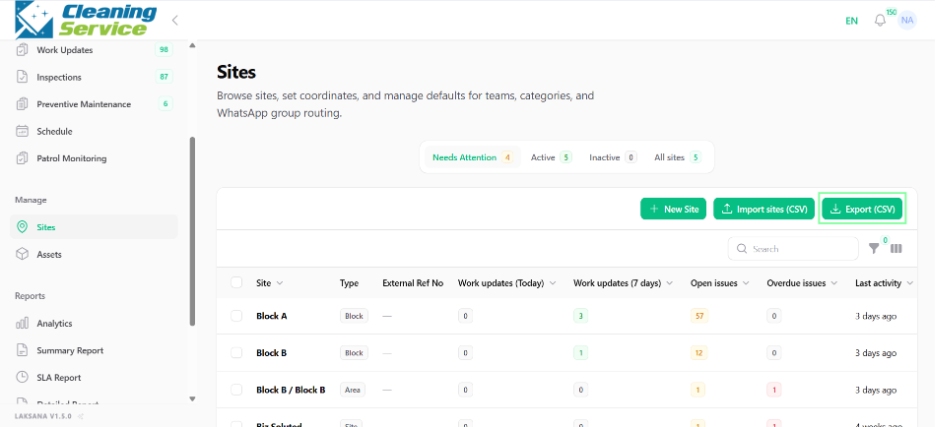
Assets CSV.
Categories CSV.
Summary Report PDF.
Detailed Report PDF.
Patrol history export.
Steps
Open the page you want to export.
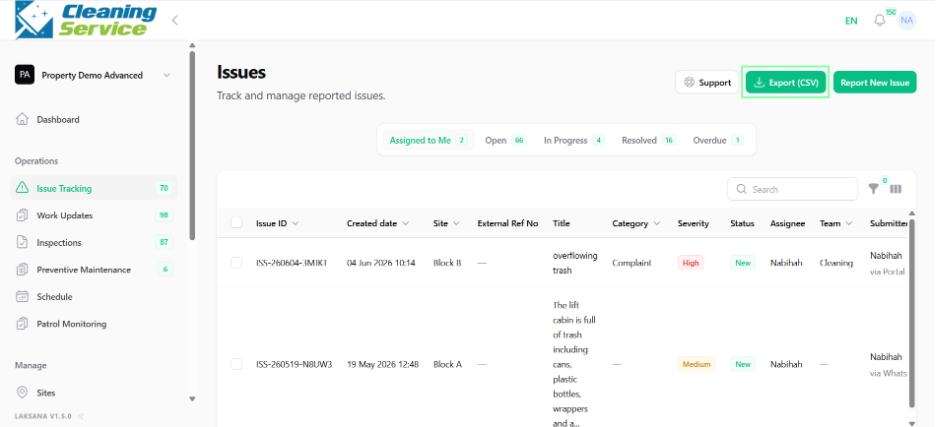
Apply filters, if required.
Click Export.
Download the file.
Review the exported file.
Tips
Use CSV export for data analysis.
Use PDF export for management or client reporting.
Filter data before exporting to keep reports focused.