
Overview
Field users can submit work updates directly through WhatsApp. This is useful for users who work on-site and do not need to use the portal regularly.
Steps
Open WhatsApp.
Open the Laksana bot conversation.
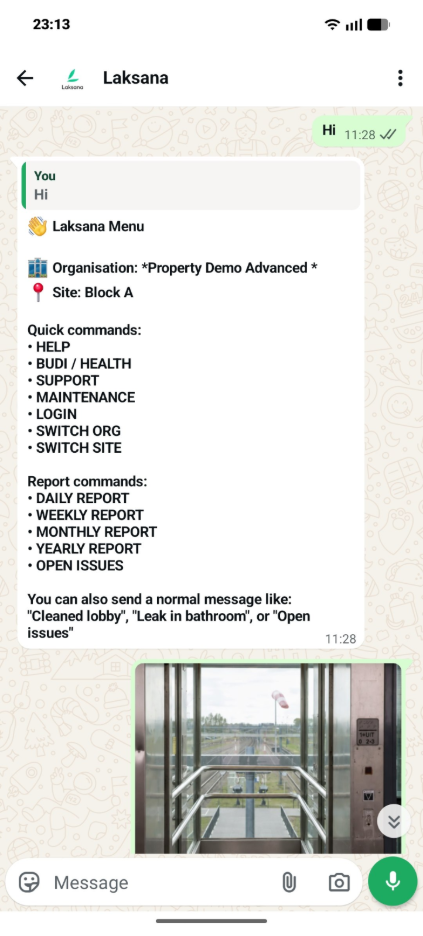
Follow the bot guide.
Type your work update clearly.
Attach photo evidence if required.
Submit the update.
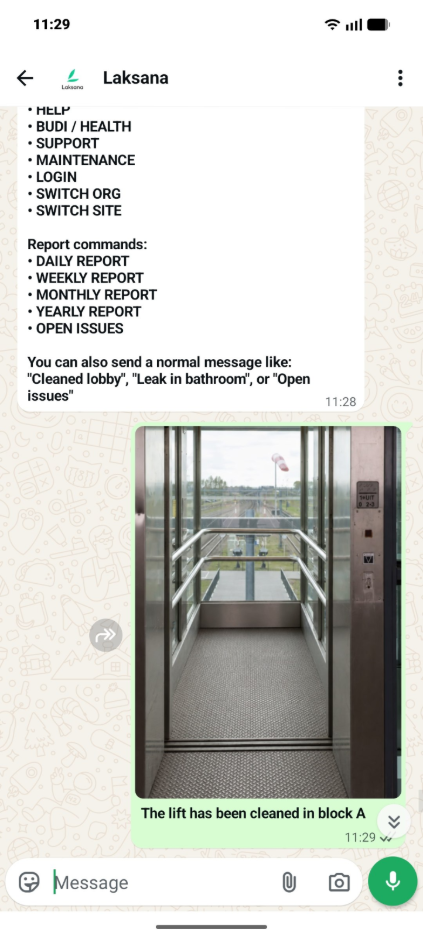
Wait for confirmation, if provided.
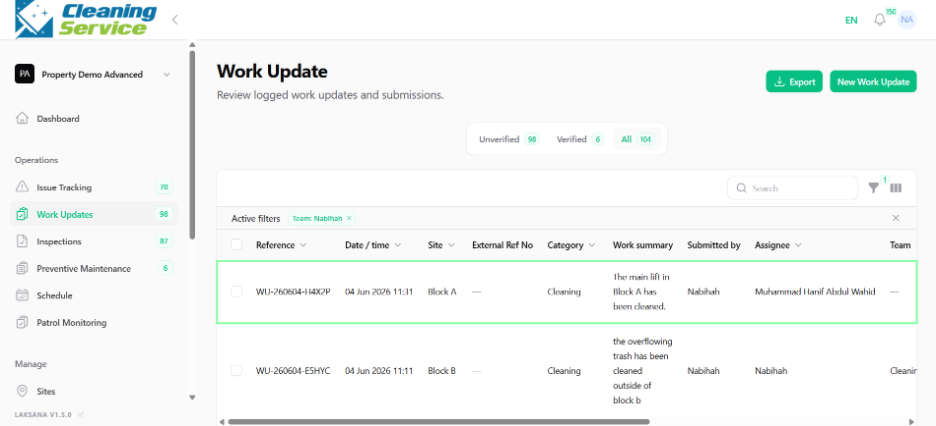
Example update
“Completed cleaning at Level 2 corridor. No issue found.”
Tips for field users
Keep the message short but clear.
Mention the location, asset, or area.
Take a clear photo before submitting.
Avoid blurry or unrelated photos.