
Overview
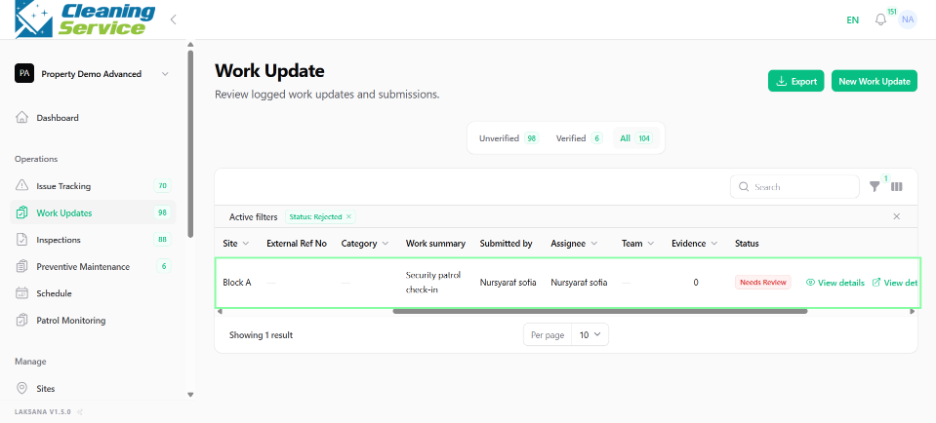
Supervisors can verify or reject work updates after reviewing the submitted information and evidence.
Steps to verify
Go to Operations.
Open Work Updates.
Find the work update.
Open the action menu.
Click Verify.
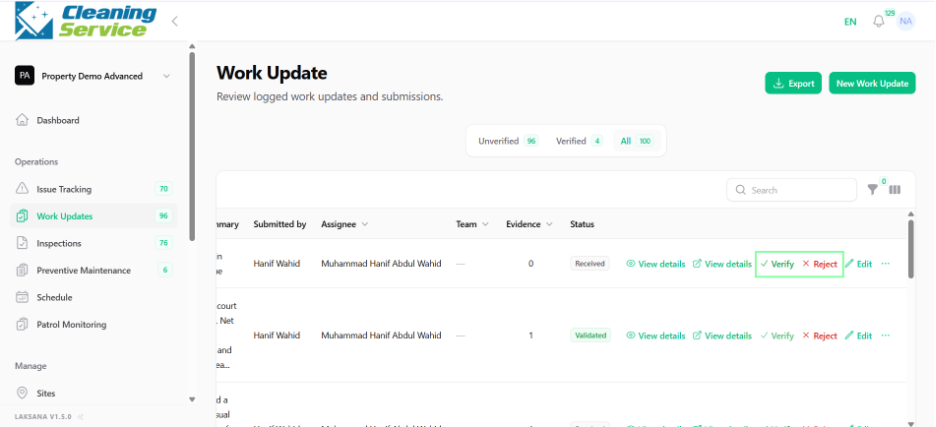
Confirm verification.
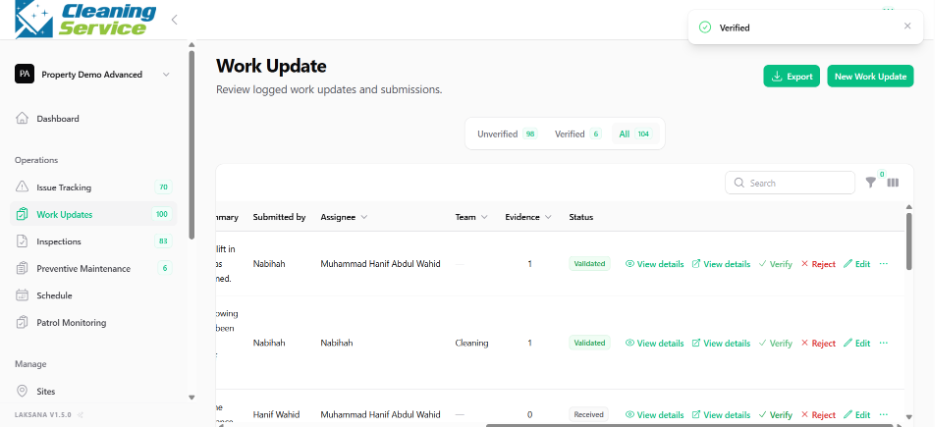
Steps to reject
Open the work update action menu.
Click Reject.
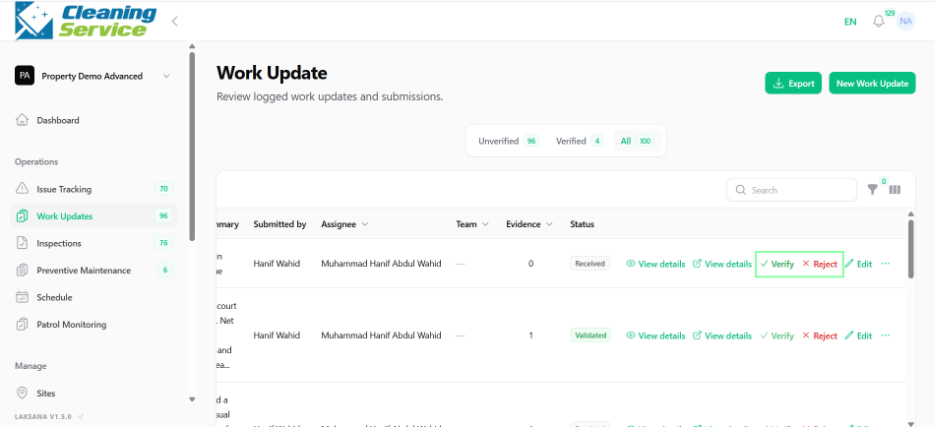
Add rejection reason or comment, if required.
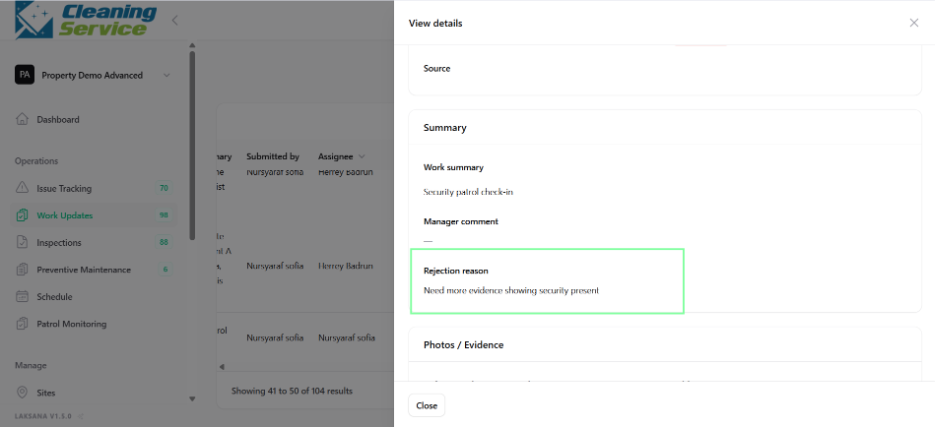
Confirm rejection.
Tips
Review evidence before verification.
Use rejection comments to explain what needs correction.
Regularly review pending work updates to avoid backlog.