
Overview
Manager comments allow supervisors or managers to add feedback or internal notes to a work update.
Steps
Go to Operations.
Open Work Updates.
Find the work update.
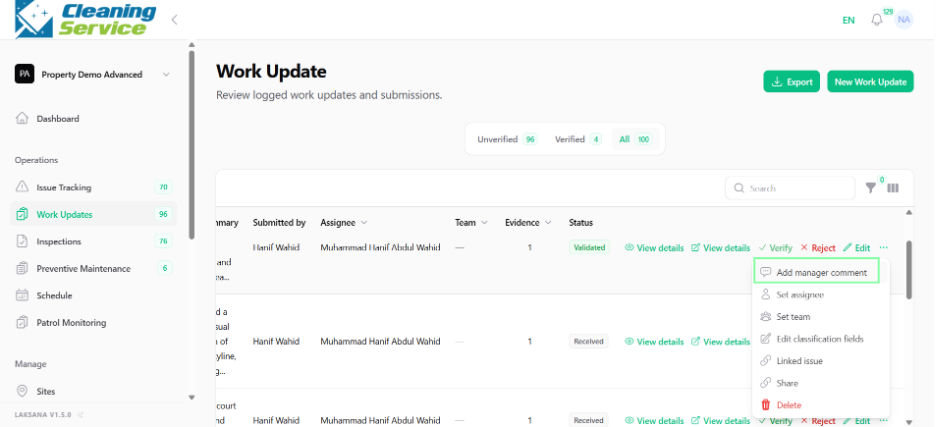
Open the action menu.
Click Add Manager Comment.
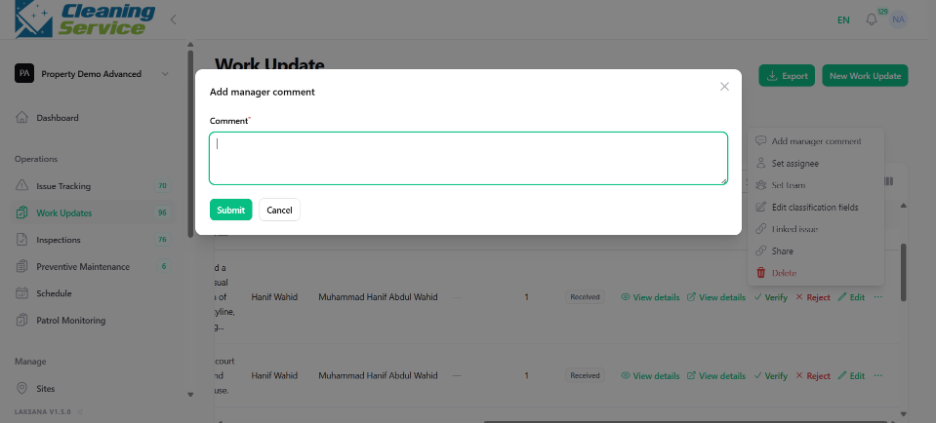
Enter the comment.
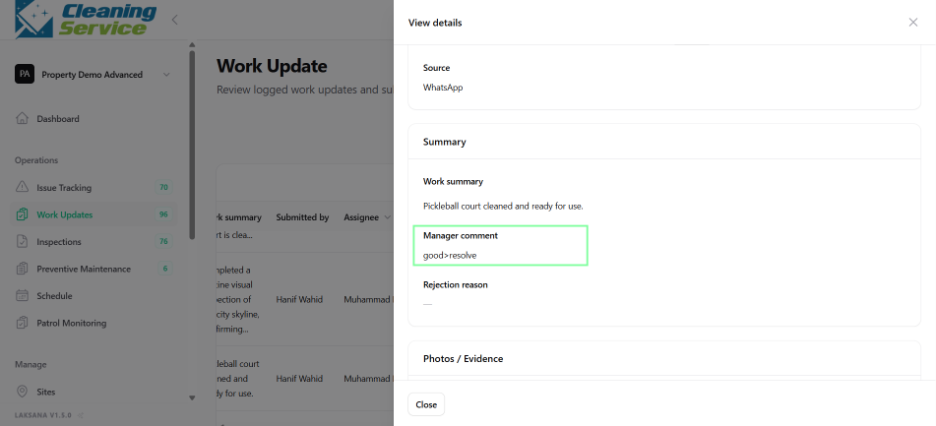
Save the comment.
Example comments
“Please attach a clearer photo.”
“Verified during site walkabout.”
“Follow up required tomorrow.”