
Overview
Users can update the ownership and classification of a work update to ensure proper reporting and accountability.
Steps
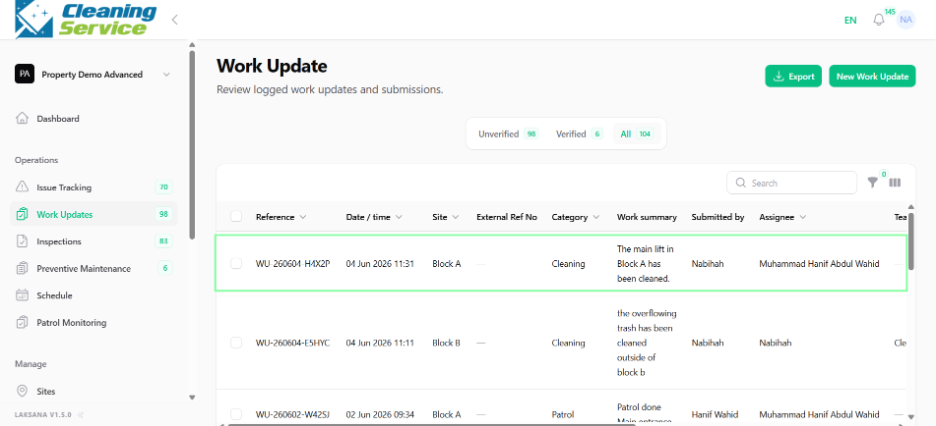
Go to Operations.
Open Work Updates.
Select the record.
Use Set Assignee to assign a user.
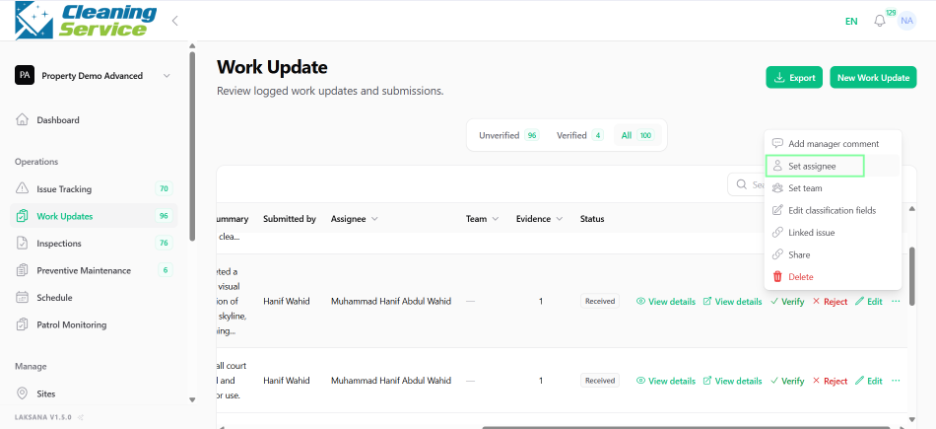
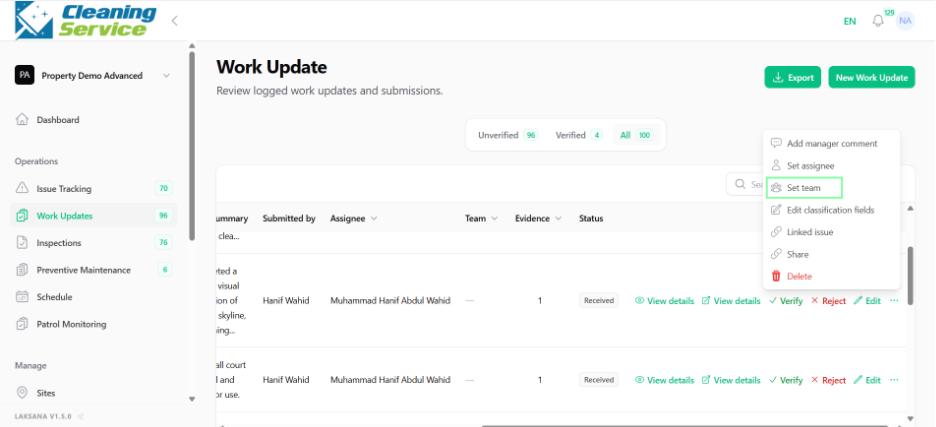
Use Set Team to assign a team.
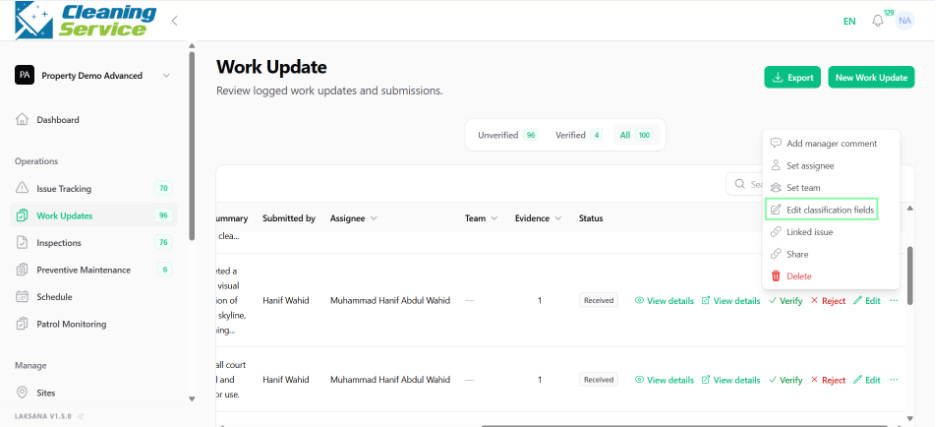
Use Edit Classification Fields to update category or classification.
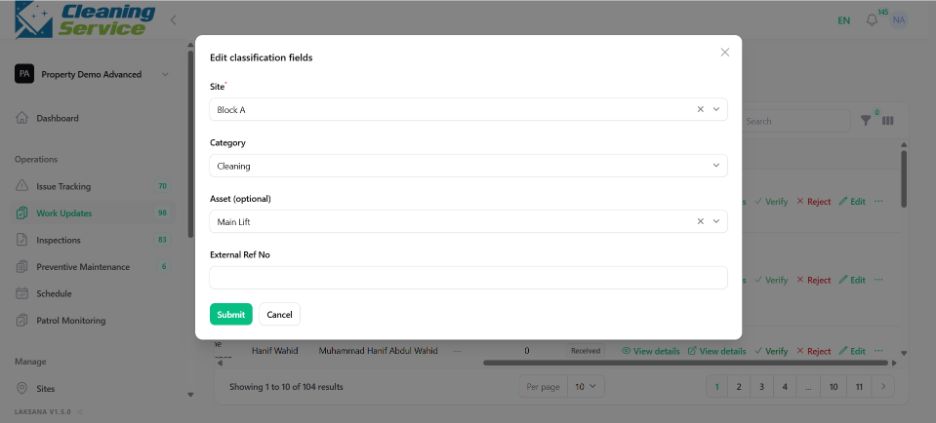
Save the changes.
Tips
Use consistent categories for clean reporting.
Assign teams when multiple users may be responsible.
Review classification before generating reports.