
Overview
A work update can be linked to an issue when it is related to issue resolution or follow-up work.
Steps
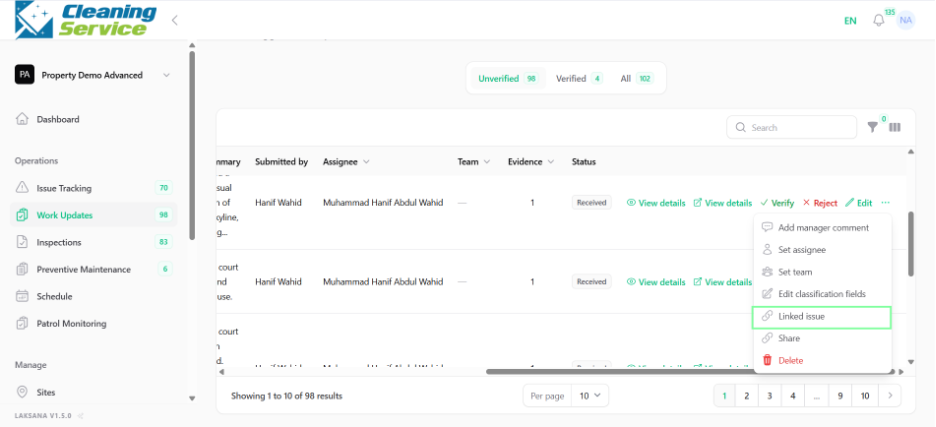
Go to Operations.
Open Work Updates.
Find the work update.
Open the action menu.
Click Linked Issue.
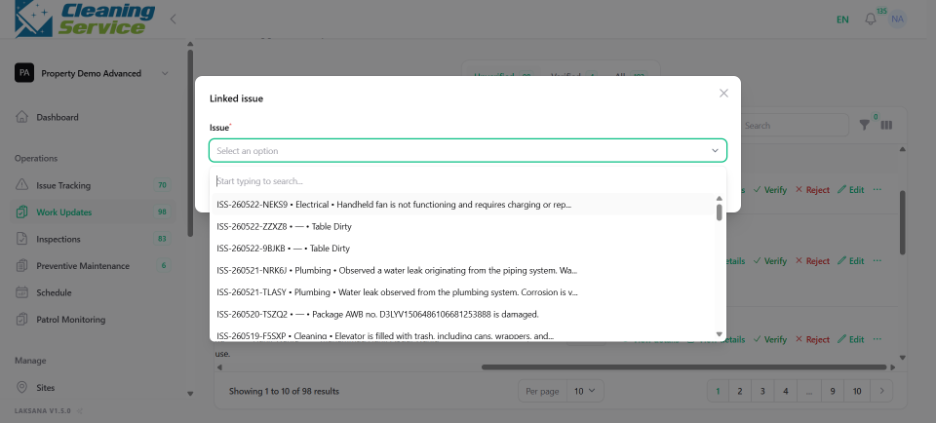
Select the related issue.
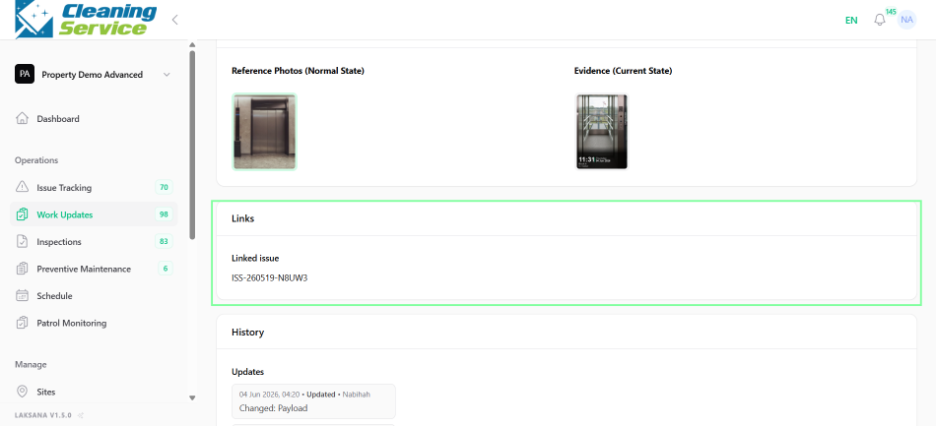
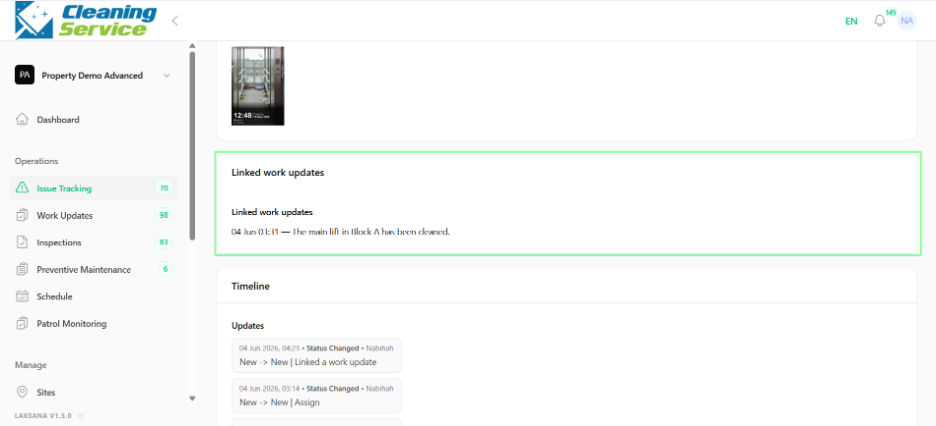
Save the link.
Example use case
A technician submits a work update after repairing a faulty pump. The supervisor links the work update to the original pump issue for traceability.