
Overview
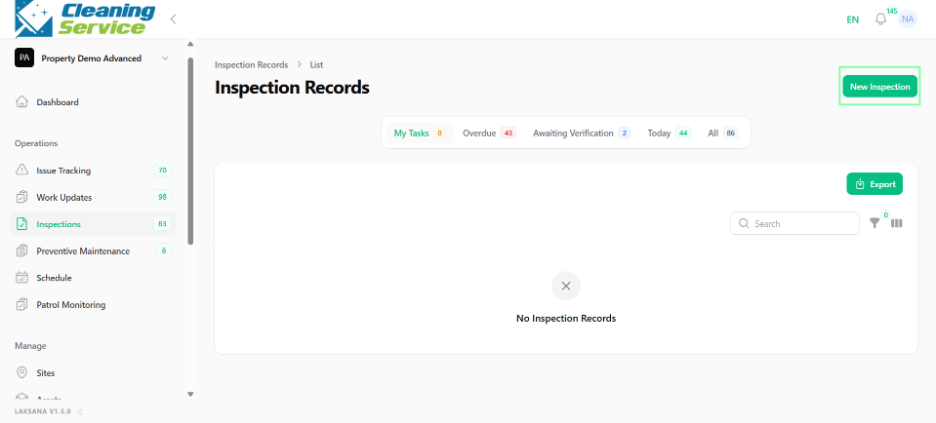
Users can create a new inspection manually from the portal.
Steps
Go to Operations.
Open Inspections.
Click New Inspection.
Select the asset.
Select the inspection template.
Set the due date.
Assign the inspection to a user.
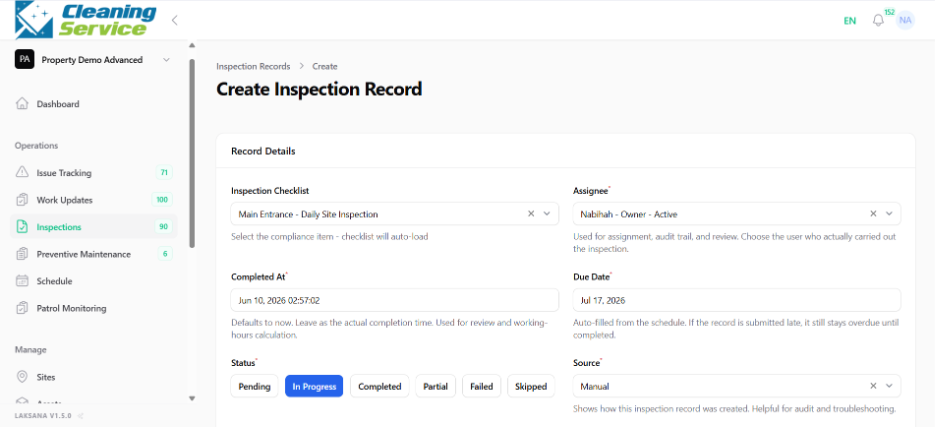
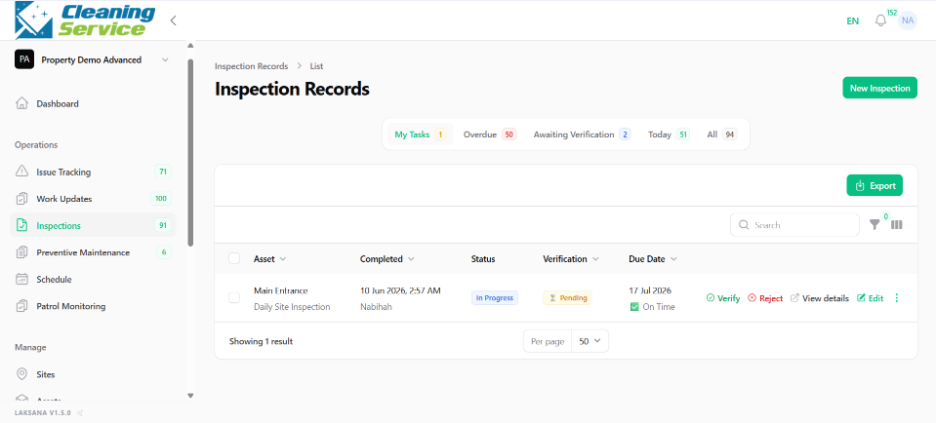
Save the inspection.
Tips
Use the correct template for the inspection purpose.
Assign inspections to the person responsible for completing them.
Use due dates to support follow-up and reporting.