
Overview
CSV import allows users to create or update preventive maintenance records in bulk.
Steps
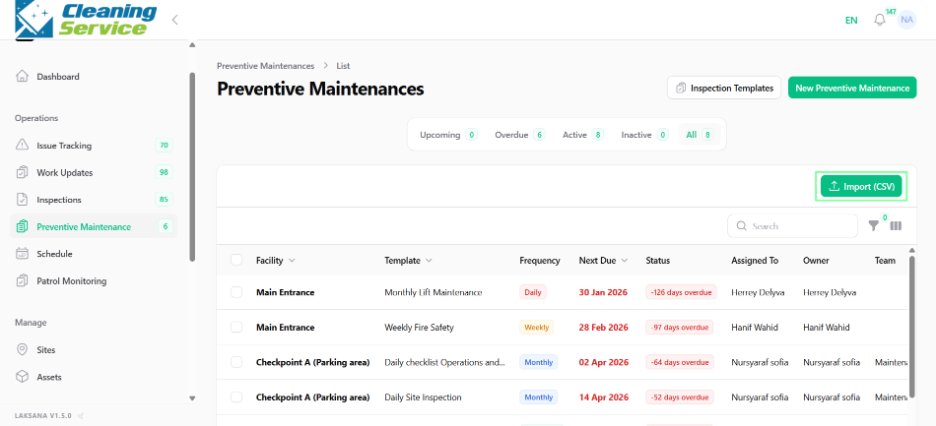
Go to Operations.
Open Preventive Maintenance.
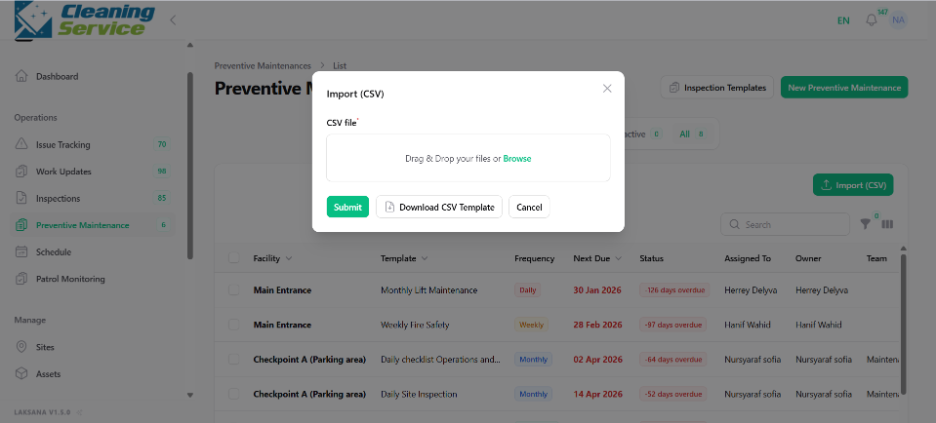
Click Import.
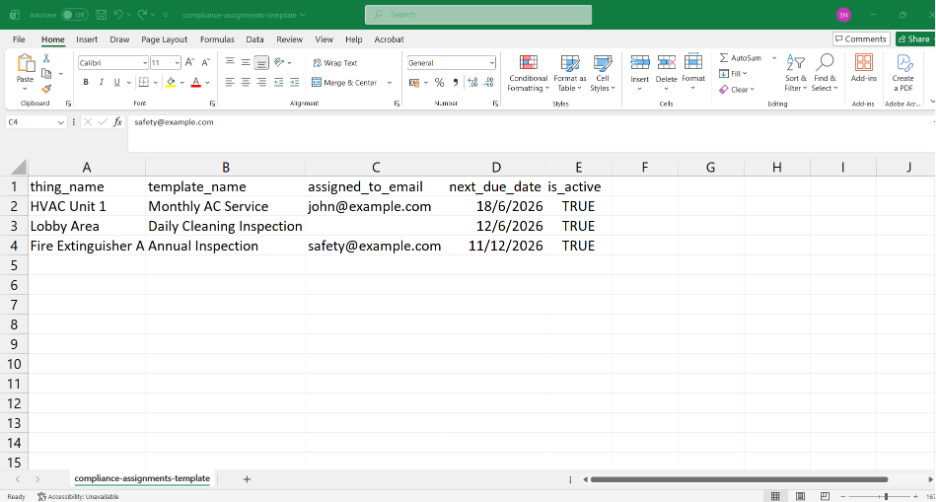
Download or prepare the CSV template, if available.
Upload the CSV file.
Review validation results.
Complete the import.
Tips
Check site, asset, and template names before importing.
Use a small sample import first if you are importing many records.
Keep a backup copy of your CSV file.