
Overview
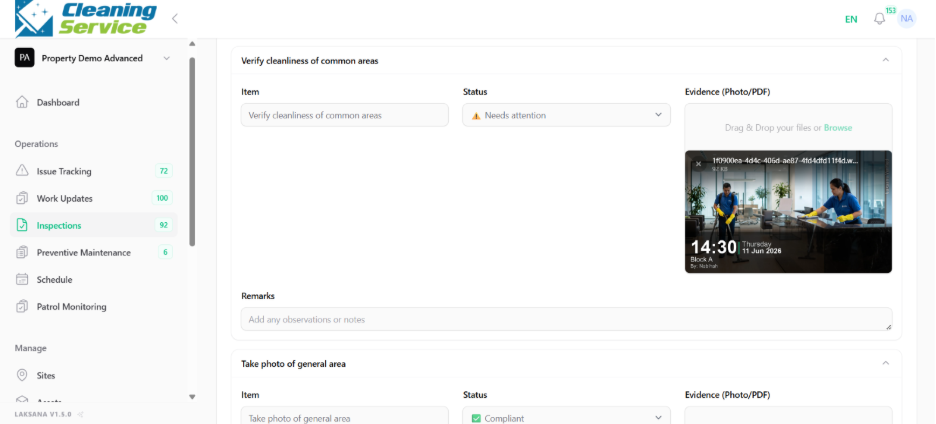
Supervisors can verify or reject submitted inspections after reviewing checklist responses and evidence.
Steps to verify
Go to Operations.
Open Inspections.
Select the inspection.
Review the checklist and evidence.
Click Verify.
Confirm verification.
Steps to reject
Select the inspection.
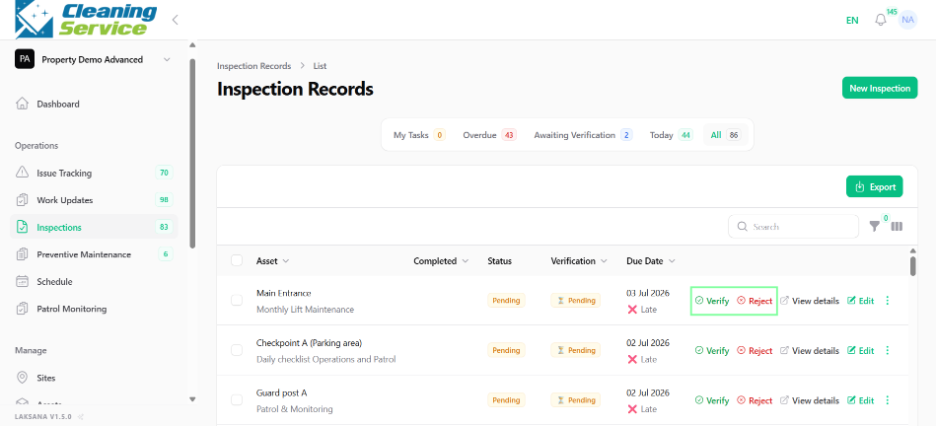
Review the submitted details.
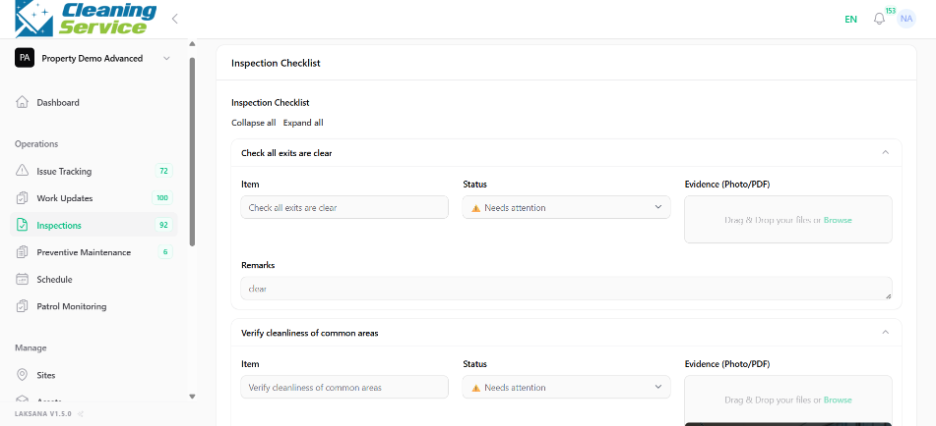
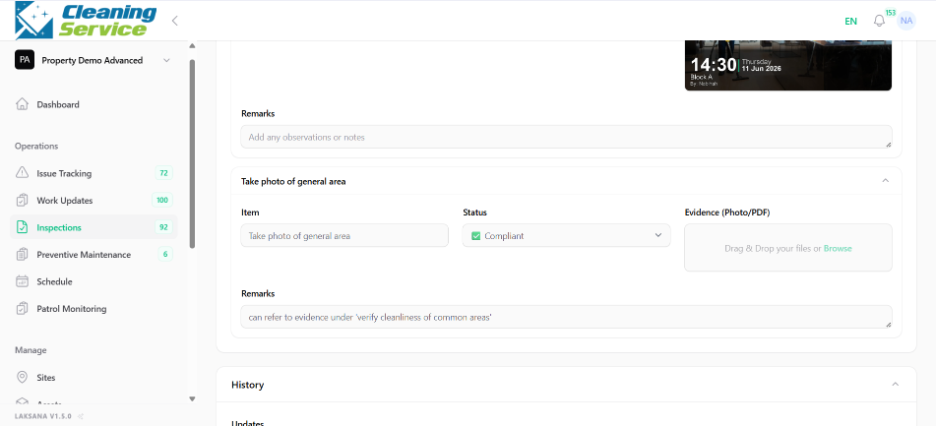
Click Reject.
Add reason or comment.
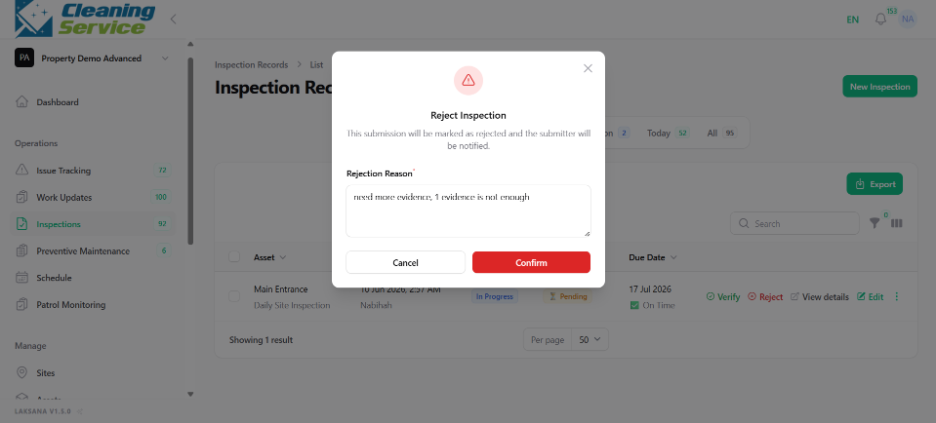
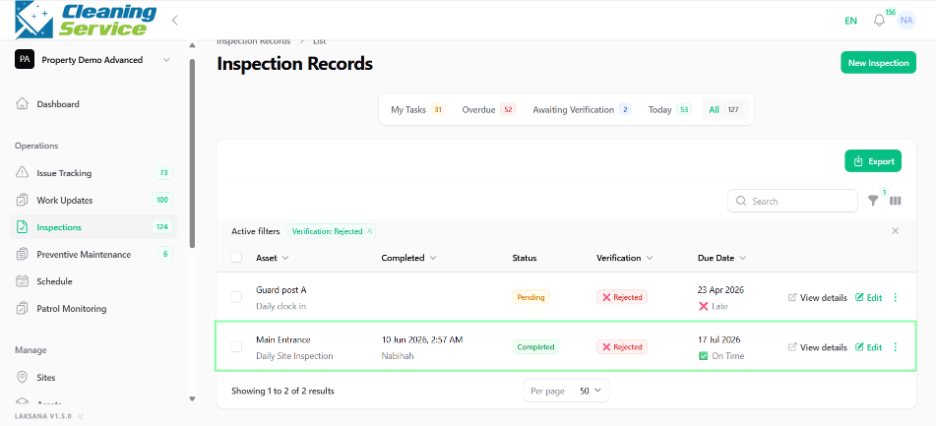
Confirm rejection.
Tips
Review evidence carefully before verifying.
Reject incomplete or unclear submissions.
Use comments to guide the field user on what to correct.