
Overview
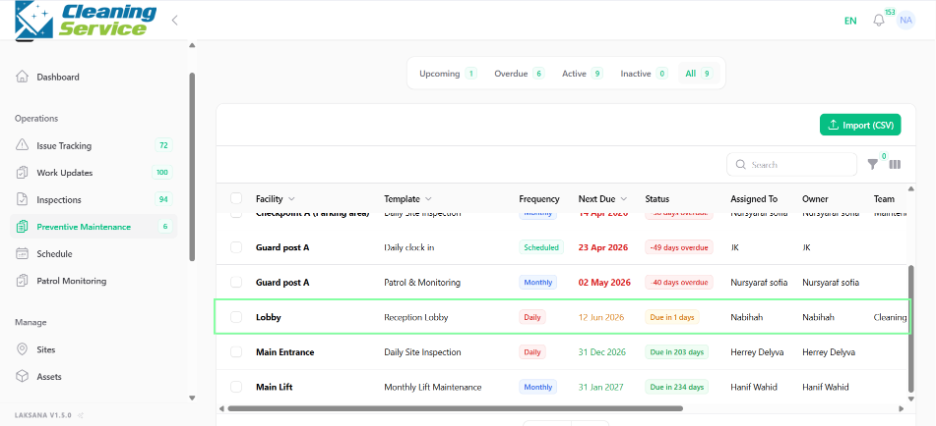
A preventive maintenance schedule defines what should be checked, how often it should be checked, who is responsible, and when it is due.
Steps
Go to Operations.
Open Preventive Maintenance.
Click New Preventive Maintenance.
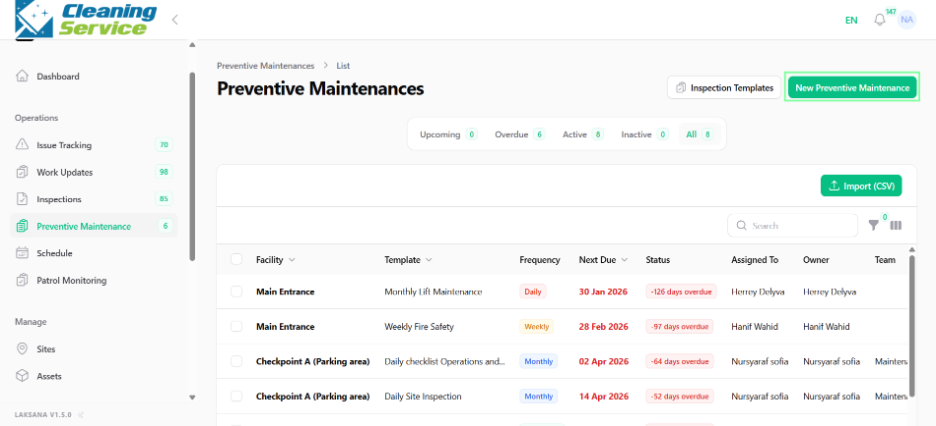
Select the facility or asset.
Select the inspection template.
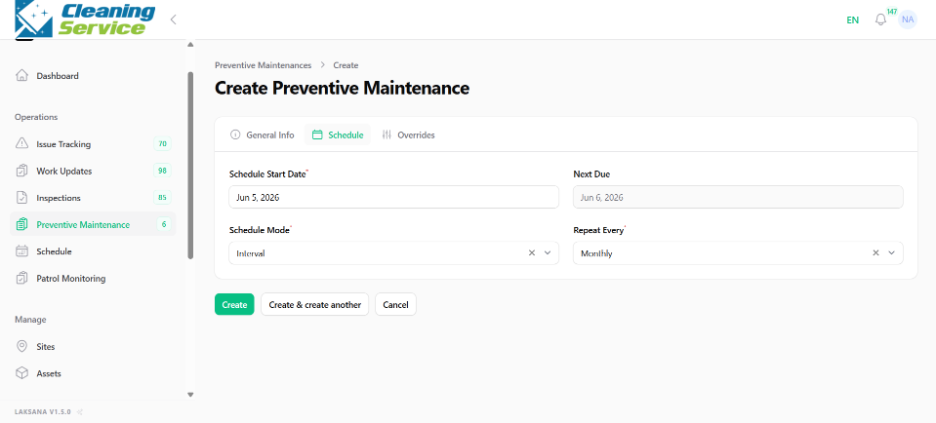
Set frequency.
Set next due date.
Assign user, owner, or team.
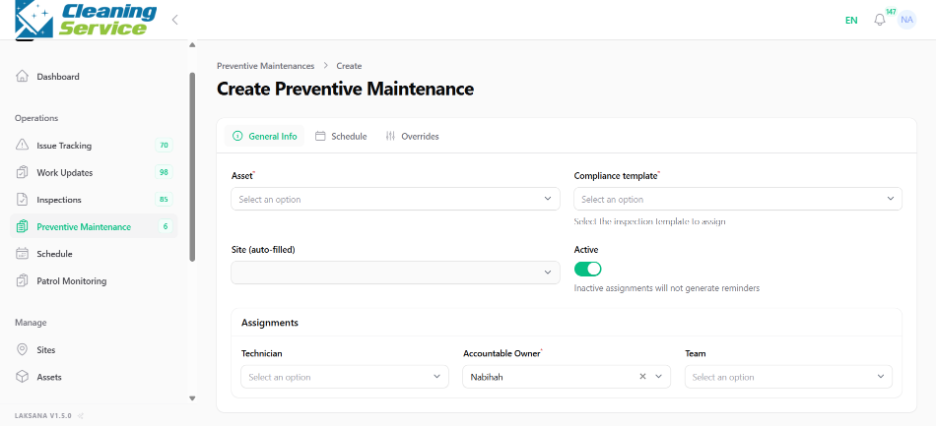
Choose schedule mode.
Set active status.
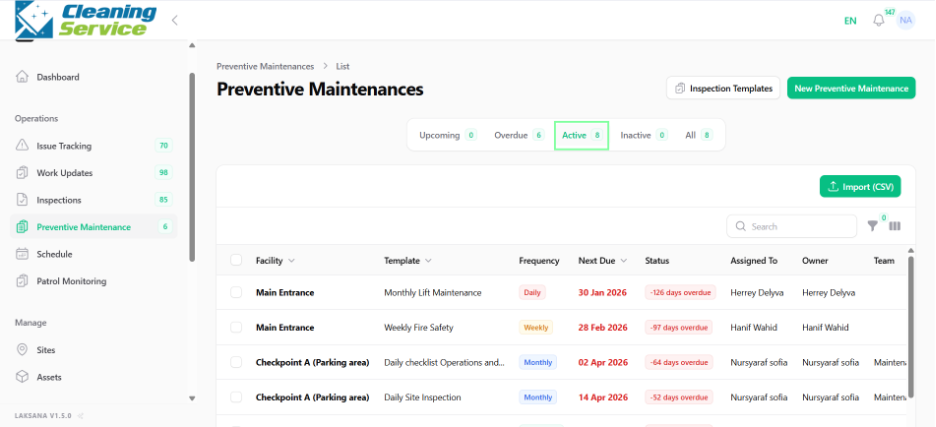
Save the preventive maintenance schedule.
Tips
Match the frequency to the asset’s operational importance.
Use teams for shared maintenance responsibilities.
Review overdue preventive maintenance regularly.