
Overview
Inspection templates define the checklist items used during inspections. Templates help ensure consistency across sites, assets, and teams.
Before you start
You need permission to manage inspection templates.
Steps
Go to Settings.
Open Operations.
Select Inspection Templates.
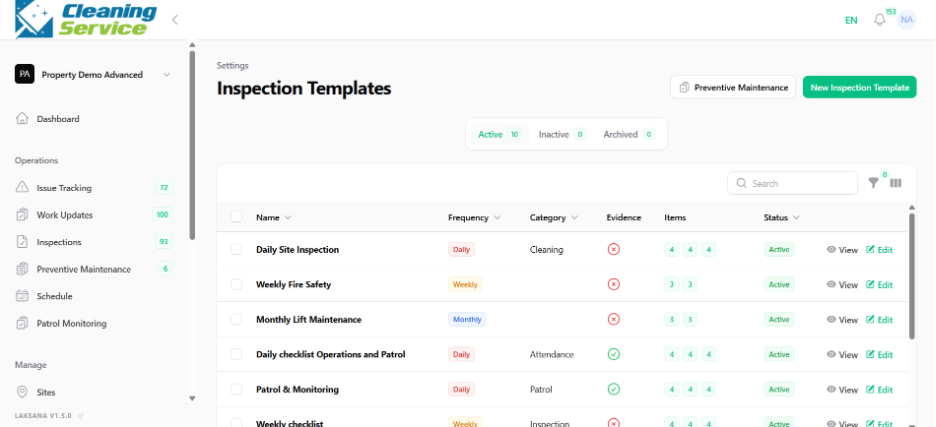
Click Create New Inspection Checklist.
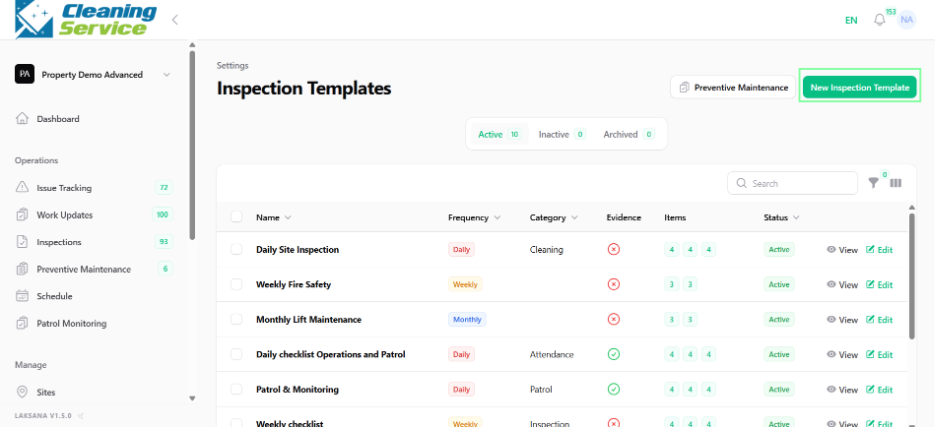
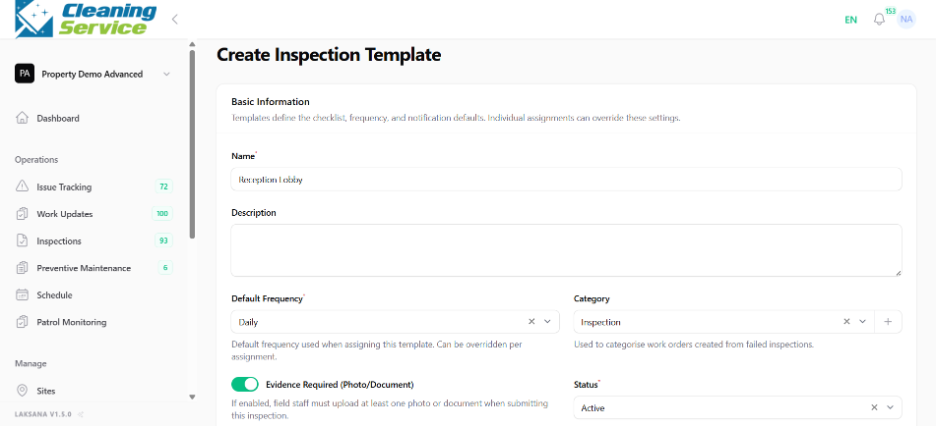
Enter the template name.
Select frequency, if applicable.
Select category.
Configure evidence requirements.
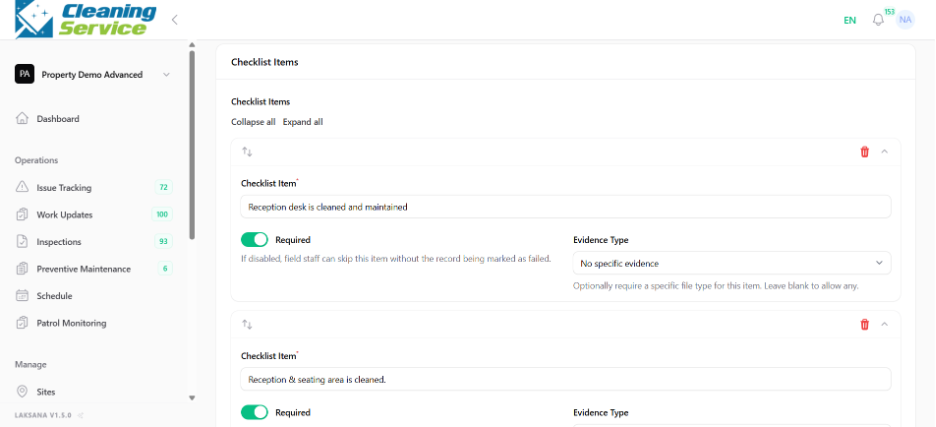
Add checklist items.
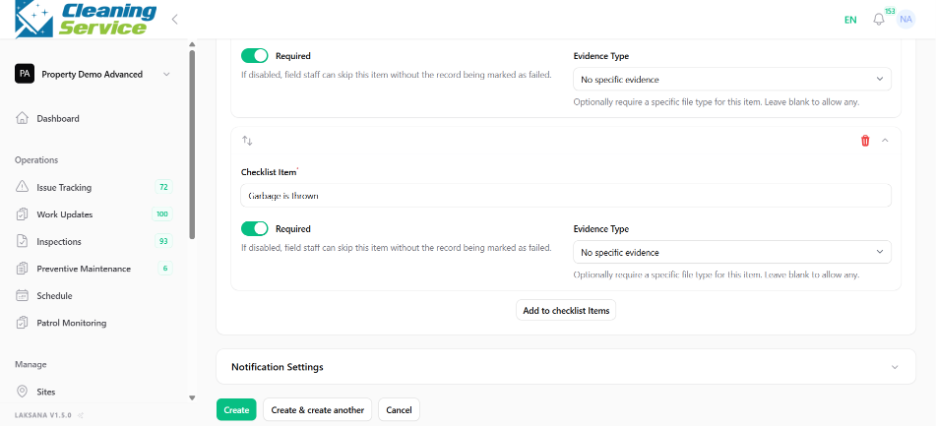
Set template status.
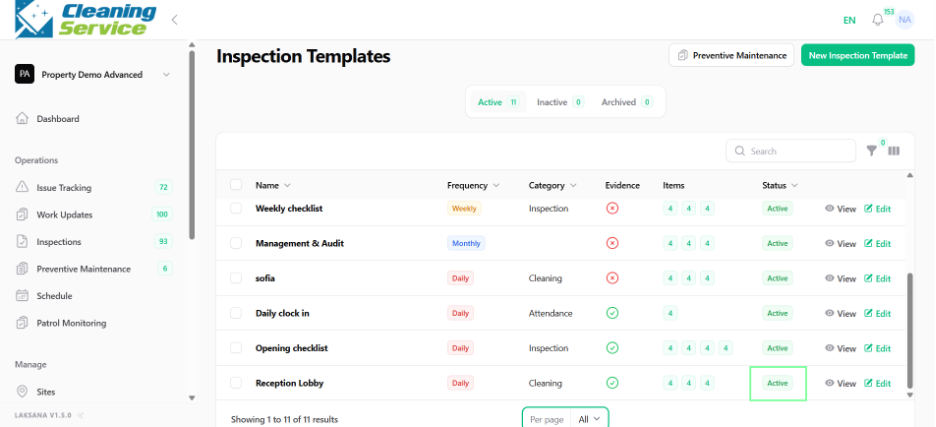
Save the template.
Tips
Keep checklist items clear and specific.
Use photo evidence for critical checklist items.
Avoid overly long checklists for routine tasks.
Review templates periodically based on operational feedback.