
Overview
Categories are used to classify issues and work updates. Proper categorisation helps improve reporting, analytics, SLA application, and assignment rules.
Steps
Go to Settings.
Open Categories.
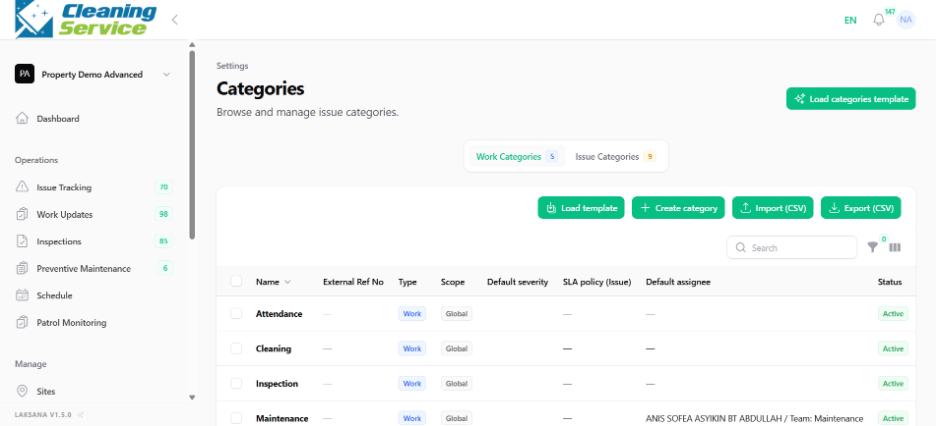
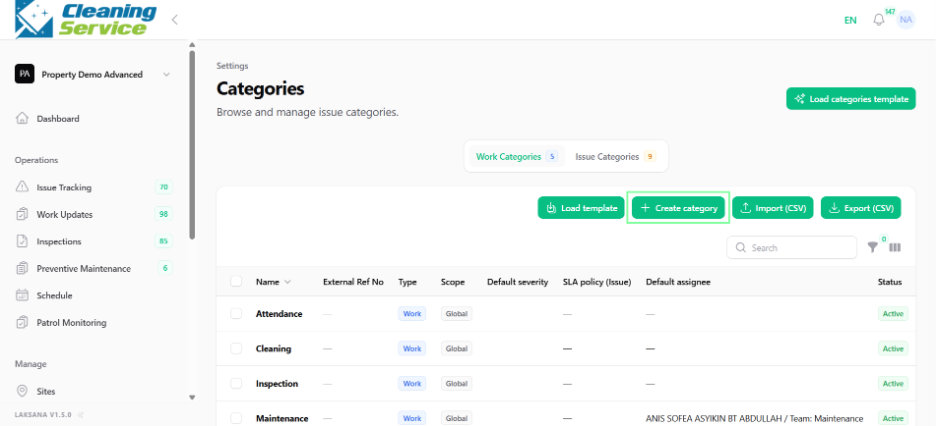
Click Create Category.
Enter the category name.
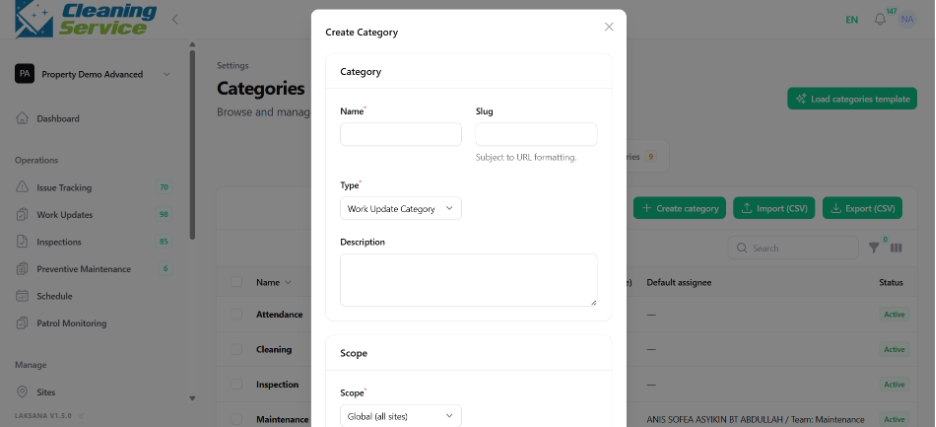
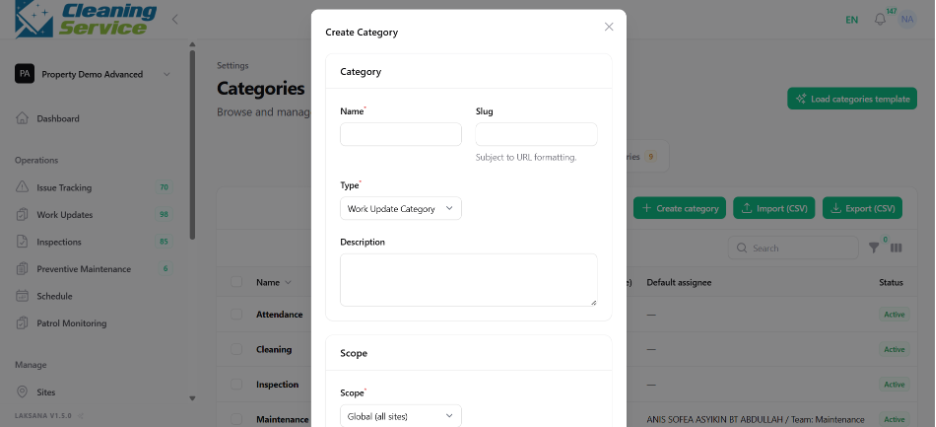
Select whether it applies to issue or work category, if applicable.
Save the category.
Other actions
Users may also:
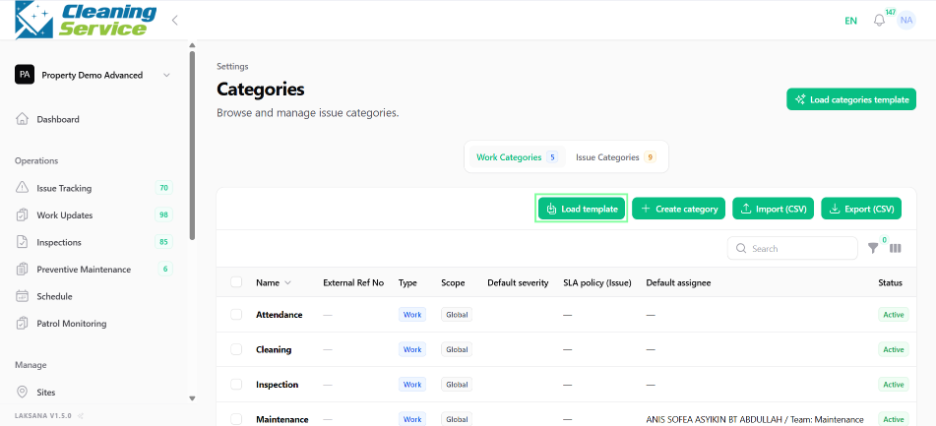
Load template.
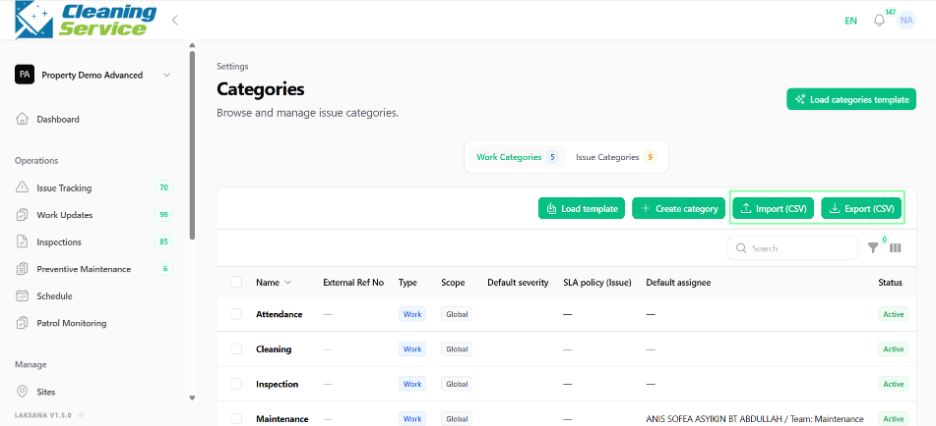
Import categories by CSV.
Export categories.
View details.
Edit categories.
Delete categories.
Tips
Keep categories simple and easy to understand.
Avoid creating too many overlapping categories.
Align categories with reporting and SLA needs.