
Overview
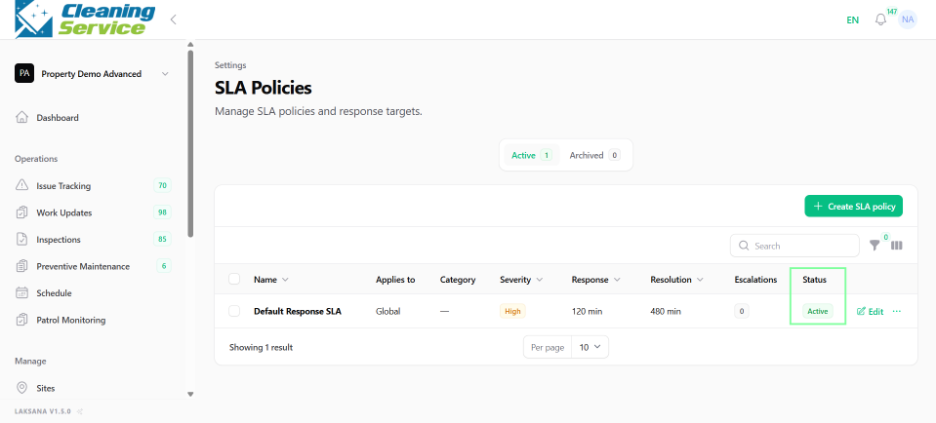
SLA policies define the expected response time and resolution time for issues or operational records. SLA helps teams monitor service performance and overdue items.
Before you start
Categories and severity levels should be planned before creating SLA policies.
Steps
Go to Settings.
Open Operations.
Select SLA Policies.
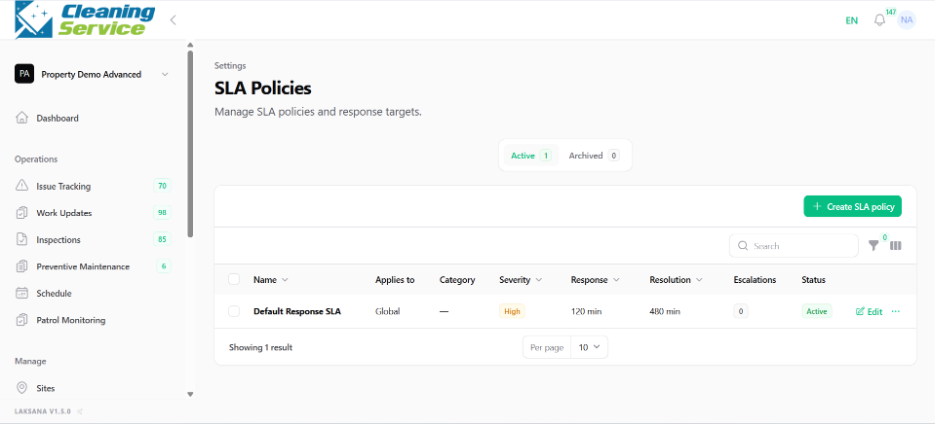
Click Create New.
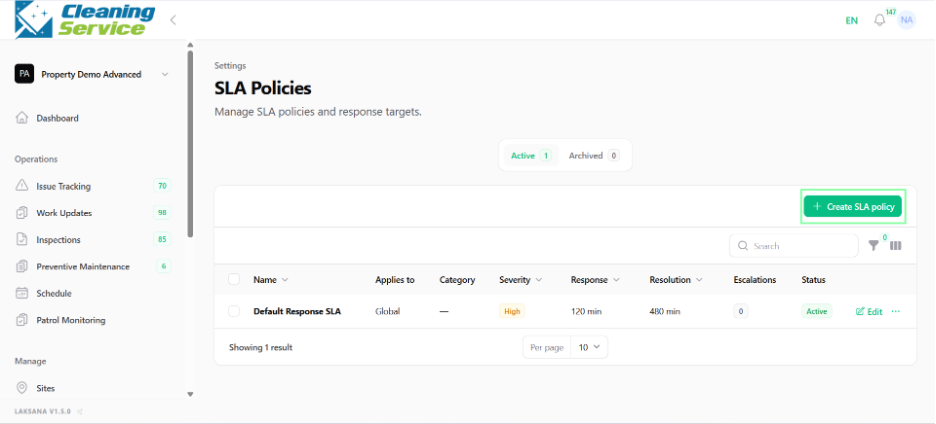
Enter the SLA policy name.
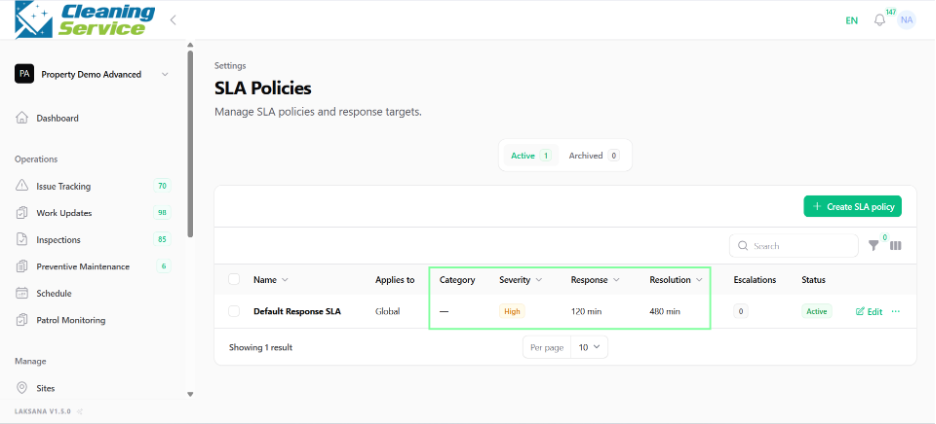
Select what the policy applies to.
Select category.
Select severity.
Set response time.
Set resolution time.
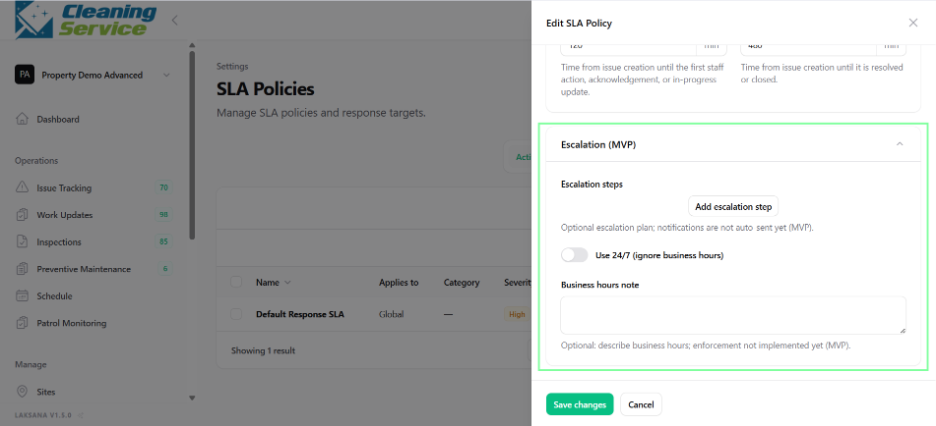
Configure escalation, if required.
Set policy status.
Save the policy.
Tips
Use practical SLA targets based on real operating capacity.
Create different SLA policies for different severity levels.
Review SLA reports regularly to identify bottlenecks.