
Overview
Assignment rules allow Laksana to automatically assign records to the correct user or team based on predefined conditions.
Steps
Go to Settings.
Open Operations.
Select Assignment Rules.
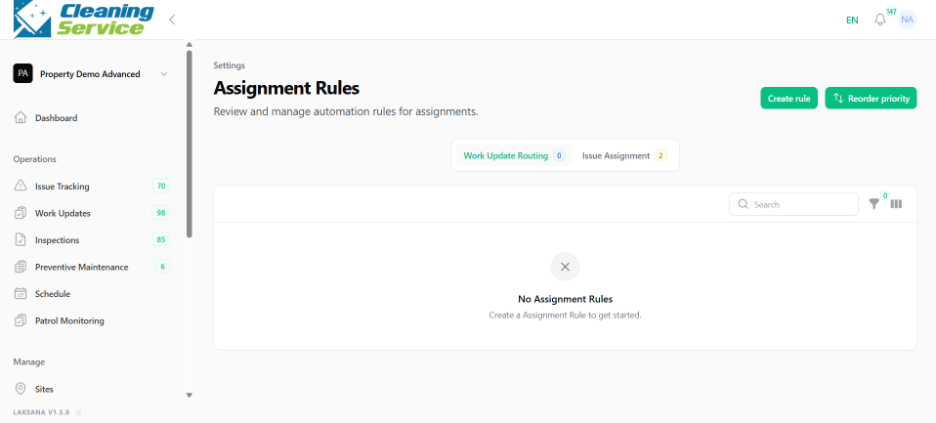
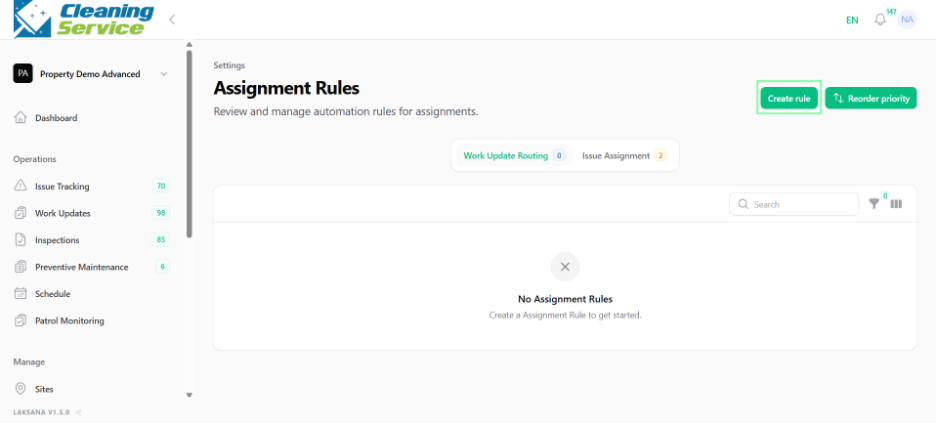
Click Create New Rule.
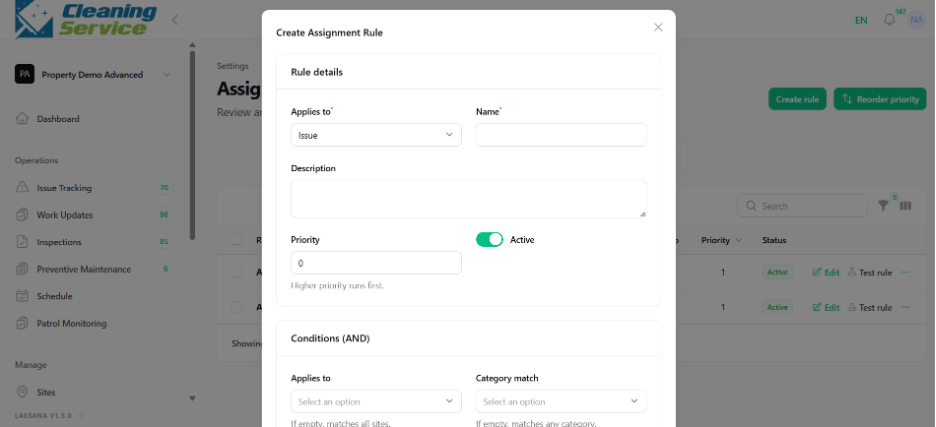
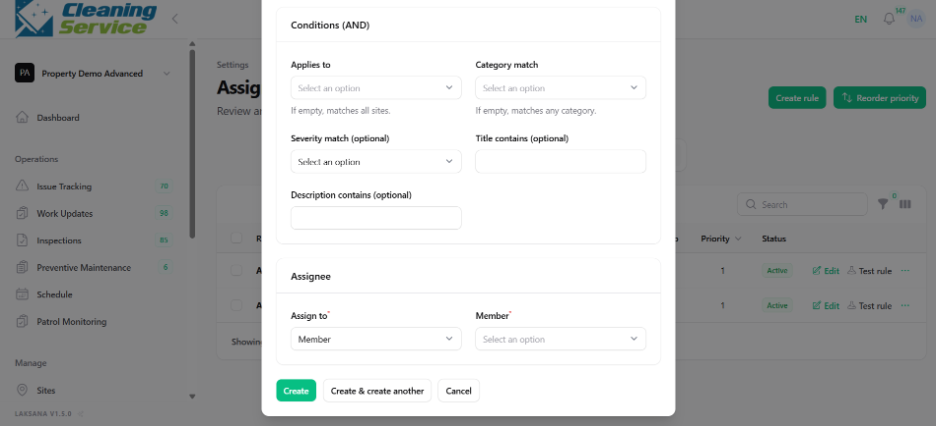
Define the rule conditions.
Select the user or team to assign.
Save the rule.
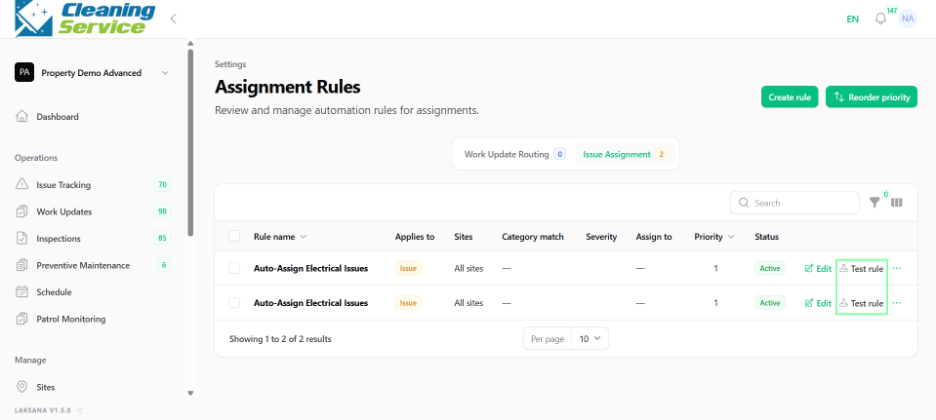
Use Test Rule to check whether the rule works as expected.
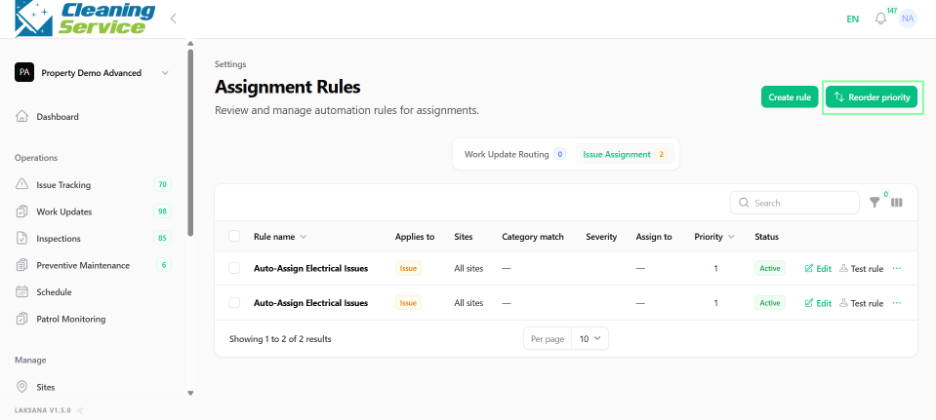
Re-order rule priority if multiple rules exist.
Example use case
All air-conditioning issues at Site A can be automatically assigned to the Maintenance Team.
Tips
Put specific rules above general rules.
Test rules before relying on them.
Review rules whenever categories, teams, or sites change.