
Overview
Field users can report issues through WhatsApp so supervisors can review and assign the issue from the portal.
Steps
Open WhatsApp.
Open the Laksana bot conversation.
Follow the bot guide to report an issue.
Describe the issue clearly.
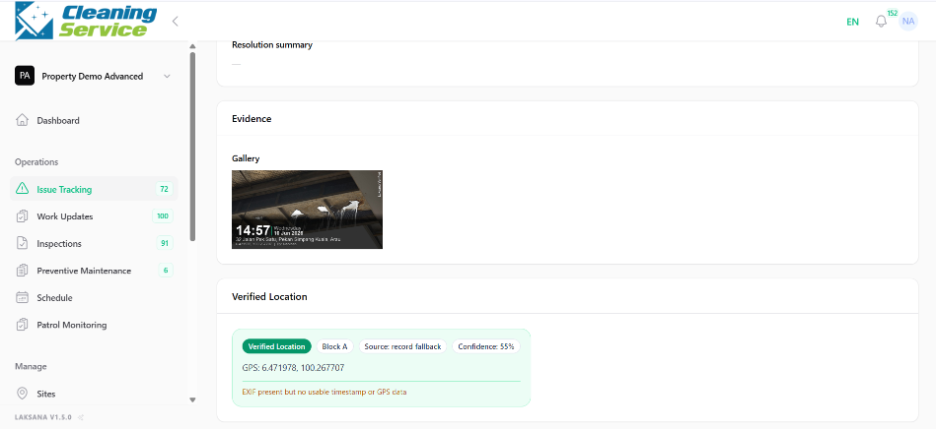
Attach photo evidence.
Submit the issue.
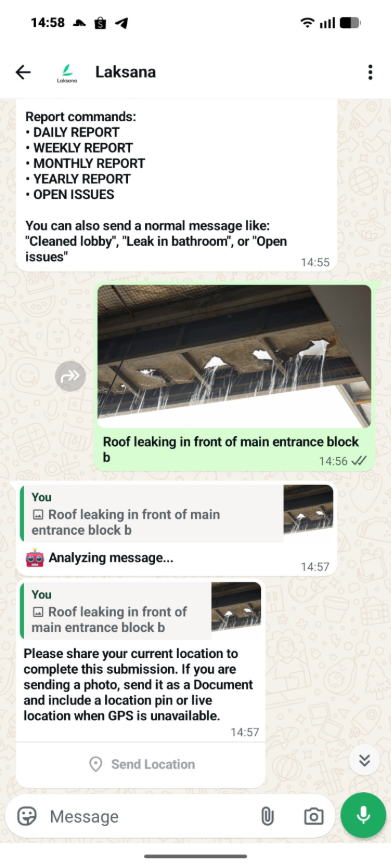
Wait for confirmation, if provided.
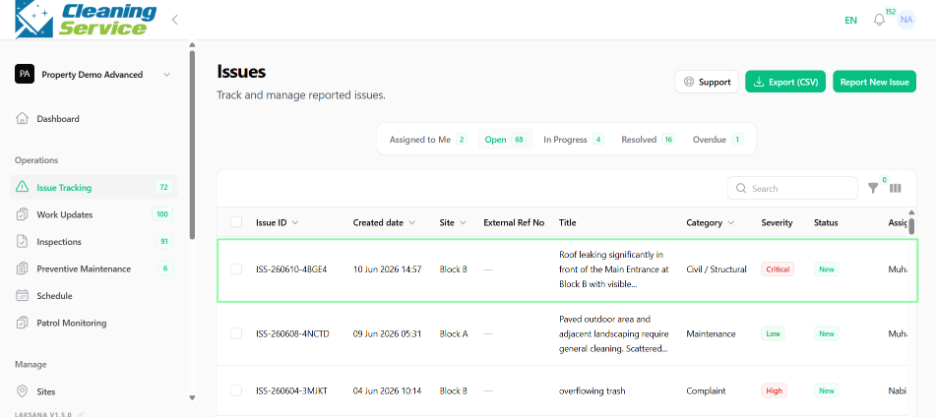
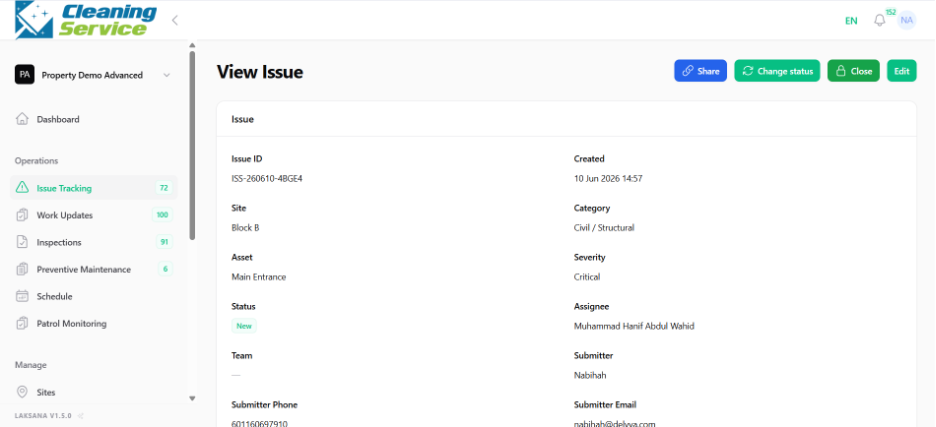
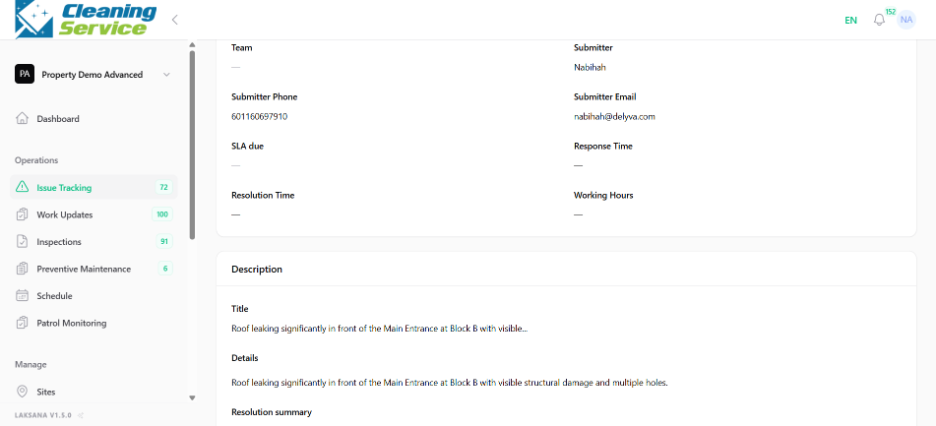
Example issue report
“Water leaking near pantry sink at Level 3. Please inspect.”
Tips
State the problem clearly.
Include location details.
Attach a photo that shows the issue.
Mention if the issue is urgent or safety-related.