
Overview
Managers can use Laksana to monitor site-level performance, including work updates, open issues, overdue issues, and recent activity.
Steps
Go to Manage.
Open Sites.
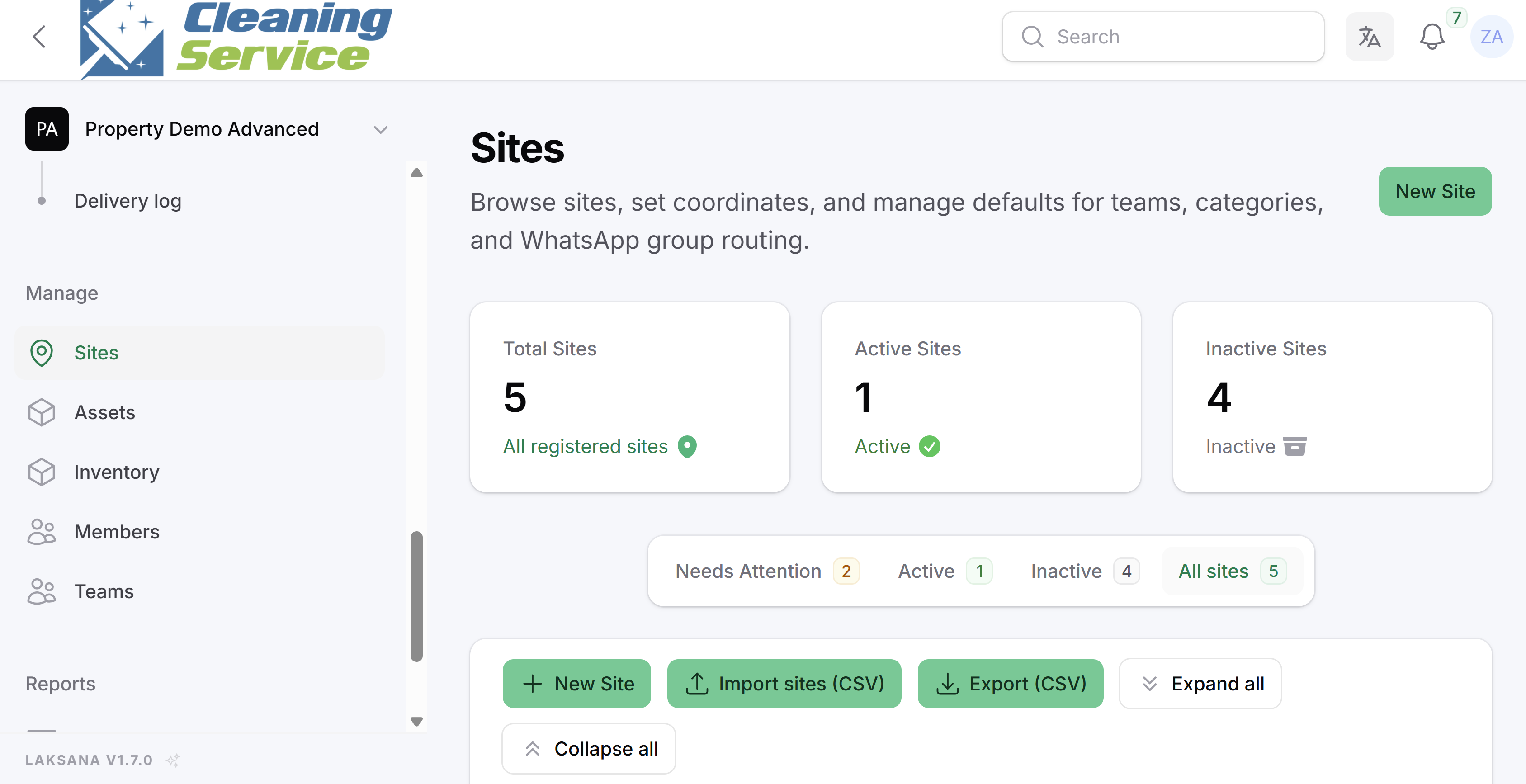
Review site-level counts.
Open the site dashboard.
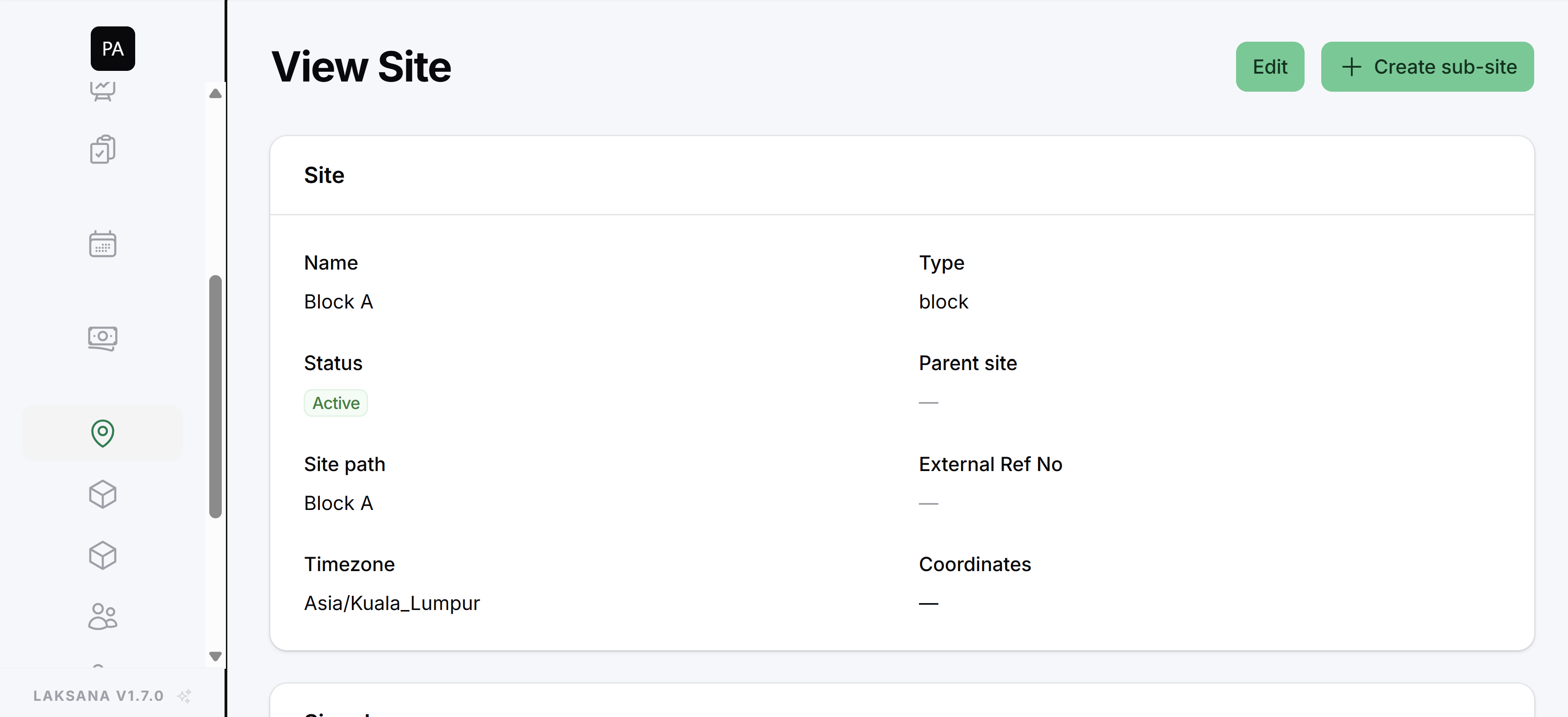
Go to Reports for deeper analysis.
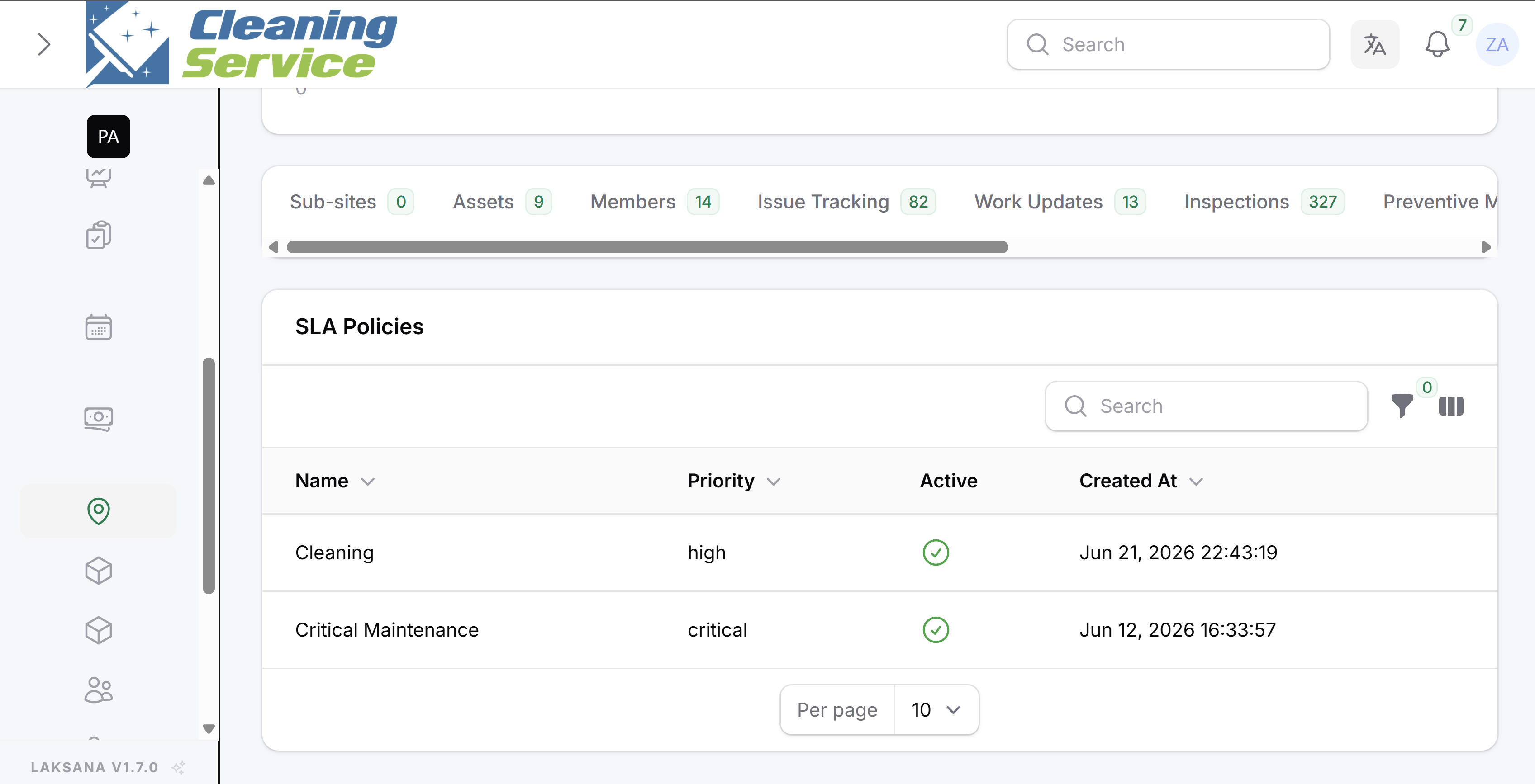
Filter reports by site.
What to review
Work updates today.
Work updates in the last 7 days.
Open issues.
Overdue issues.
Last activity.
Repeated issues.
SLA performance.