
Overview
Managers can prepare monthly reports using Summary Report or Detailed Report. Detailed Report is useful when evidence photos are required.
Steps
Go to Reports.
Open Summary Report or Detailed Report.
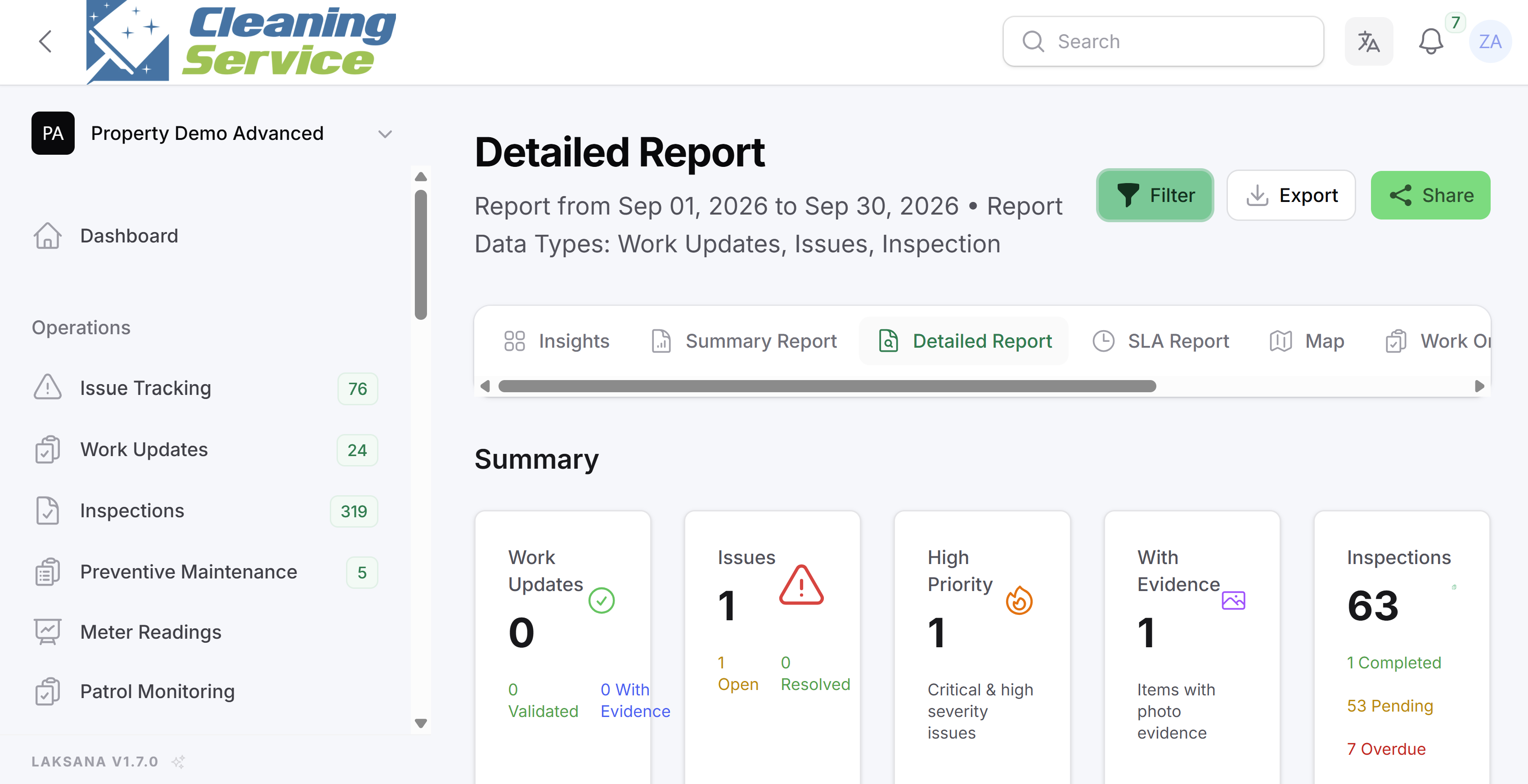
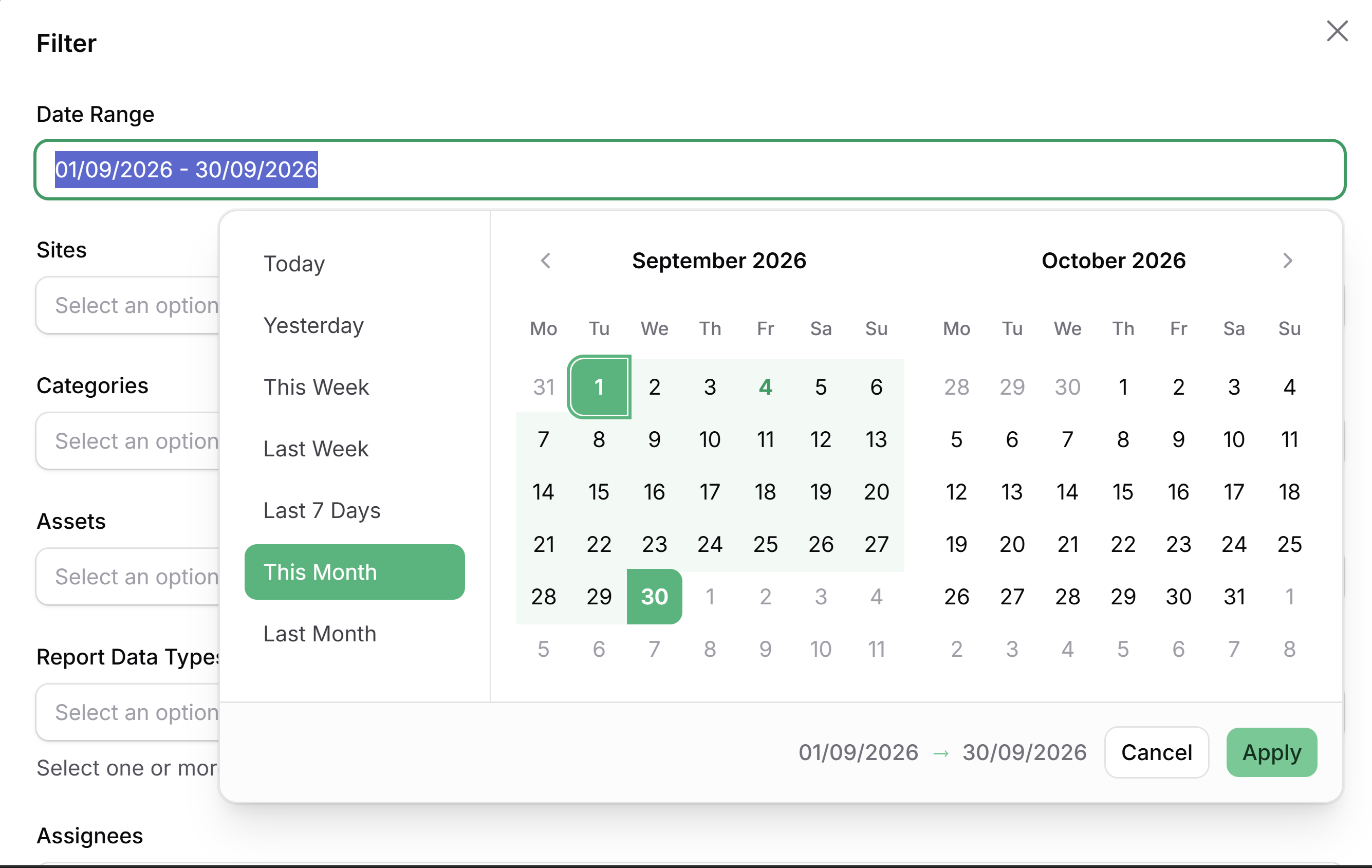
Select the monthly date range.
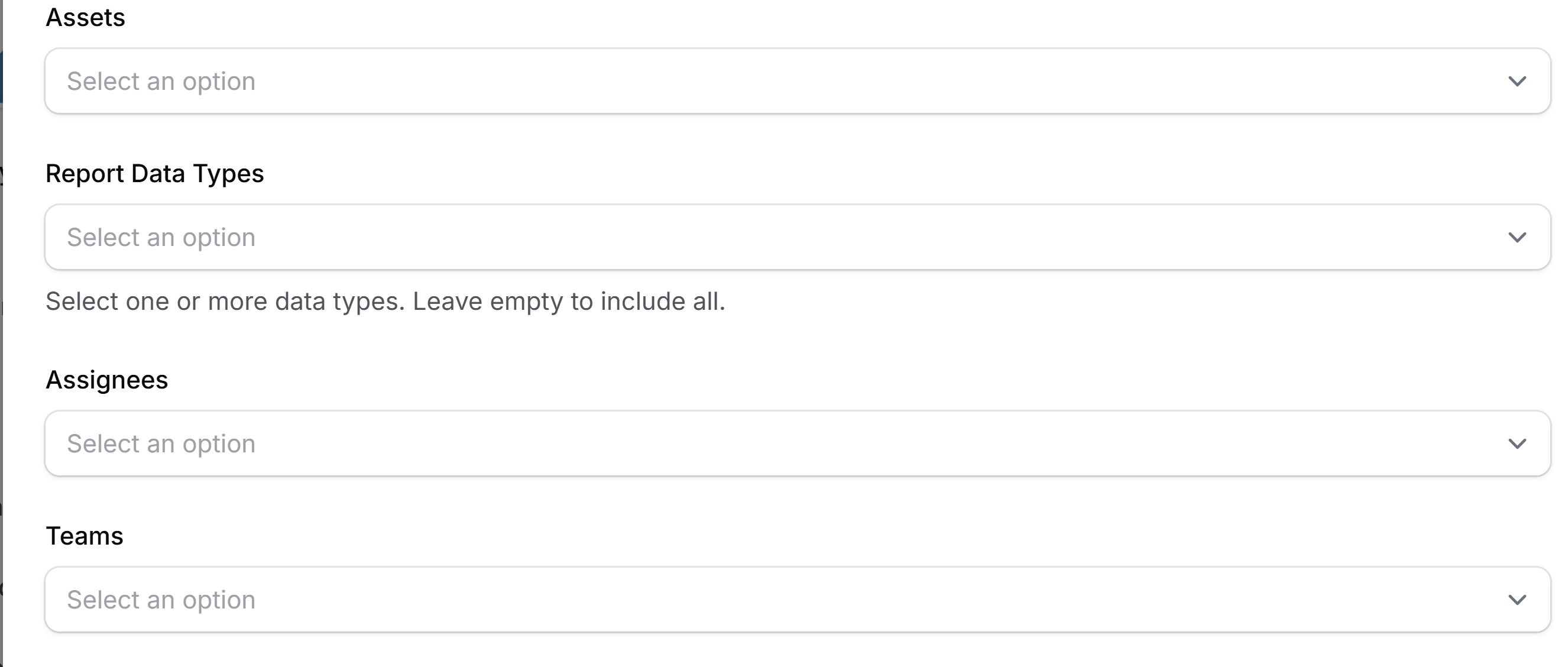
Filter by site, category, asset, team, or assignee.
Review the results.
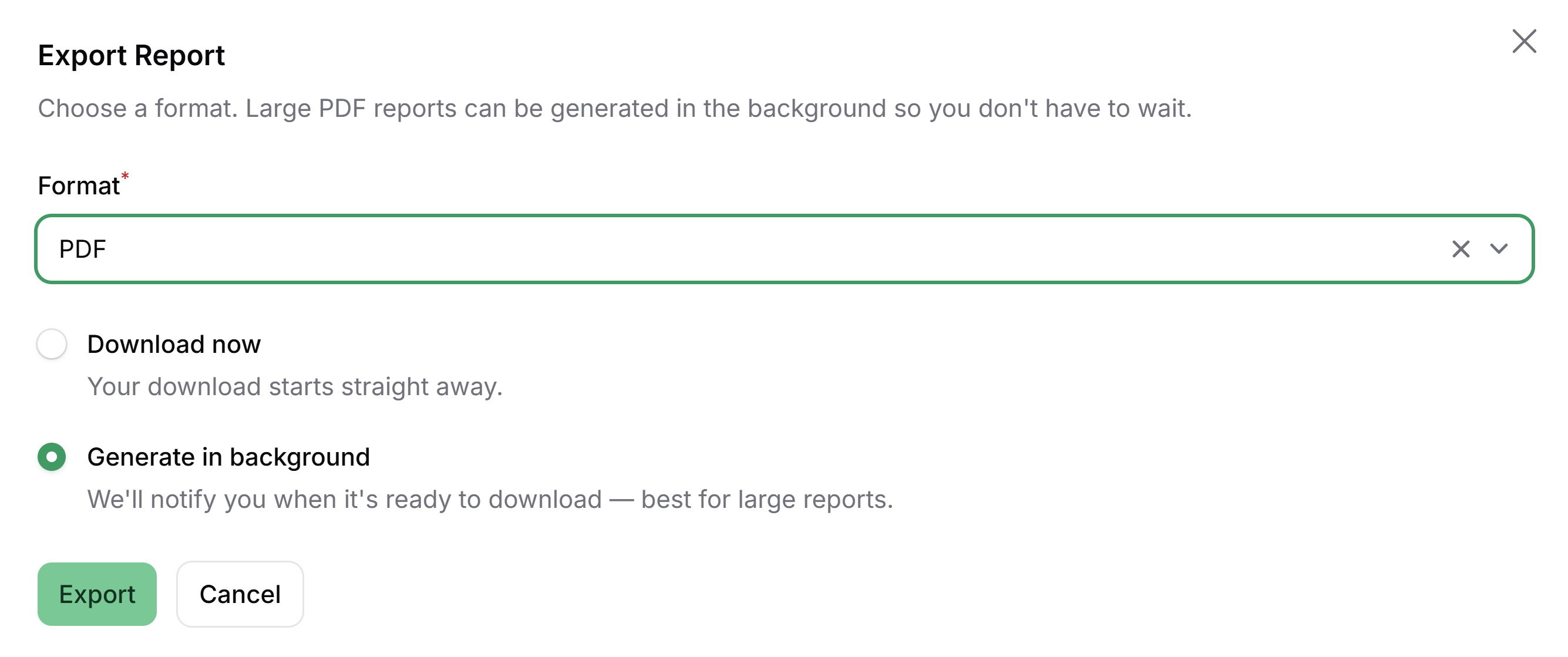
Export the report as PDF.
Share the report link, if required.

Tips
Use Summary Report for high-level reporting.
Use Detailed Report when evidence is important.
Keep monthly reporting filters consistent for comparison.