
Overview
Managers can review operational performance by team or assignee using filters in analytics and reports.
Steps
Go to Reports.
Open Analytics or Summary Report.
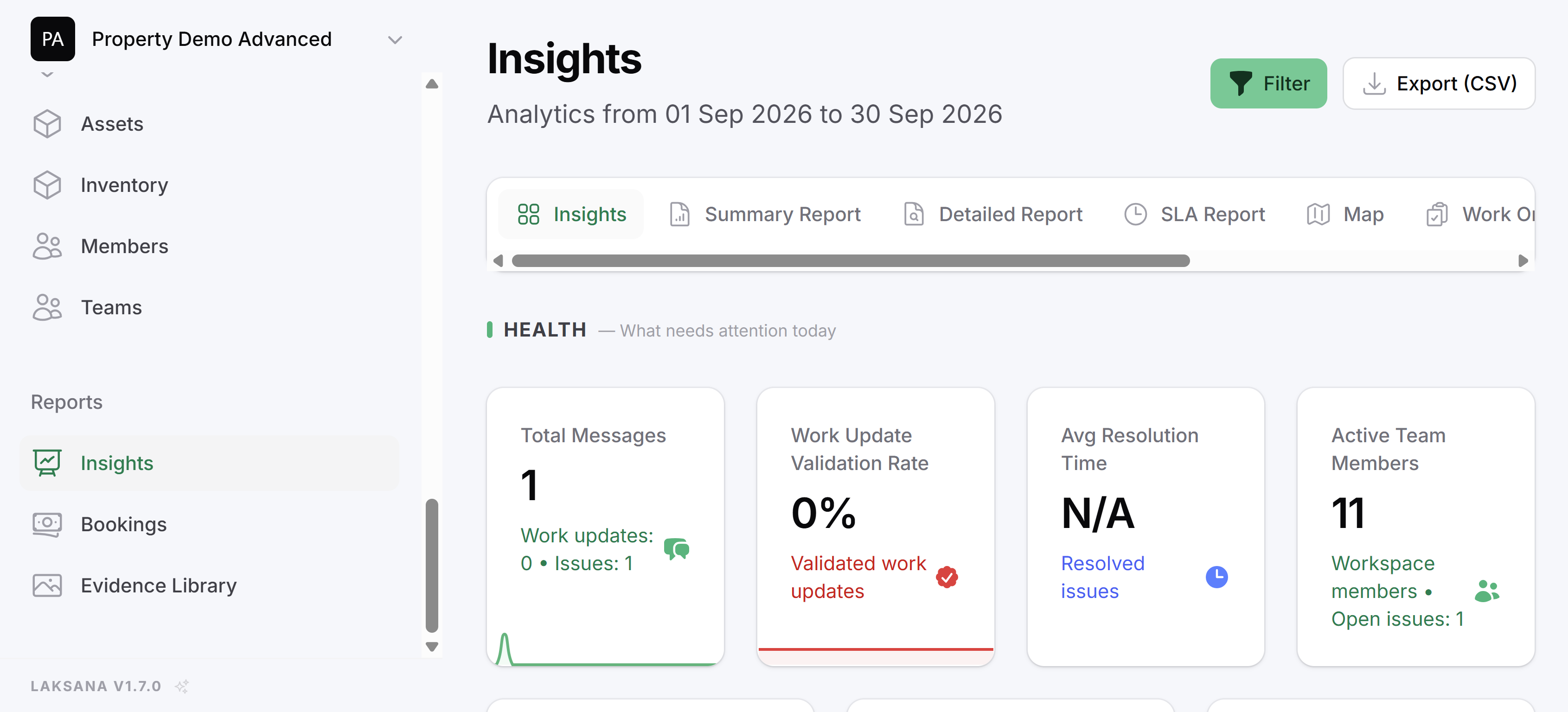
Select date range.
Filter by team or assignee.
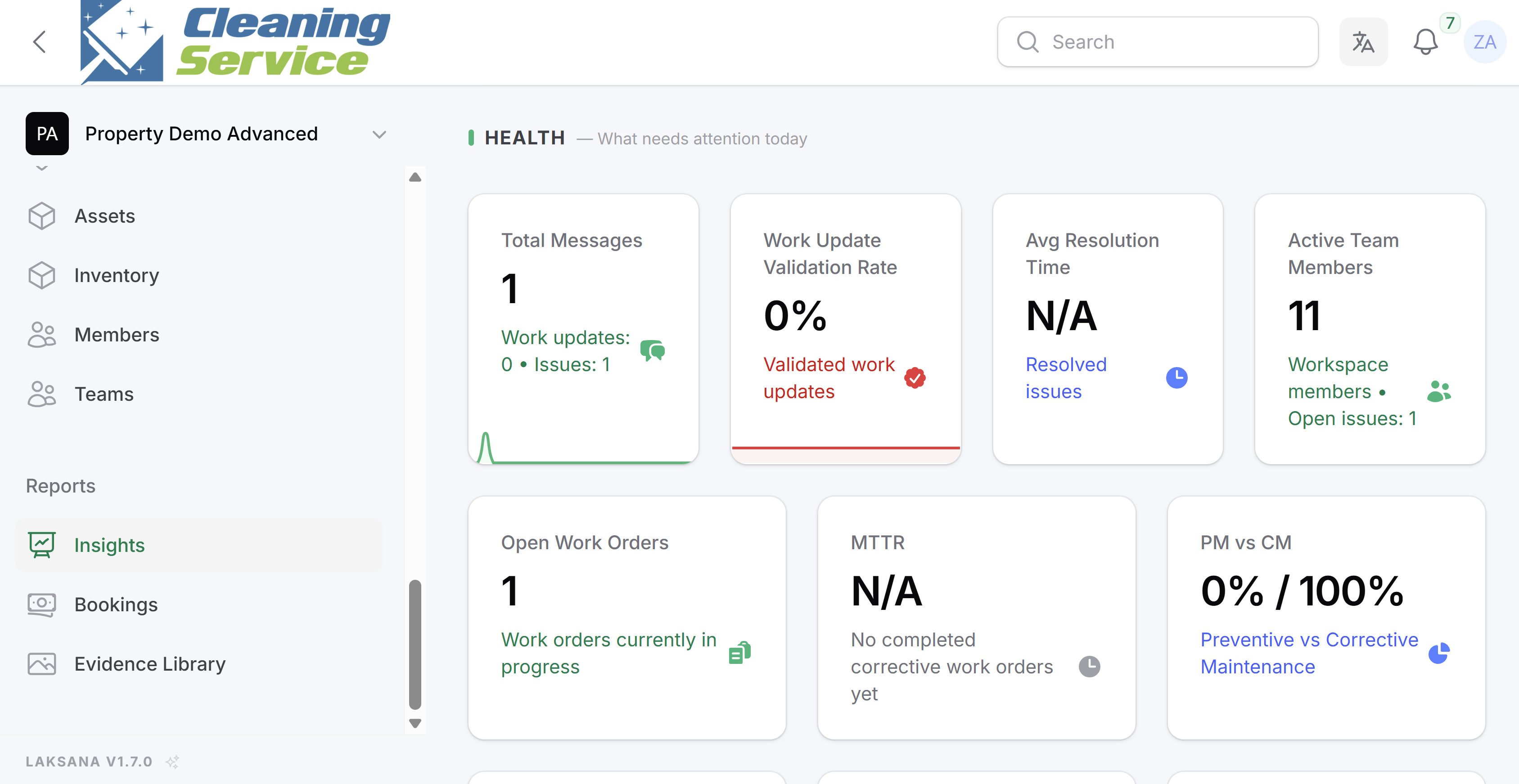
Review work updates, issues, inspections, and SLA performance.
Tips
Compare performance across teams over the same period.
Review both quantity and quality of submissions.
Use rejected or overdue records as coaching opportunities.