Overview
The Laksana portal is organised into several main sections. Each section supports a different part of the operation workflow, from daily task management to reporting and system configuration.
Main menu sections
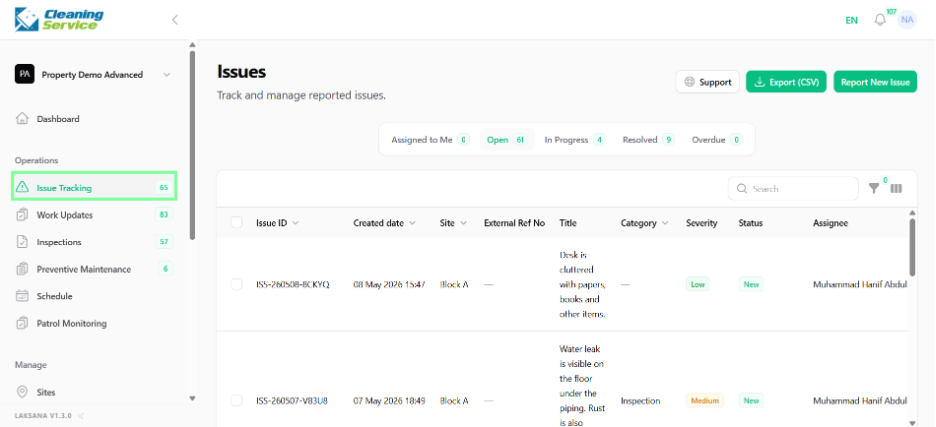
Operations
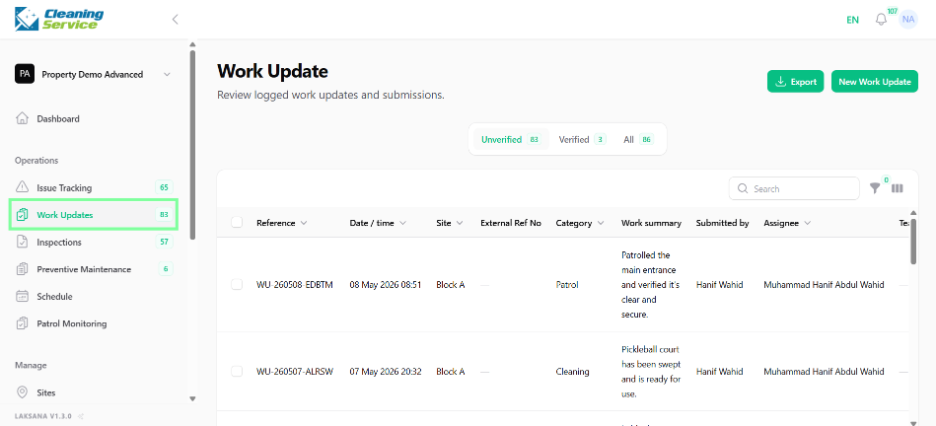
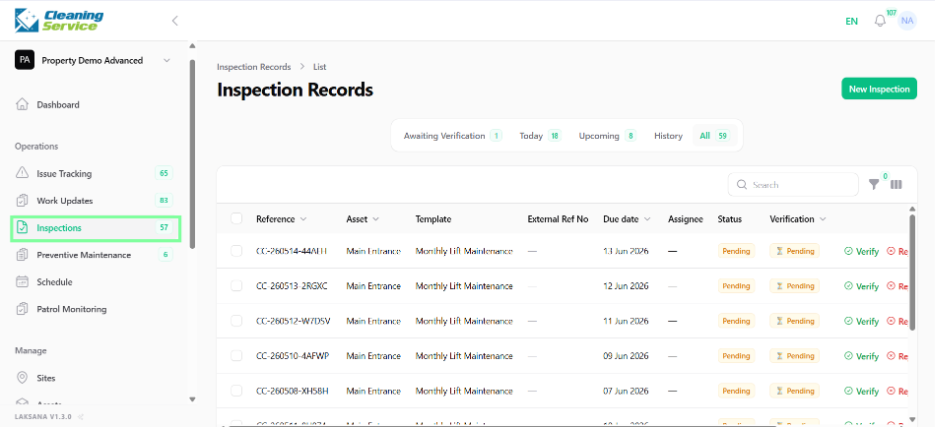
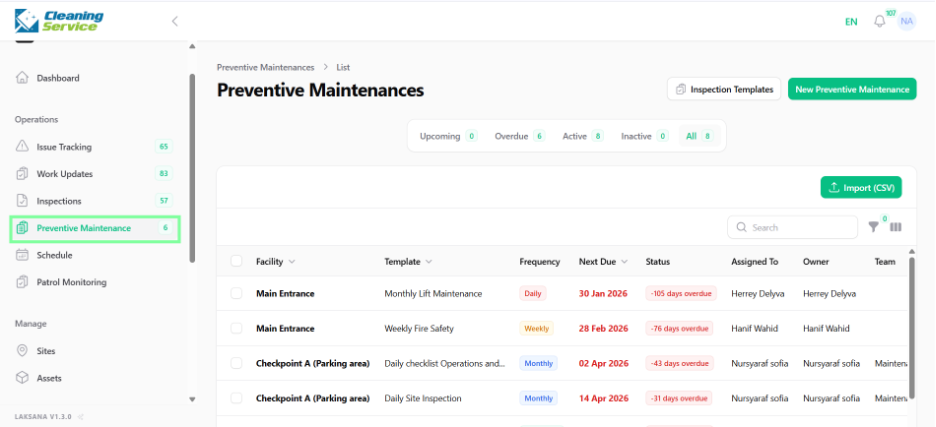
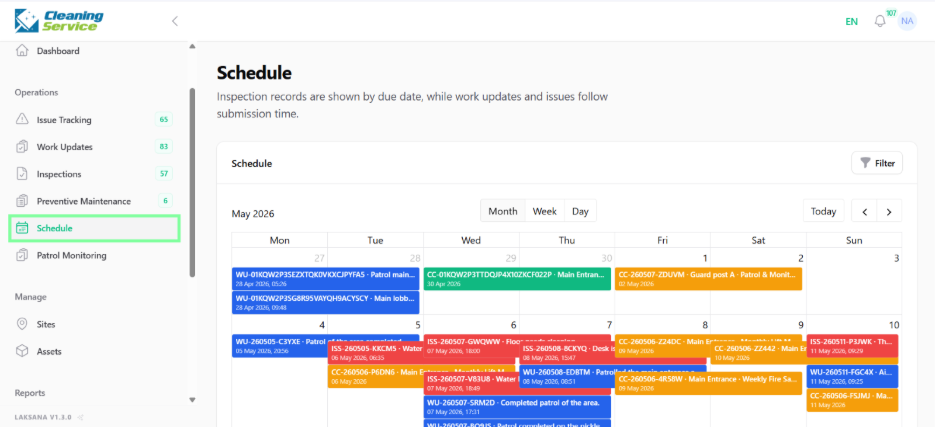
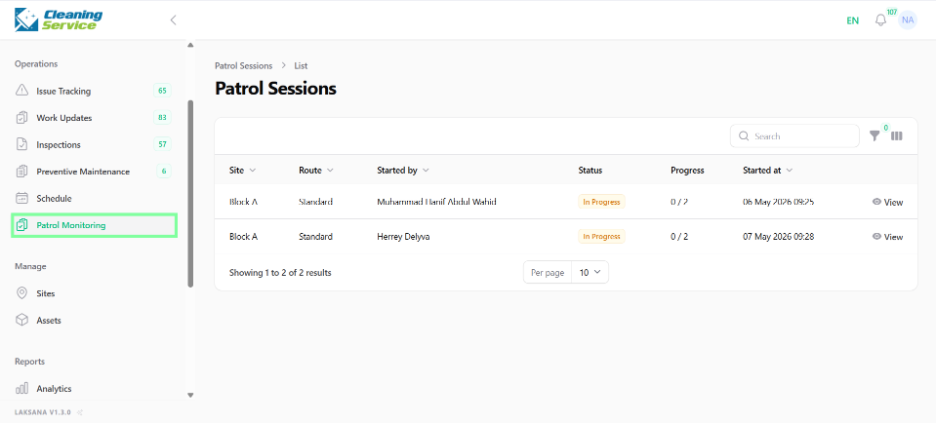
Use this section for daily operational activities such as issue tracking, work updates, inspections, preventive maintenance, schedules, and patrol monitoring.
Manage
Use this section to manage your sites and assets. Sites represent locations, buildings, projects, outlets, or facilities. Assets represent equipment, spaces, units, or facilities that need monitoring or service.
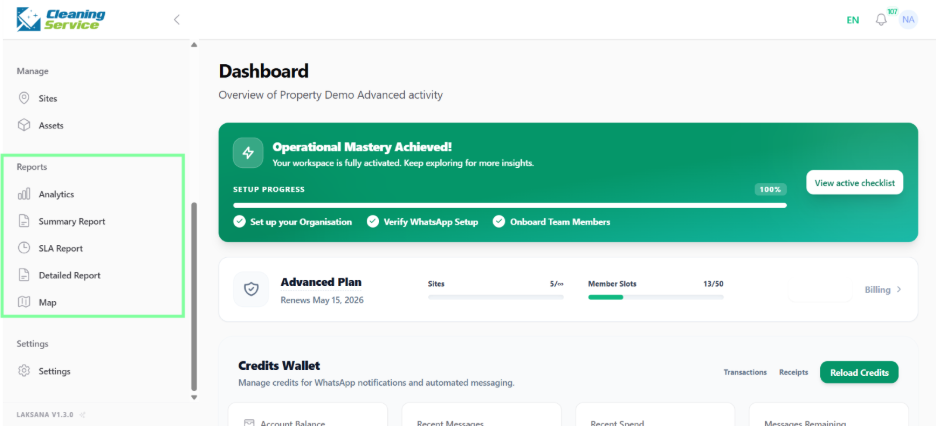
Reports
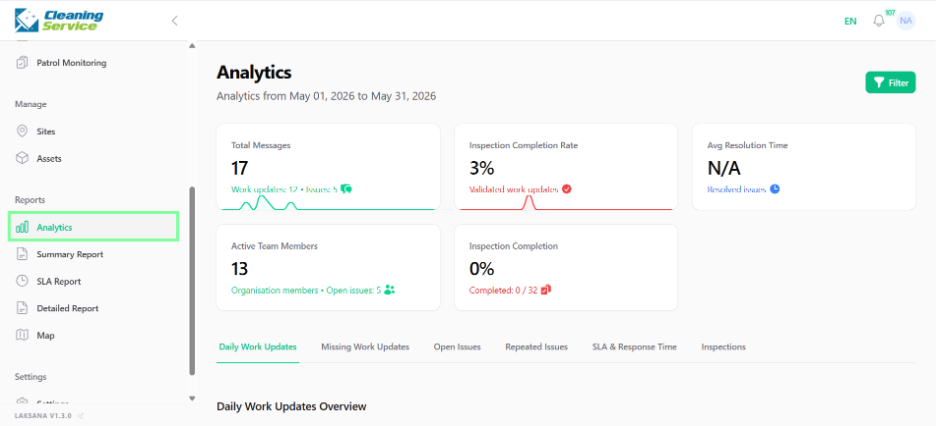
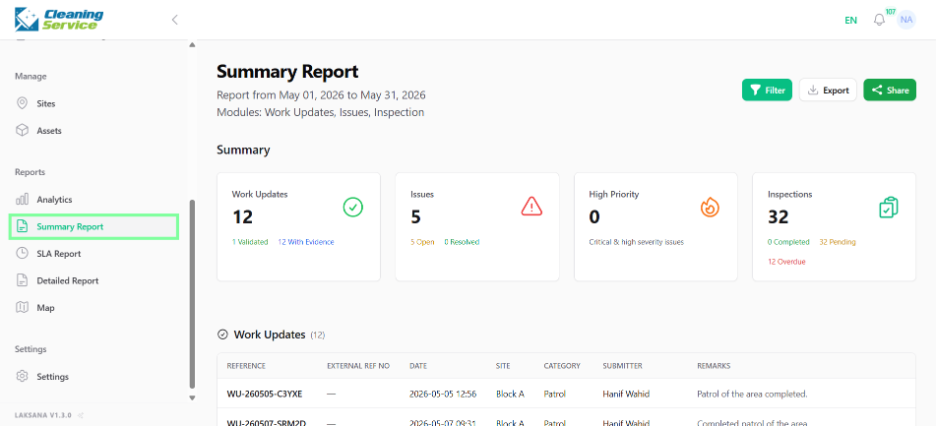
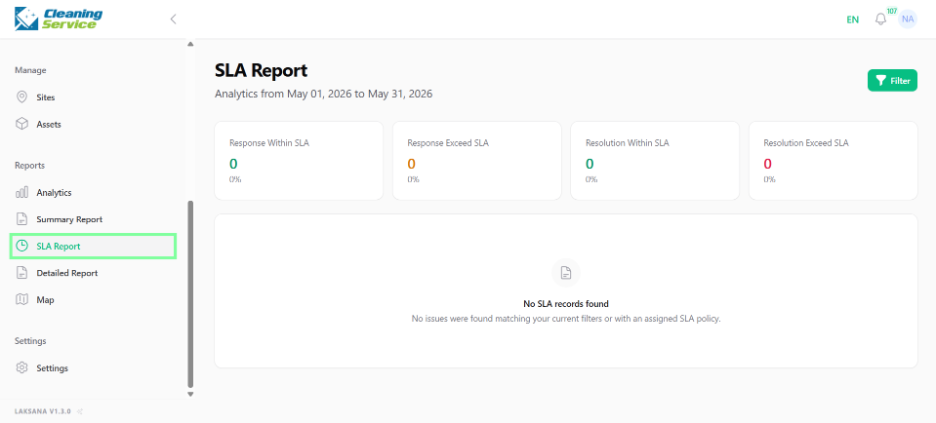
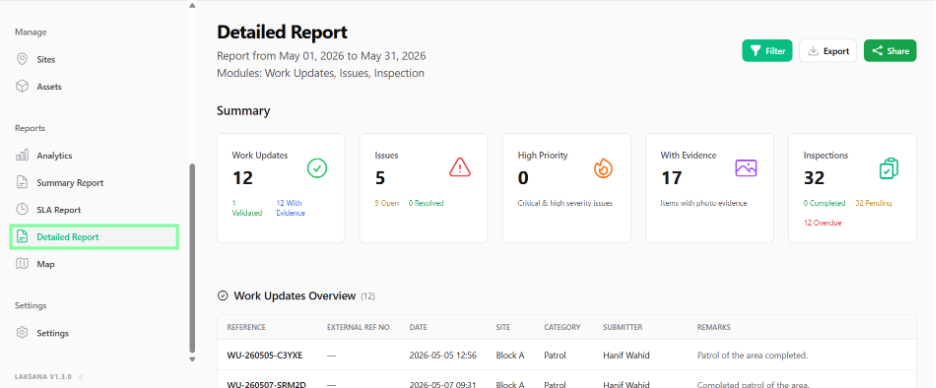
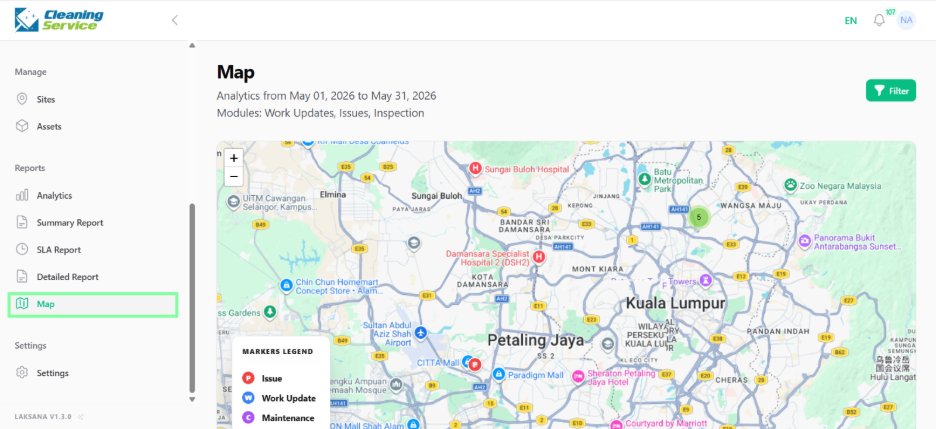
Use this section to review operational performance through analytics, summary reports, SLA reports, detailed reports, and map views.
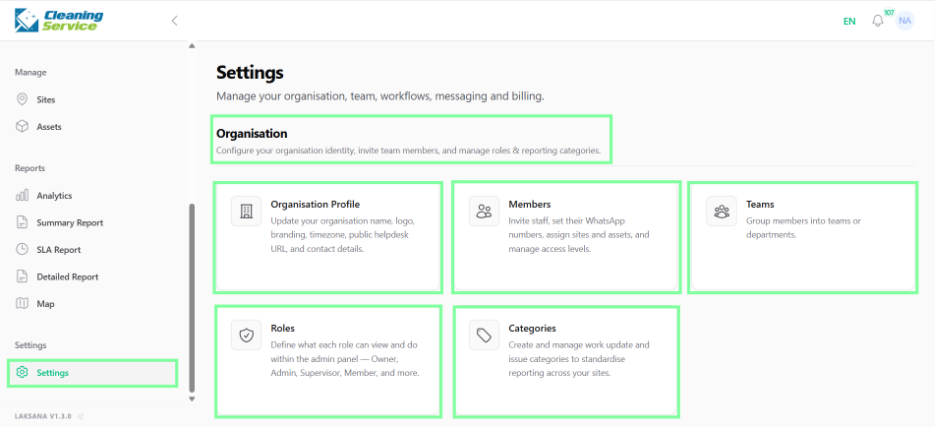
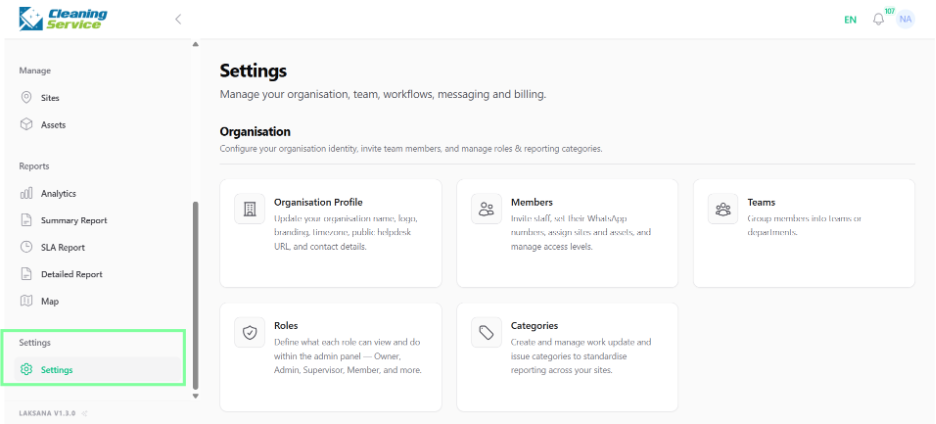
Settings
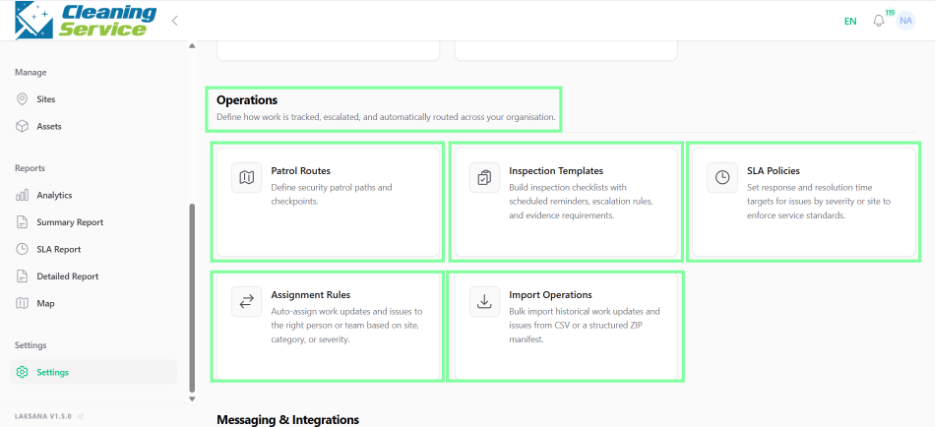
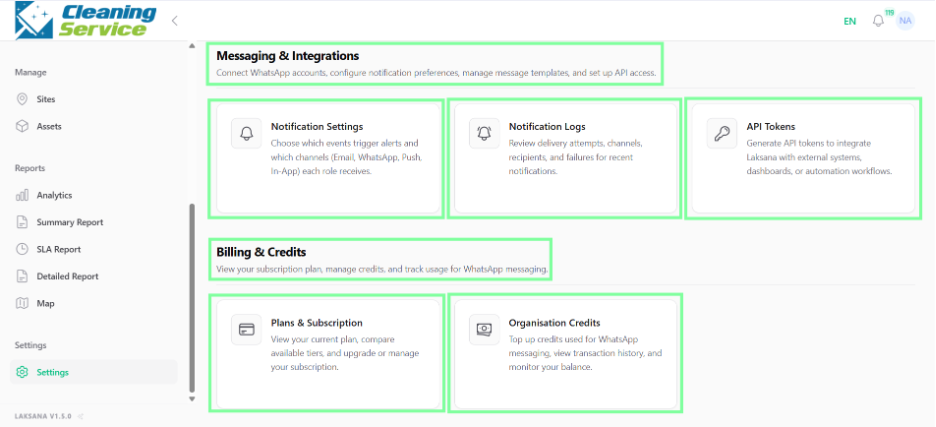
Use this section to configure organisation settings, members, teams, roles, categories, inspection templates, SLA policies, assignment rules, notifications, integrations, billing, and credits.
Typical workflow
A common Laksana workflow looks like this:
Admin sets up sites, assets, members, teams, categories, SLA policies, and assignment rules.
Field users submit issues, work updates, inspections, or patrol updates.
Supervisors review, assign, verify, reject, comment, or close records.
Managers monitor performance using analytics, reports, schedules, and map views.
Full sidebar menu
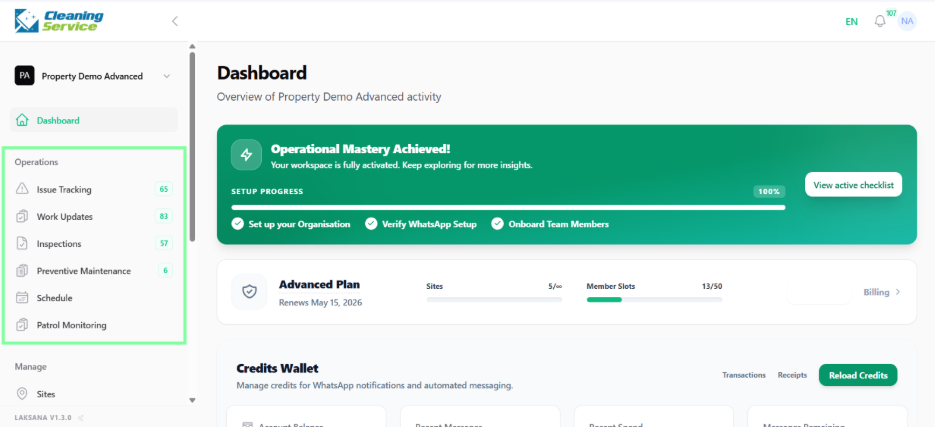
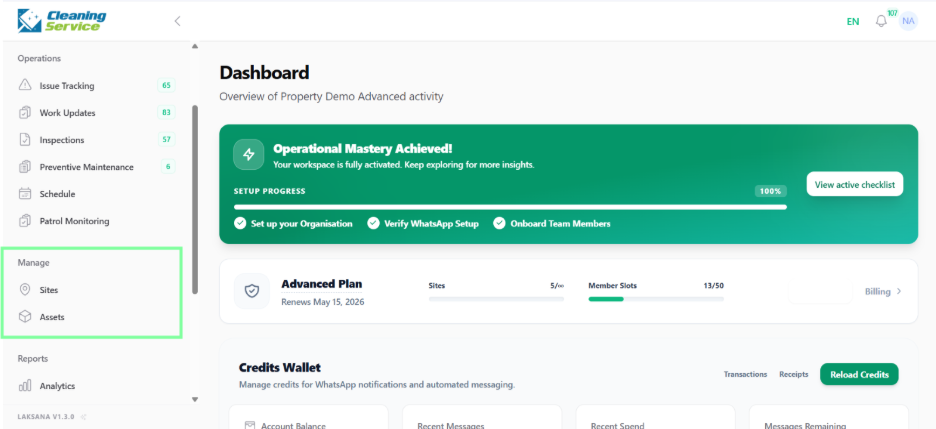
Operations expanded menu
Reports expanded menu
Settings expanded menu