
Overview
Laksana uses a simple structure to organise operations. Understanding this structure will help you set up the system correctly.
Organisation
The organisation is your company or operating entity inside Laksana. Organisation settings control profile details, branding, notifications, credits, language, and other system-wide configurations.
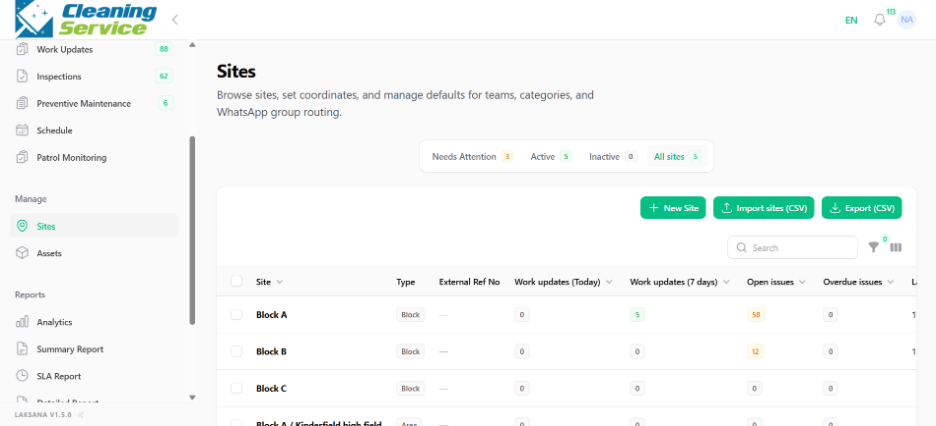
Sites
A site is a location where operations happen. A site can be a building, warehouse, outlet, project, office, facility, residential property, or branch.
Examples:
Head Office
Warehouse A
FV9 Facility
Block A Condominium
Retail Outlet 01
Assets
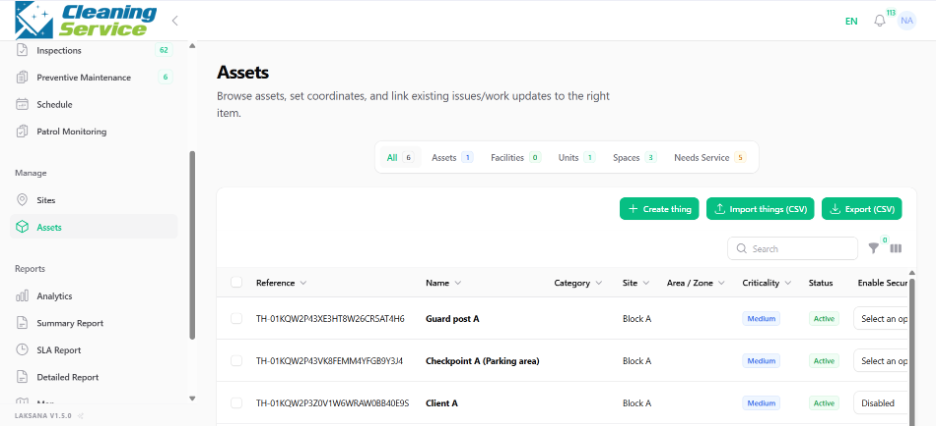
Assets are items, spaces, equipment, or facilities that require service, monitoring, inspection, or issue tracking.
Examples:
Lift Motor Room
Air Handling Unit
Main Lobby
CCTV Camera
Fire Extinguisher
Loading Bay
Generator Room
Members
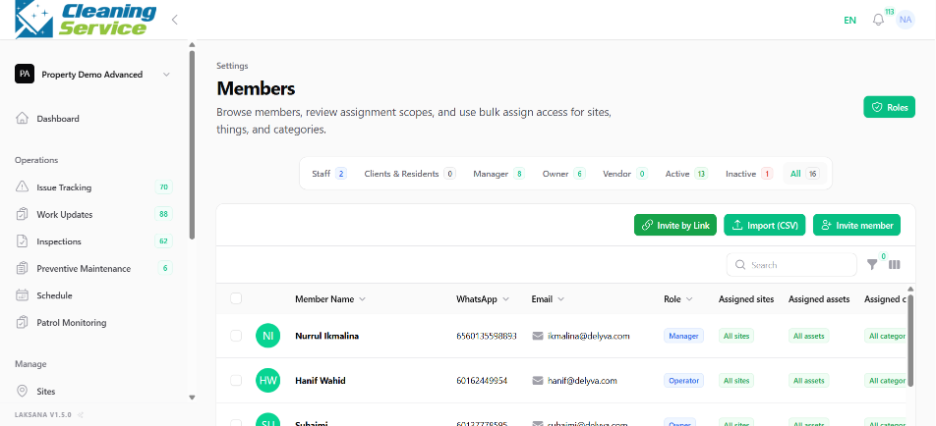
Members are users who have access to the organisation. They may be admins, managers, supervisors, field users, contractors, or viewers.
Teams
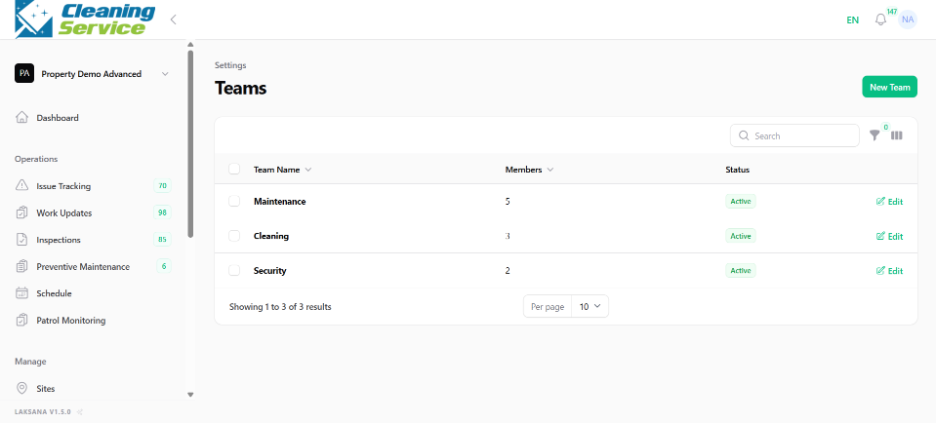
Teams are groups of members. Teams can represent departments, work groups, or service functions.
Examples:
Maintenance Team
Cleaning Team
Security Team
Facility Management Team
Contractor Team
Recommended structure
Use the following structure when planning your setup:
Organisation → Sites → Area / Zone → Asset → Issue / Work Update / Inspection / Preventive Maintenance