
Overview
The organisation profile contains your company or operating entity information in Laksana. This may include organisation details, contact information, branding, and helpdesk settings.
Before you start
You need admin access to update organisation settings.
Steps
Go to Settings.
Open Organisation.
Select Organisation Profile.
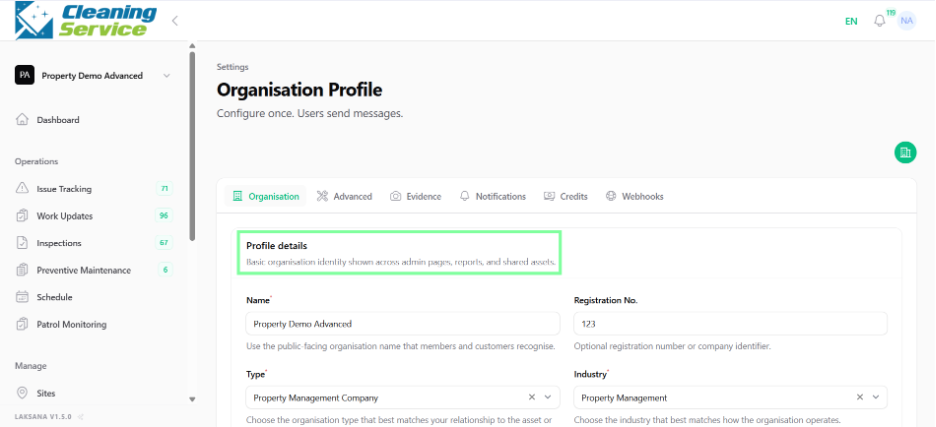
Update the organisation details.
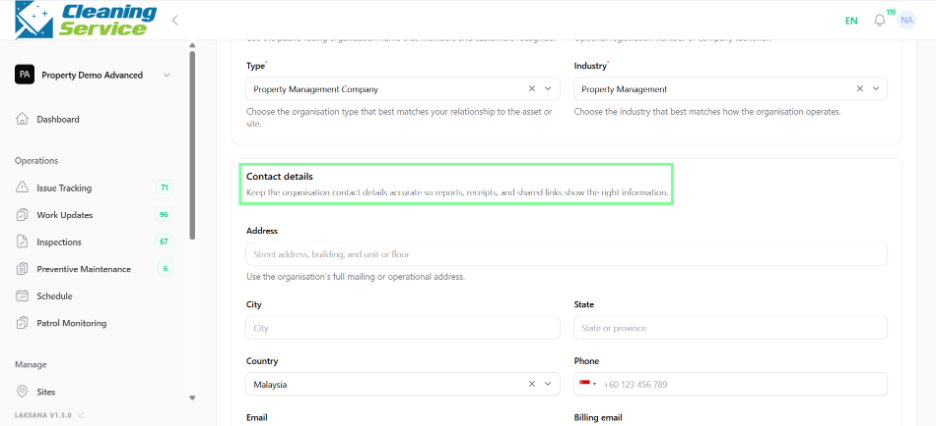
Update contact details.
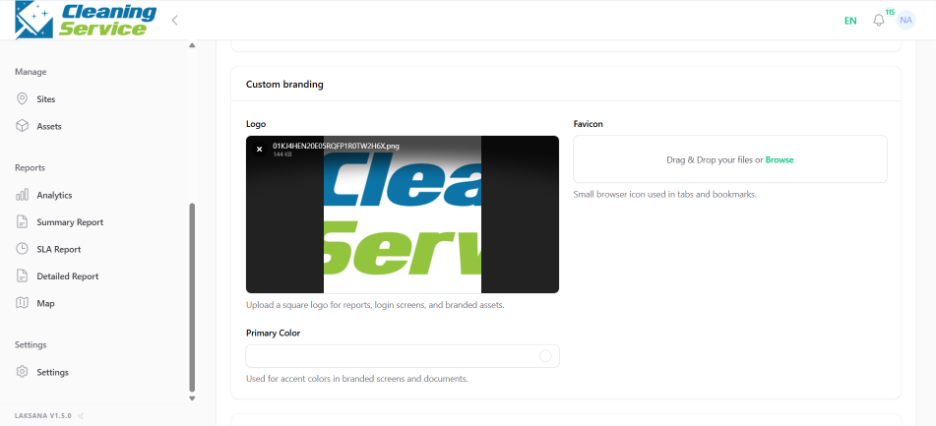
Upload or update custom branding, if available.
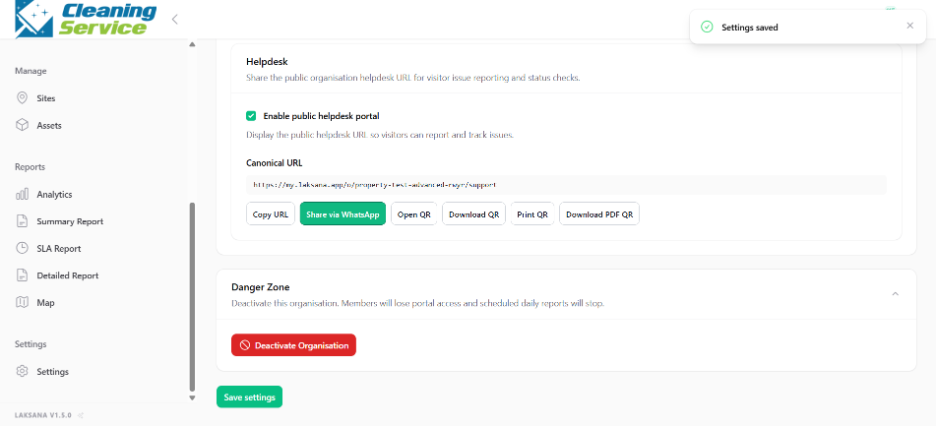
Configure helpdesk settings, if required.
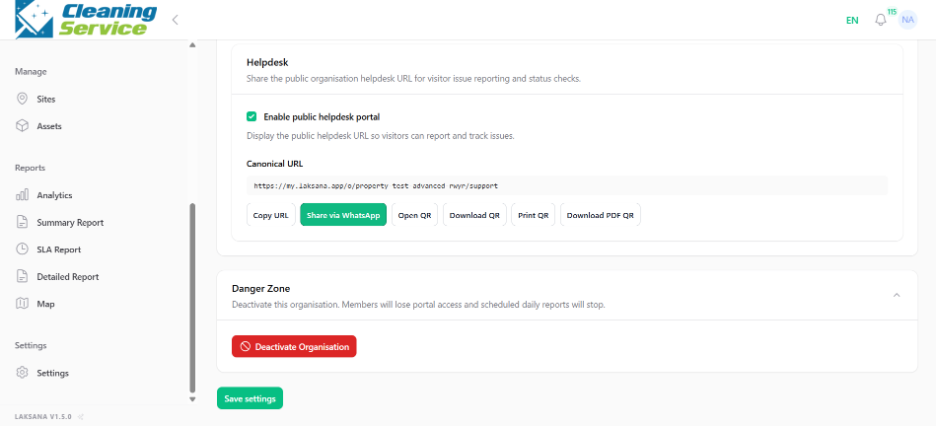
Save the changes.
Example use case
A property management company updates its company logo and helpdesk page so residents and site users see the correct branding when submitting issues.
Tips
Use official company information.
Keep contact details updated so users know where to request support.
Use consistent branding if public pages or helpdesk forms are shared externally.