
Overview
Evidence settings control photo requirements for operational submissions. Evidence helps supervisors and managers verify that work has been completed properly.
Before you start
You need admin access.
Steps
Go to Settings.
Open Organisation.
Select Organisation Profile.
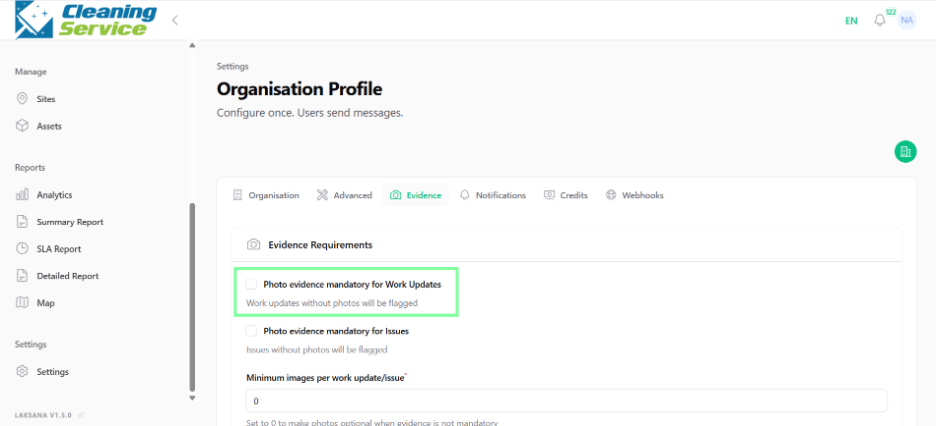
Select Evidence.
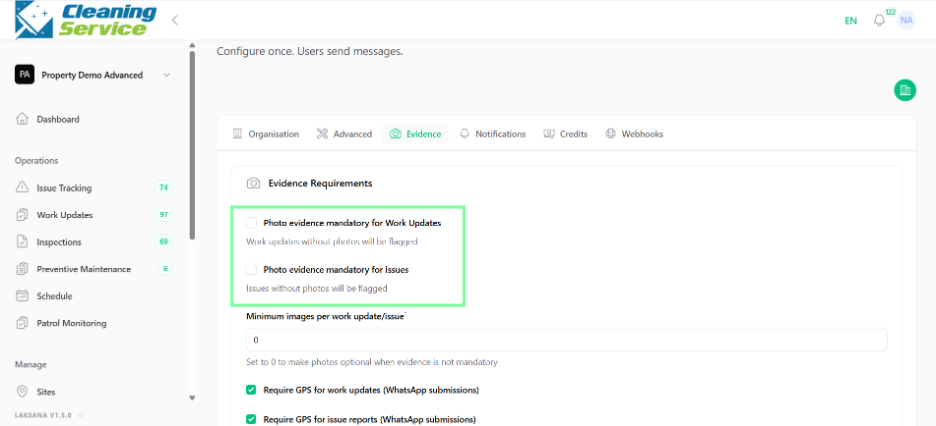
Review the available evidence requirement settings.
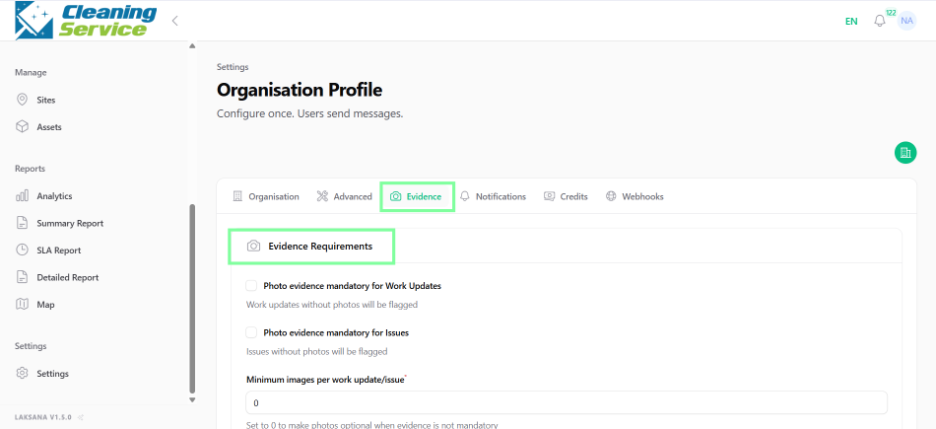
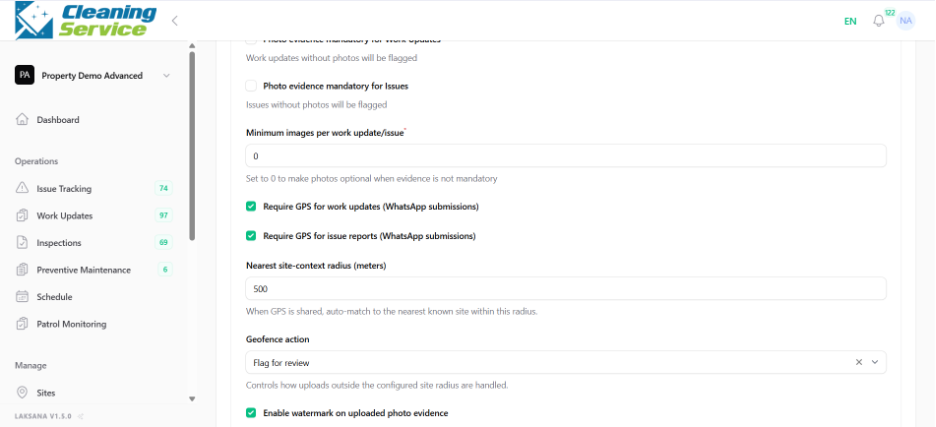
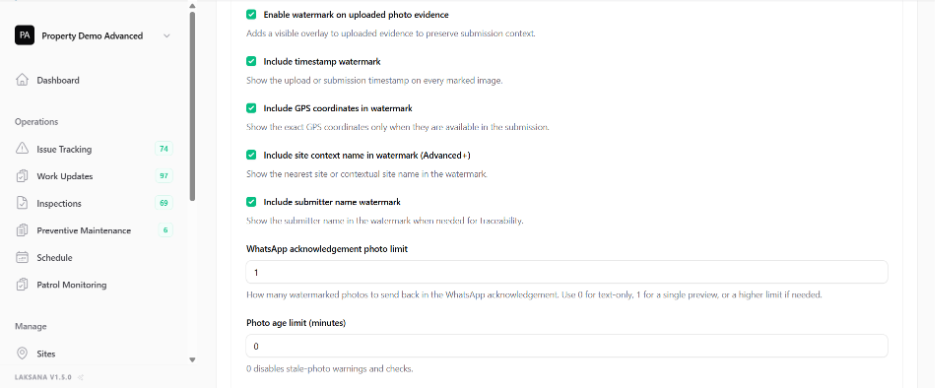
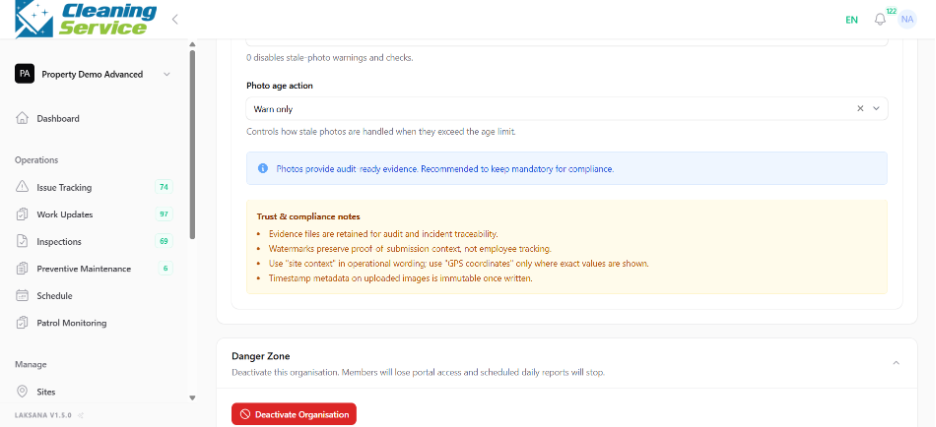
Configure whether photo evidence is required.
Save the settings.
Why photo evidence is important
Photo evidence helps confirm:
The issue condition before action is taken.
The work completed by the field user.
Inspection compliance.
Asset condition.
Site condition at a specific time.
Tips
Require photos for critical tasks, safety items, inspections, and issue resolution.
Avoid requiring too many photos for simple updates, as this may slow down field adoption.
Use clear instructions so field users know what photo to capture.