
Overview
Notification settings determine how users receive alerts for operational updates, assignments, escalations, and other activities.
Before you start
You need admin access.
Steps
Go to Settings.
Open Organisation.
Select Organisation Profile.
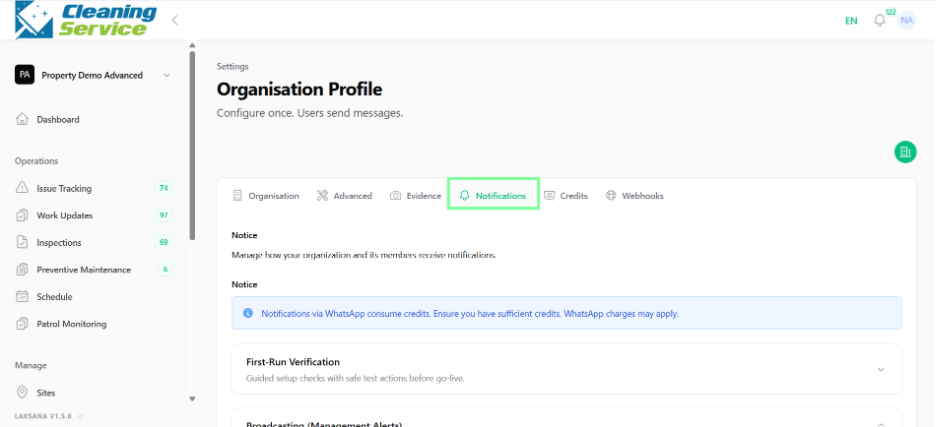
Select Notifications.
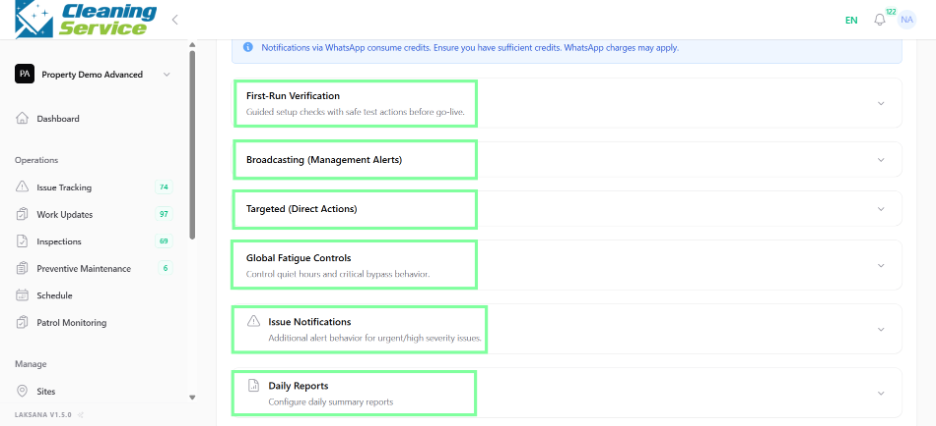
Review the notification types.
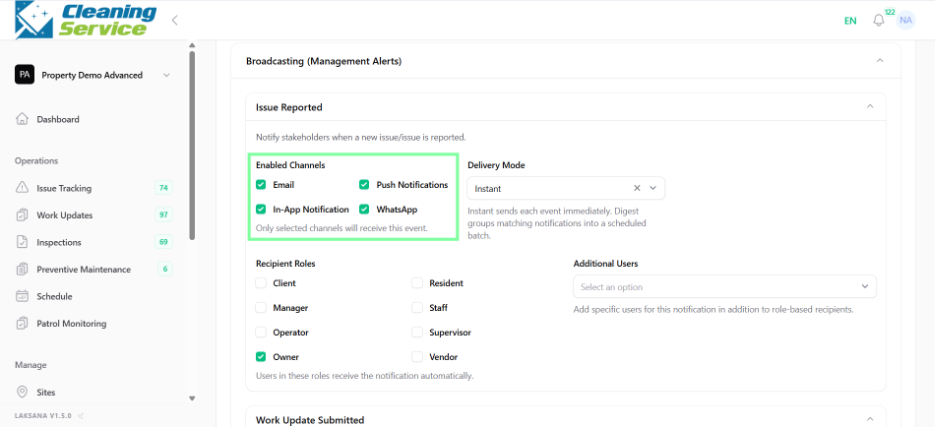
Select the preferred notification channels.
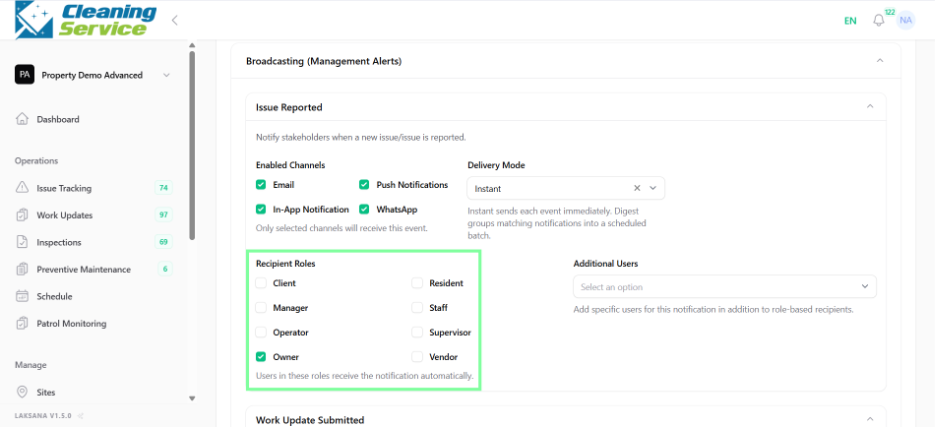
Configure recipients.
Save the settings.
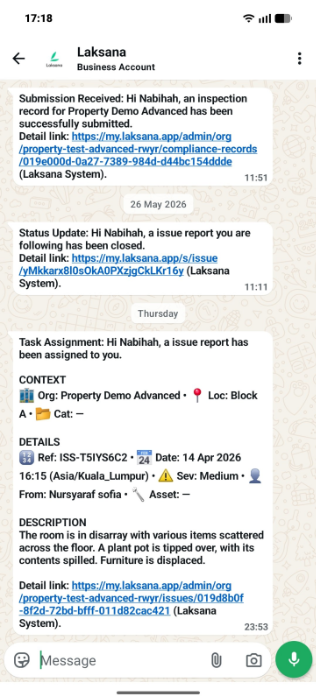
Common notification examples
Notifications may be used for:
New issue submitted.
Issue assigned to a user or team.
Work update submitted.
Inspection due or overdue.
SLA escalation.
Task status changes.
Tips
Avoid sending every notification to everyone.
Configure notifications based on role and responsibility.
Use escalation notifications for urgent or overdue items.