
Overview
Members are users who can access your Laksana organisation. Admins can invite members by email, WhatsApp invite link, or CSV import.
Before you start
You need admin access.
Steps
Go to Settings.
Open Members.
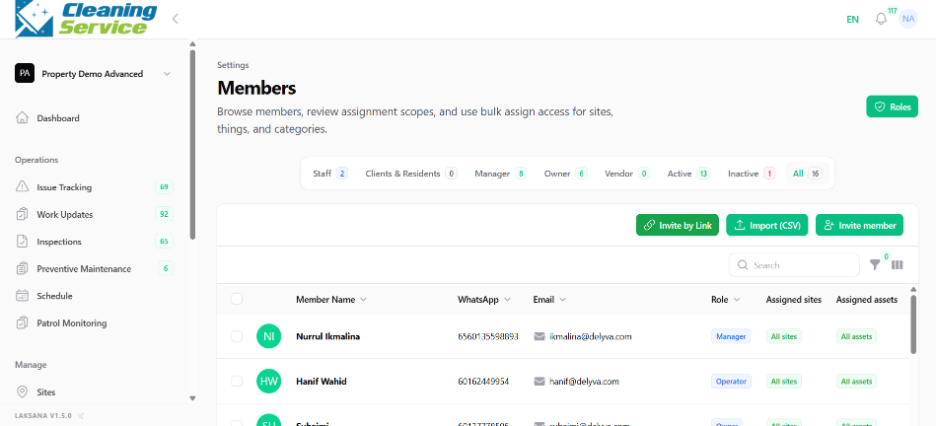
Choose the invitation method:
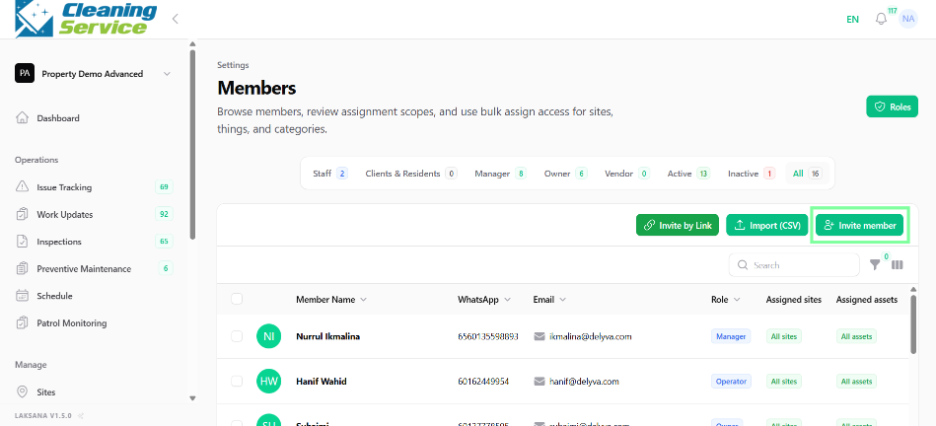
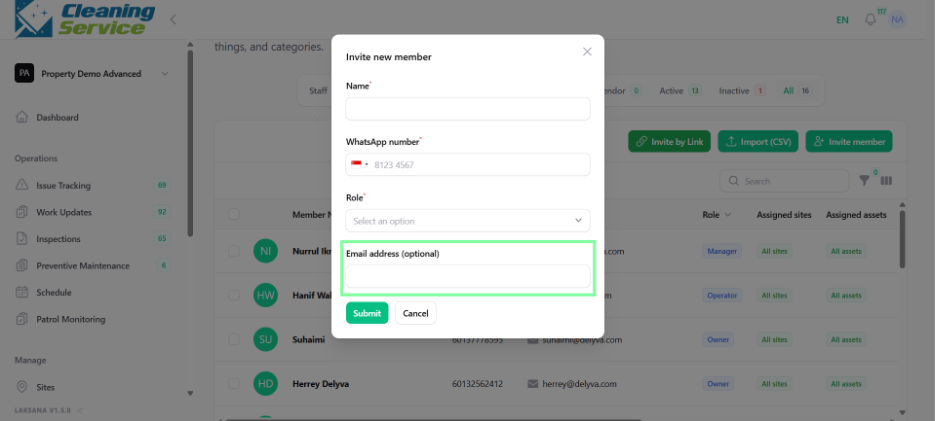
Invite by email.
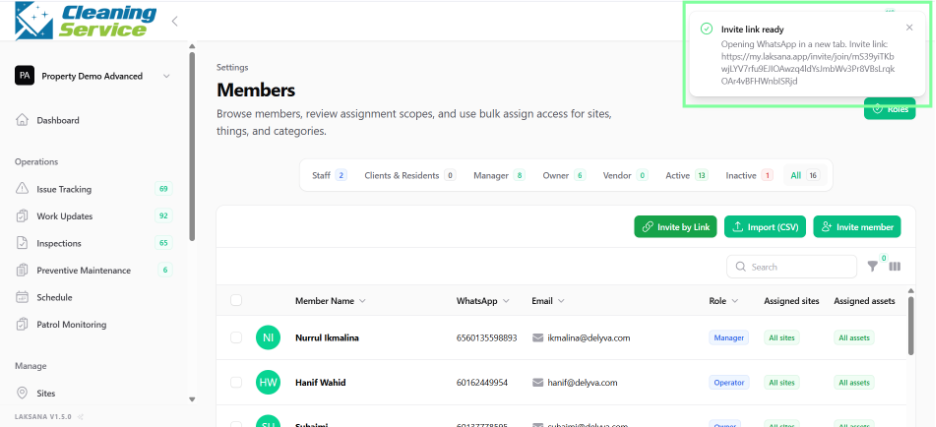
Share WhatsApp invite link.
Import members by CSV.
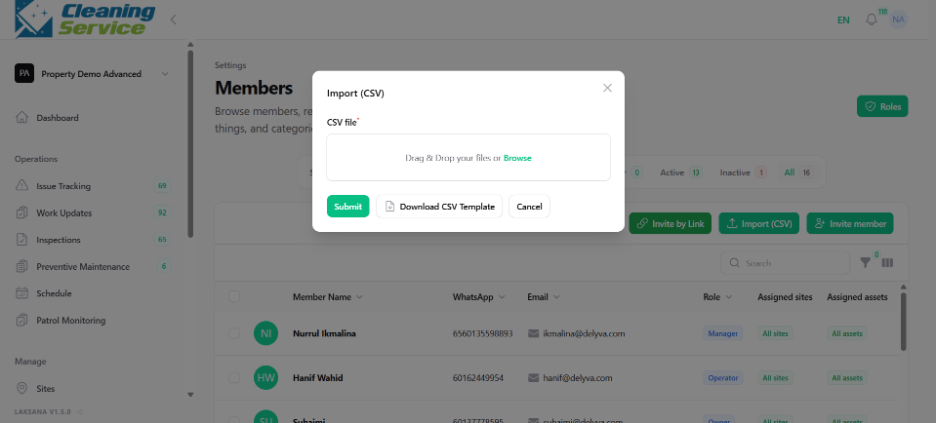
Enter the required member details.
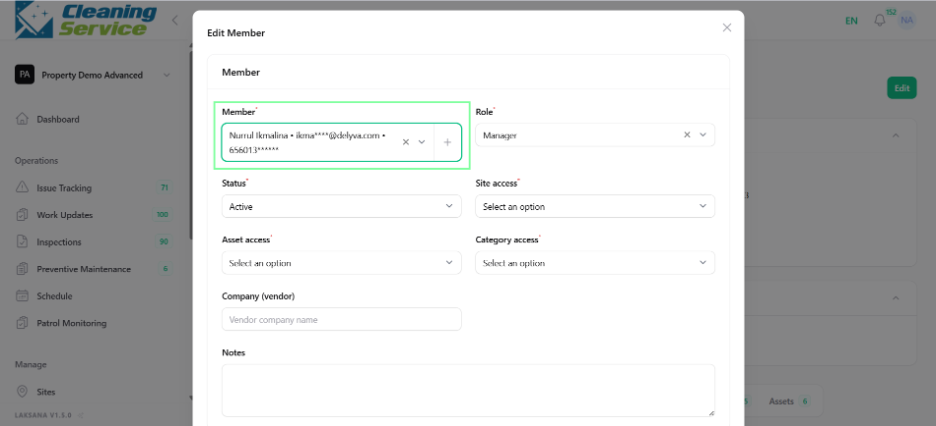
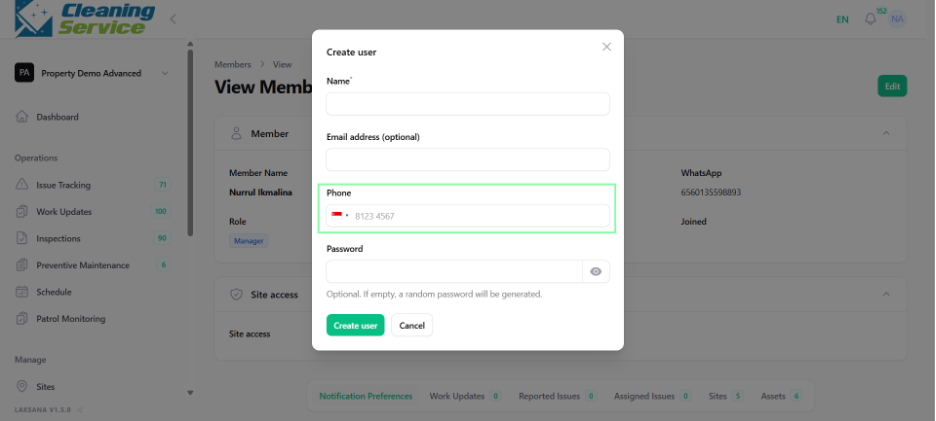
Assign role and access, if required.
Send the invitation.
Tips
Use email invitation for admin, manager, and supervisor users.
Use WhatsApp invite link for field users who mainly interact through WhatsApp.
Use CSV import when adding many users at once.