
Overview
Admins can control which sites and assets a member can access. This helps ensure users only see and manage records relevant to their work area.
Before you start
Sites and assets should already be created.
Steps
Go to Settings.
Open Members.
Select the member.
Click Edit.
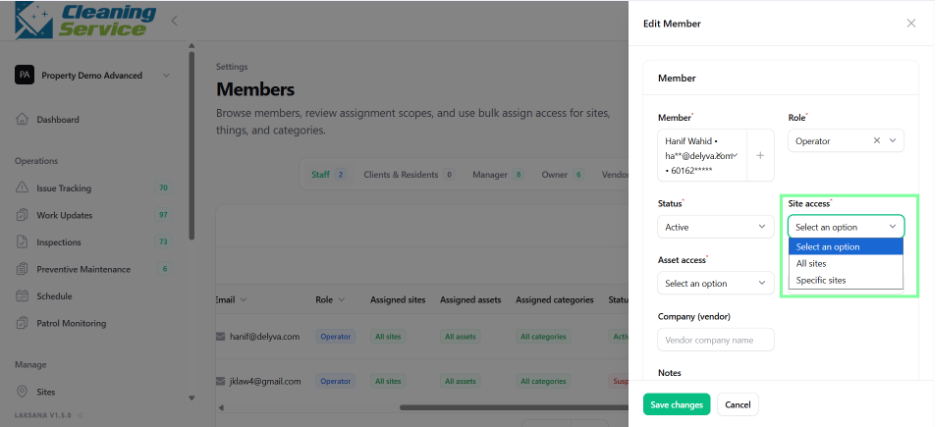
Assign the relevant sites.
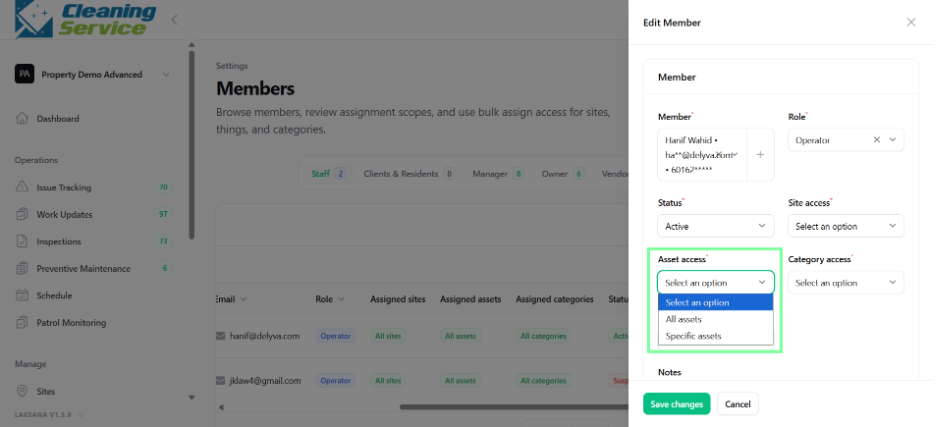
Assign the relevant assets, if asset-level access is needed.
Save the member profile.
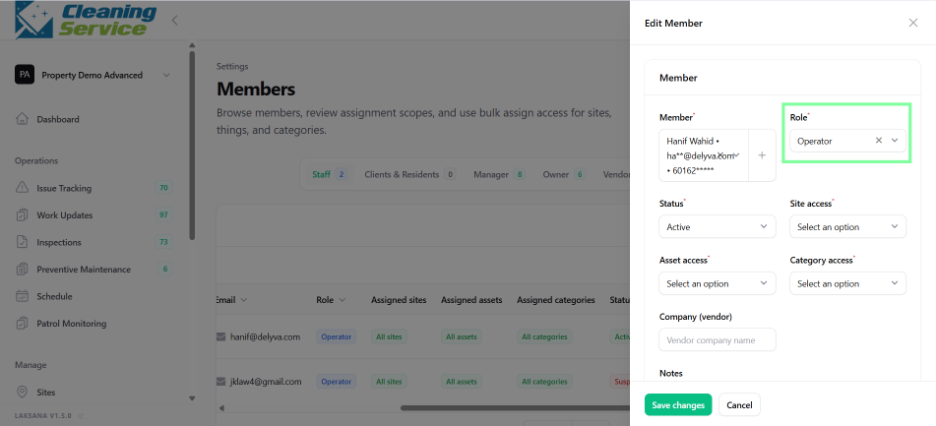
Example use case
A technician working only at Warehouse A can be assigned access to Warehouse A and its related assets. This prevents the technician from viewing or updating records from other sites.
Tips
Assign access based on actual responsibility.
Review member access when users change role, project, or site.
Use teams to simplify operational grouping.