
Overview
Teams allow you to group members by department, function, or responsibility. Teams are useful for issue assignment, work monitoring, and reporting.
Before you start
Members should already be invited.
Steps
Go to Settings.
Open Team.
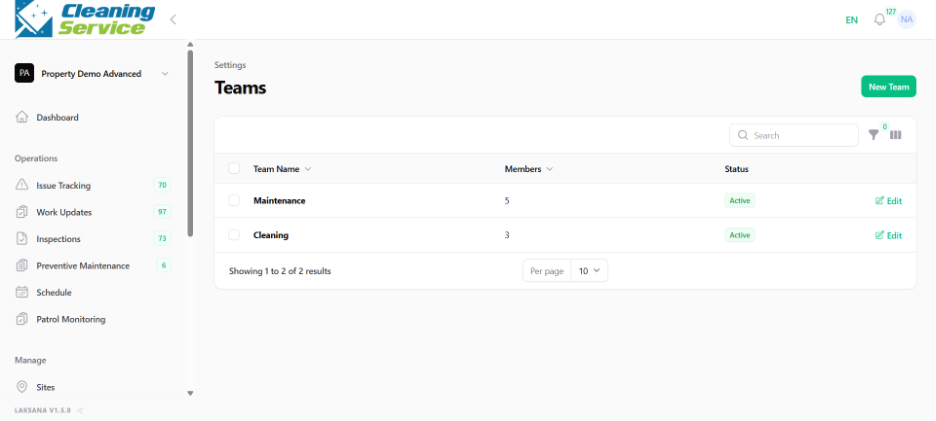
Click Create New Team.
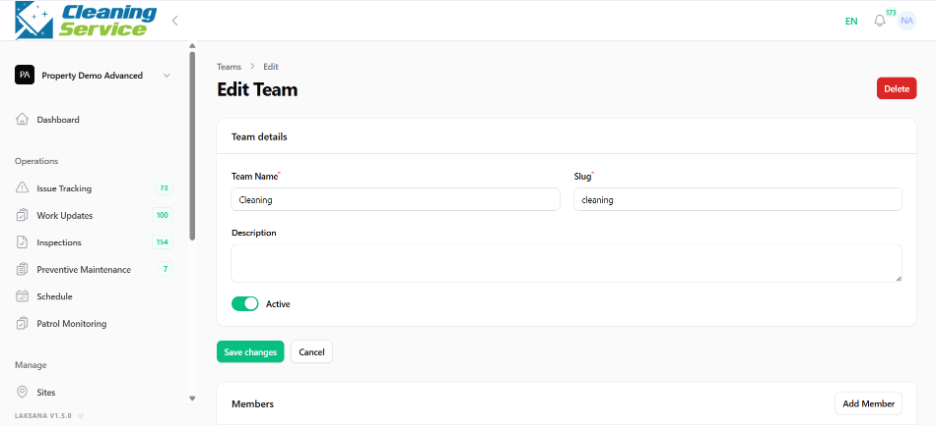
Enter the team name.
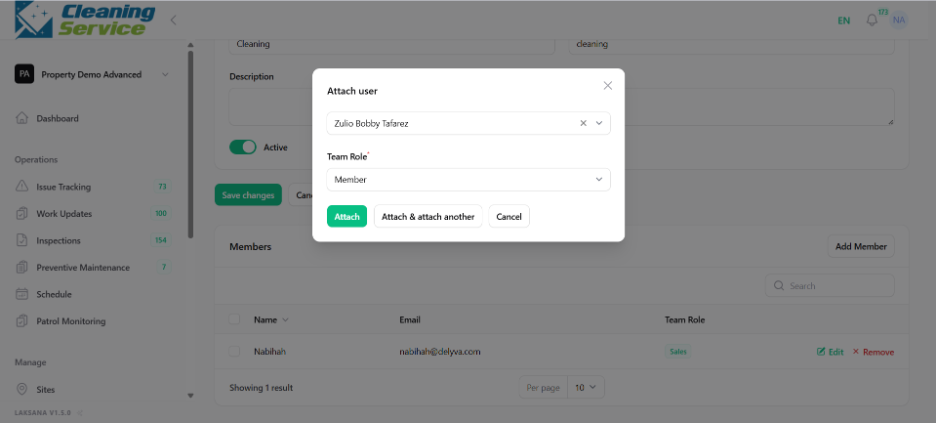
Add members to the team.
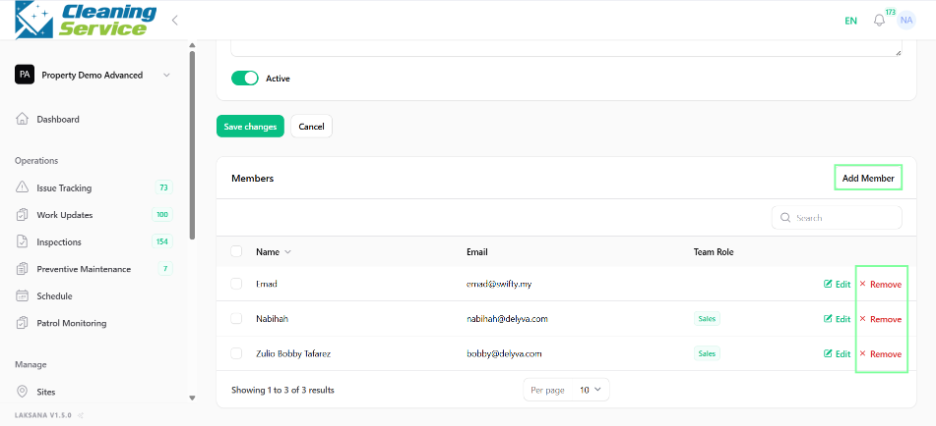
Save the team.
Examples of teams
Maintenance Team
Cleaning Team
Security Team
Facility Management Team
Contractor Team
Tips
Use clear team names.
Keep team membership updated.
Use teams together with assignment rules to route issues automatically.