
Overview
Sites represent the locations where your operations take place. A site can be a building, branch, warehouse, outlet, project, facility, or property.
Before you start
You need permission to manage sites.
Steps to create a site
Go to Manage.
Open Sites.
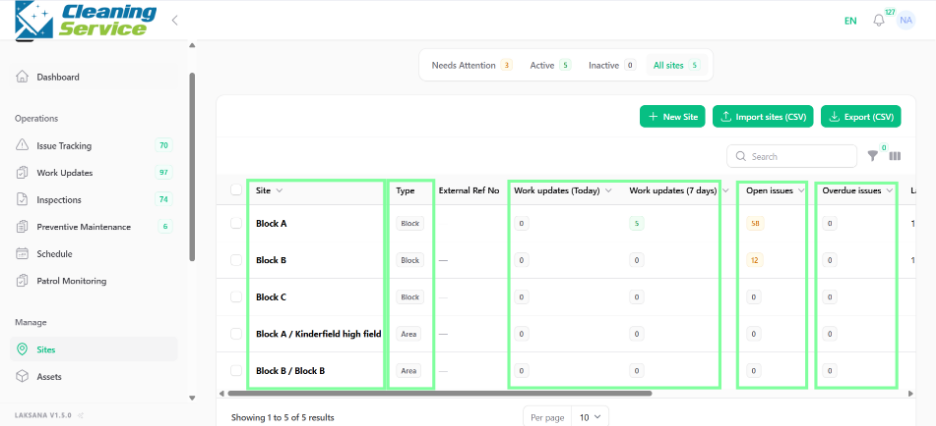
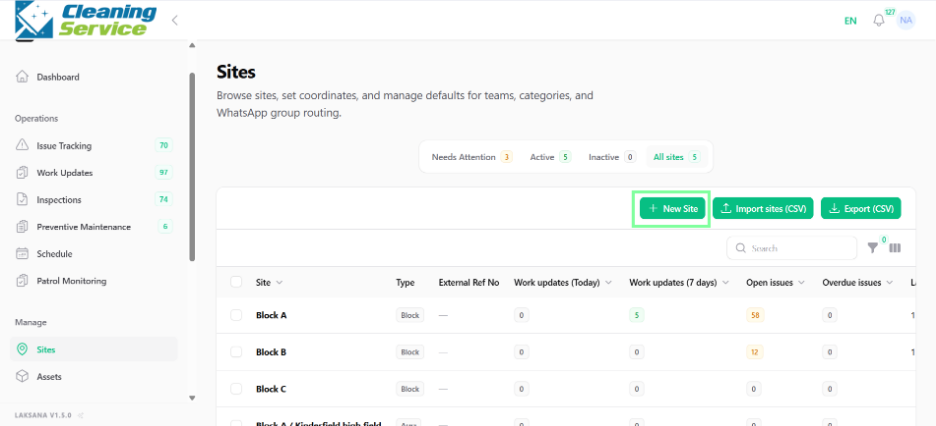
Click Add New Site.
Enter the site name.
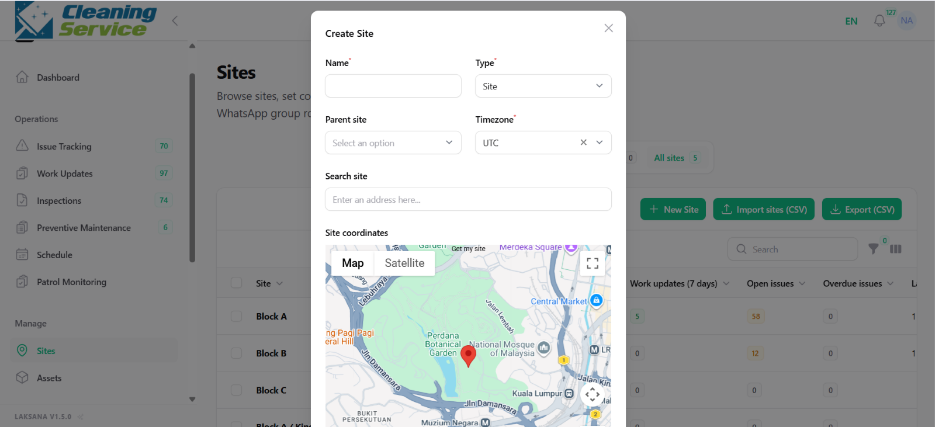
Select the site type, if required.
Enter external reference number, if applicable.
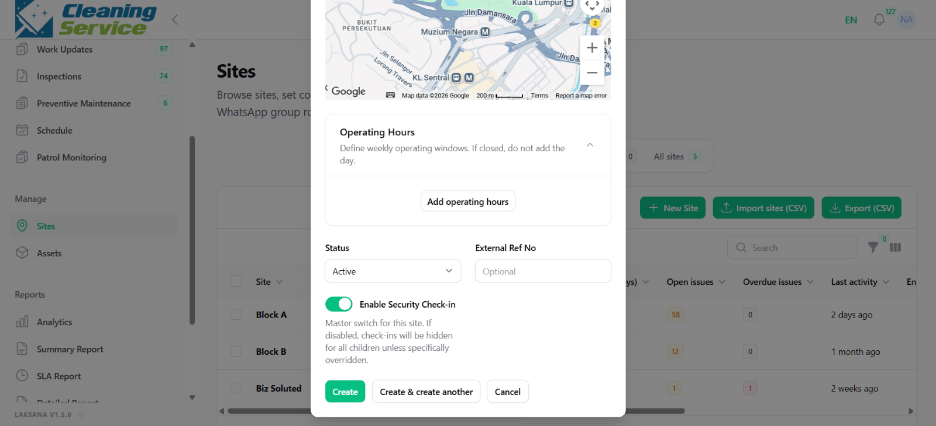
Configure security check-in, if needed.
Save the site.
Actions available for sites
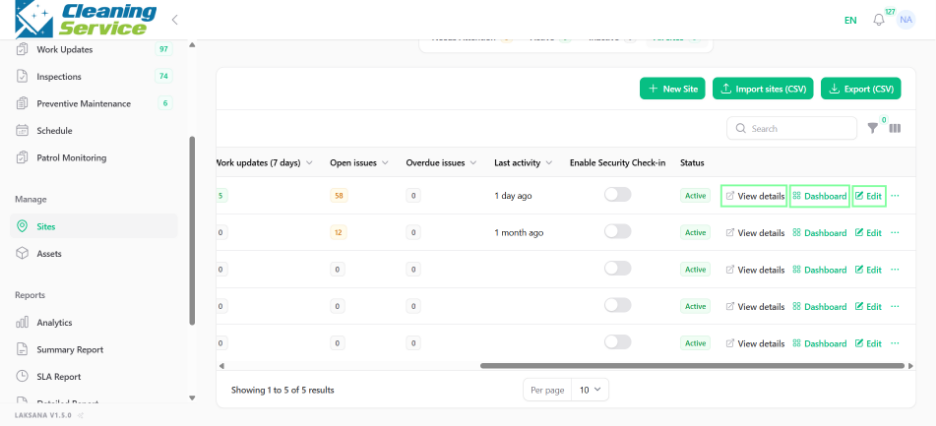
From the site listing, users may be able to:
View details.
Open site dashboard.
Edit the site.
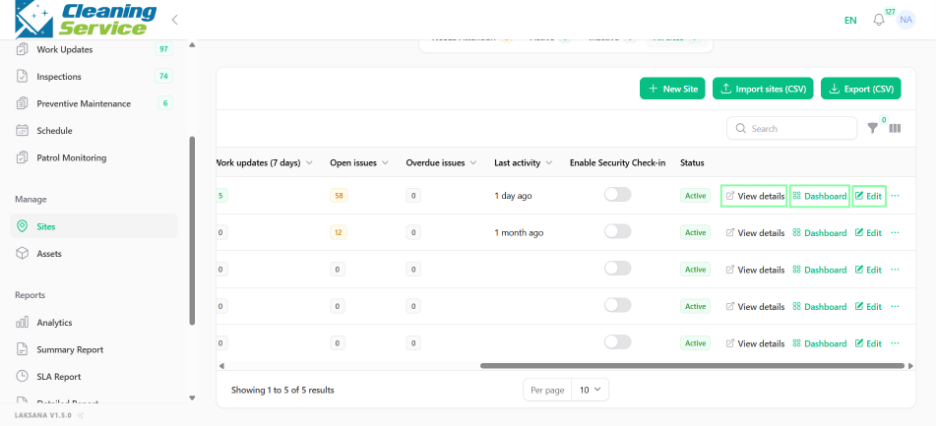
View public page.
Print QR.
Archive the site.
Tips
Use consistent naming for sites.
Include external reference numbers if your organisation has internal site codes.
Archive sites that are no longer active instead of deleting operational history.