
Overview
Assets represent equipment, spaces, units, or facilities that require service, monitoring, inspection, or issue tracking.
Before you start
Create the relevant site first before adding assets.
Steps to create an asset
Go to Manage.
Open Assets.
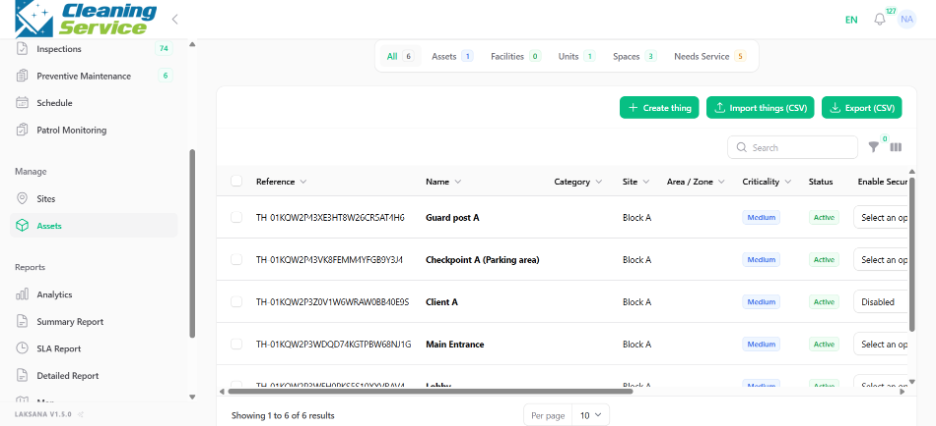
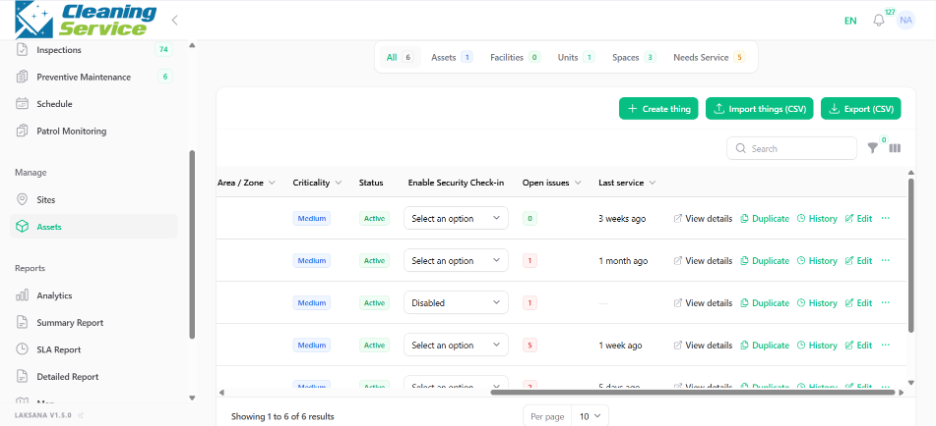
Click Create New.
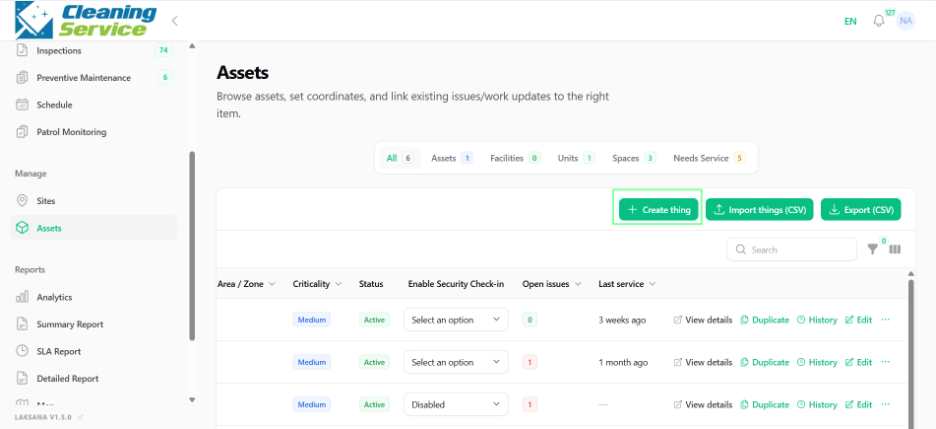
Enter the asset name.
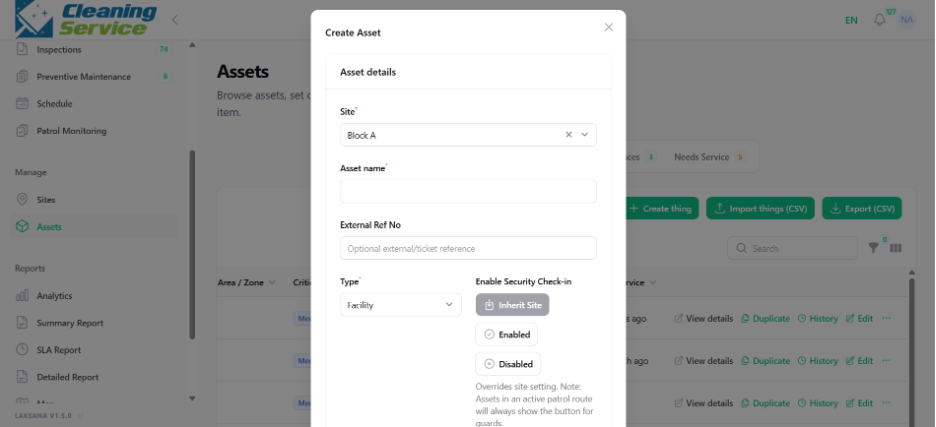
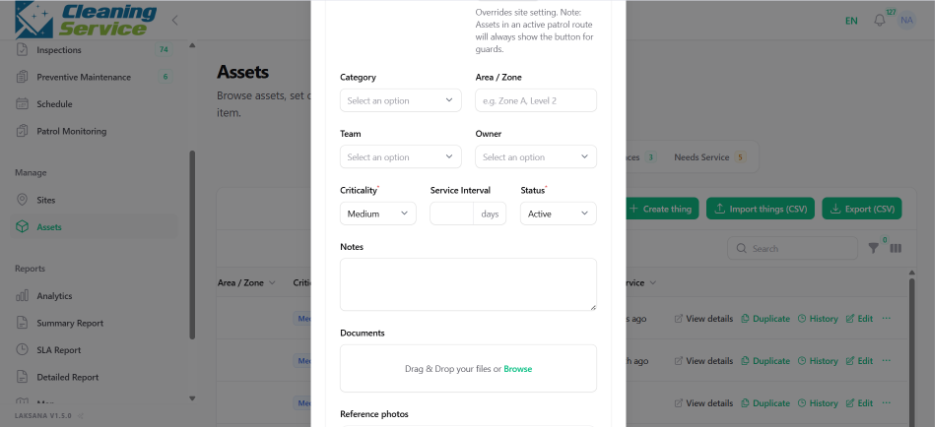
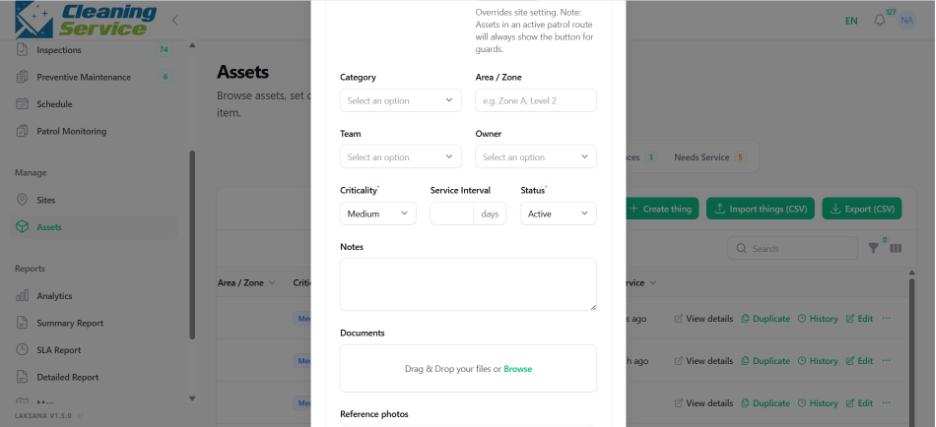
Select asset category.
Assign the asset to a site.
Assign area or zone, if applicable.
Set asset criticality.
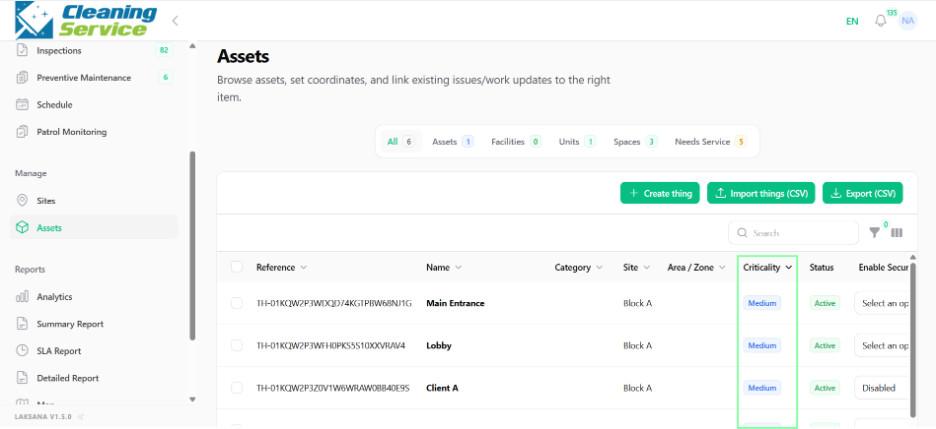
Set asset status.
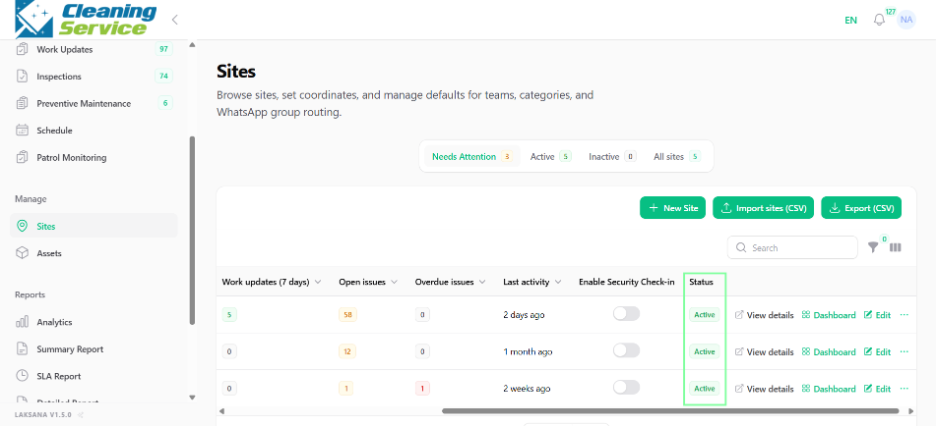
Save the asset.
Examples of assets
AHU Room
Lift
Generator
CCTV Camera
Fire Extinguisher
Loading Bay
Lobby Area
Meeting Room
Tips
Use a clear asset naming convention.
Assign assets to the correct site and area.
Mark critical assets properly so teams can prioritise them.
Use QR tagging for assets that require frequent reporting or inspection.