
Overview
Asset history helps users understand previous issues, work updates, service activity, and related documents for a specific asset.
Steps
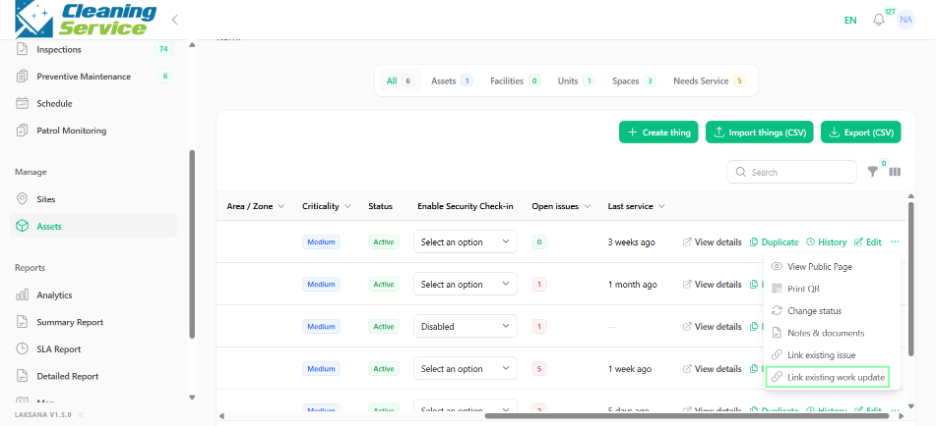
Go to Manage.
Open Assets.
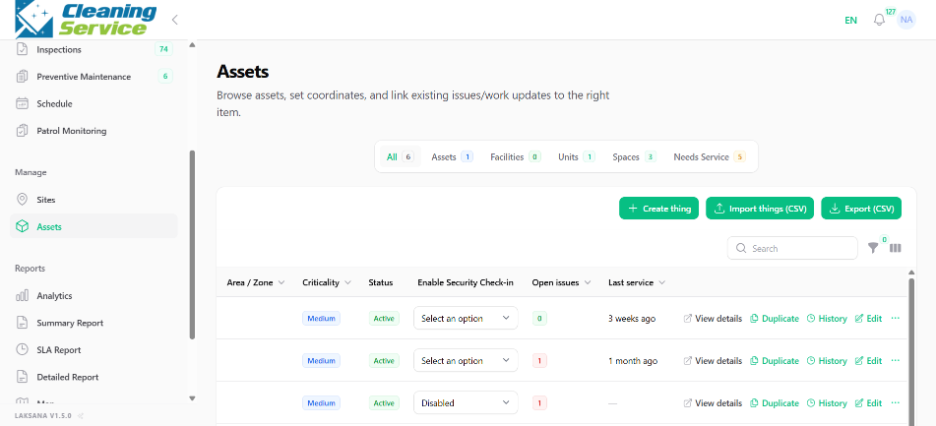
Select the asset.
Click View Details or History.
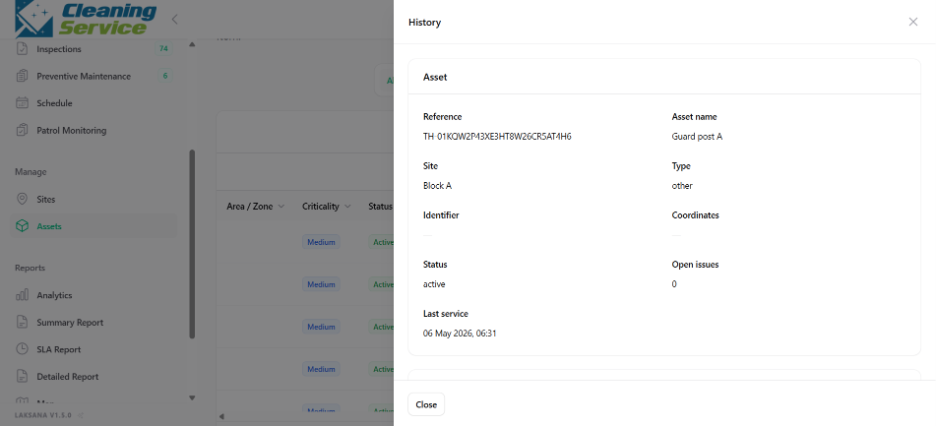
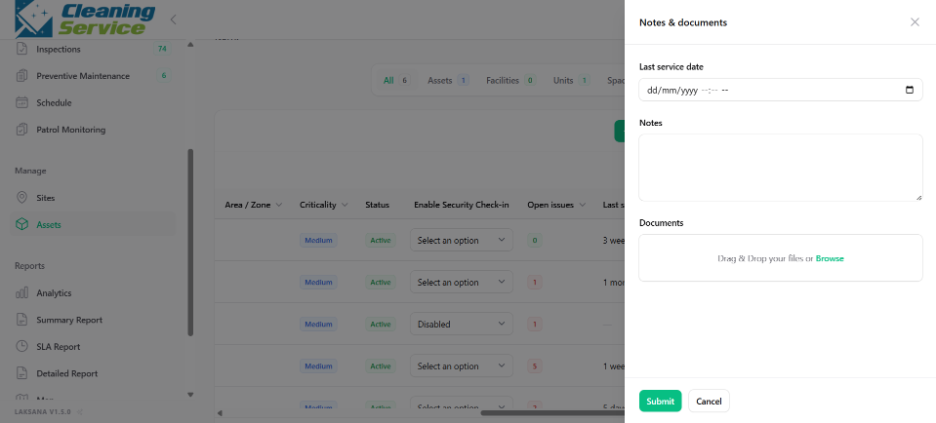
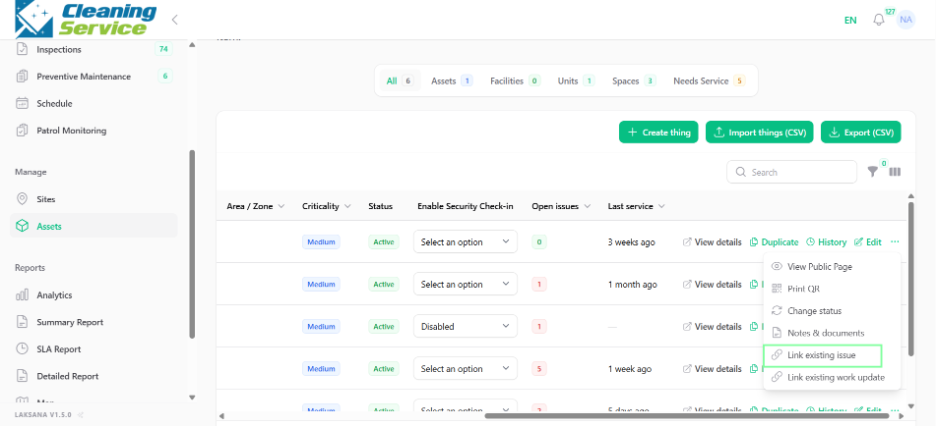
Review asset information, linked issues, linked work updates, notes, and documents.
Why asset history matters
Asset history helps teams identify:
Repeated issues.
Maintenance patterns.
Last service date.
Supporting documents.
Work performed against the asset.
Tips
Link issues and work updates to assets whenever possible.
Upload relevant documents such as service records, manuals, or inspection certificates.
Review asset history before deciding on repair or replacement.