Overview
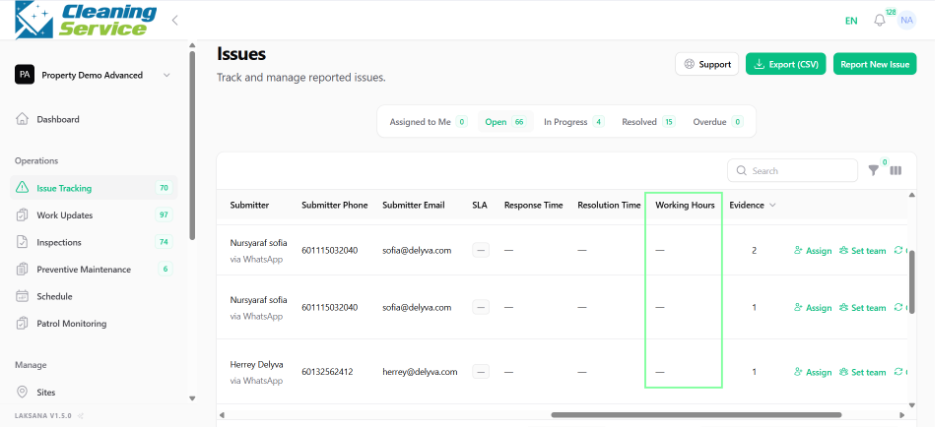
The Issue Tracking page shows a list of all issues submitted to the organisation. Users can use this page to monitor status, assignment, SLA, evidence, and progress.
Key columns
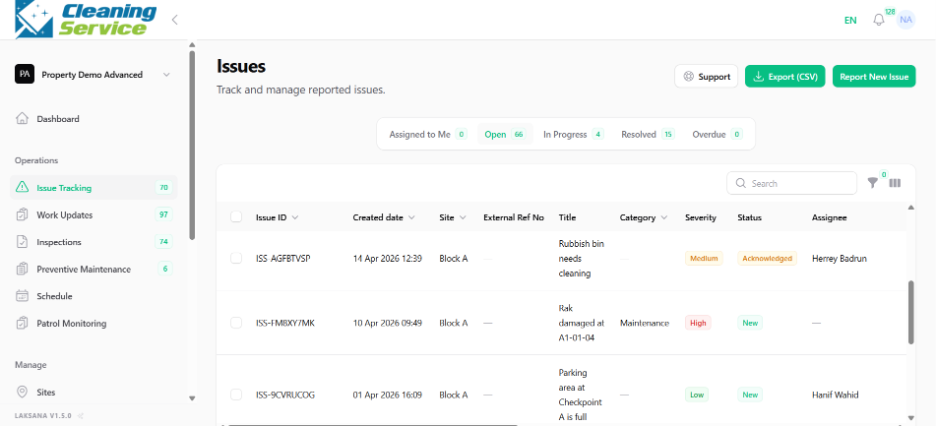
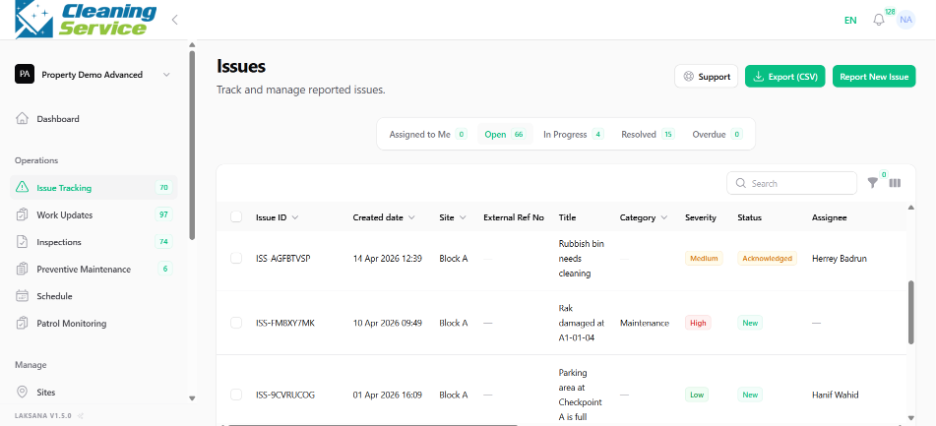
The issue listing may include:
Issue ID.
Created date.
Site.
External reference number.
Title.
Category.
Severity.
Status.
Assignee.
Team.
Submitter.
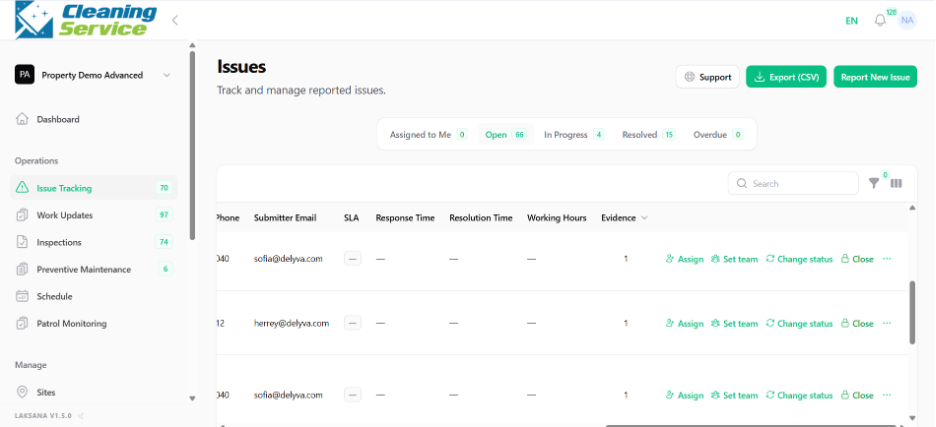
SLA.
Response time.
Resolution time.
Working hours.
Evidence.
How to use the issue listing
Go to Operations.
Open Issue Tracking.
Use filters or search to find relevant issues.
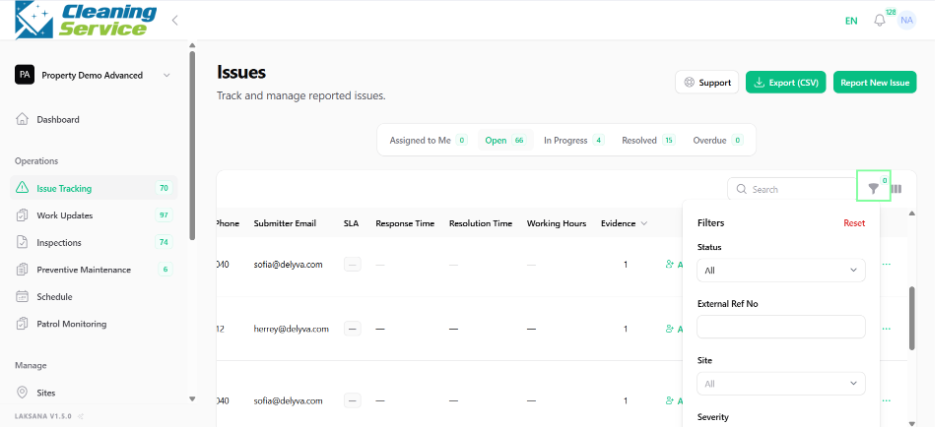
Review status, assignee, team, and SLA.
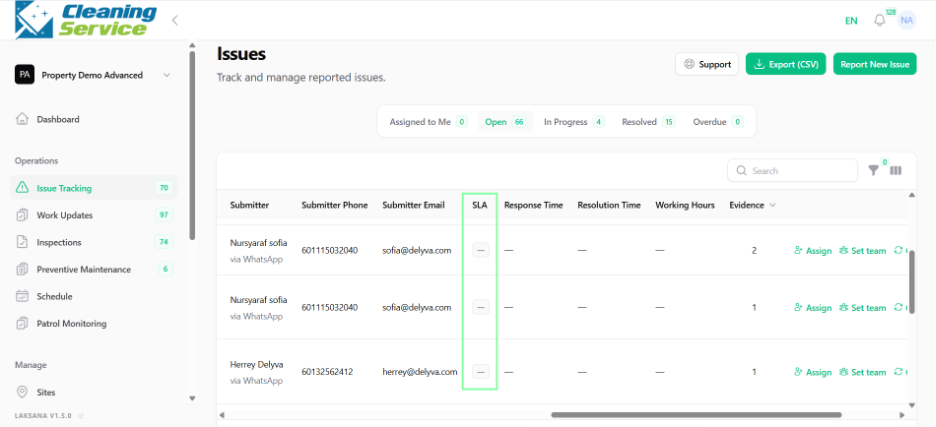
Use the action menu to manage the issue.
Tips
Filter by open or overdue issues during daily review.
Use the SLA columns to identify urgent items.
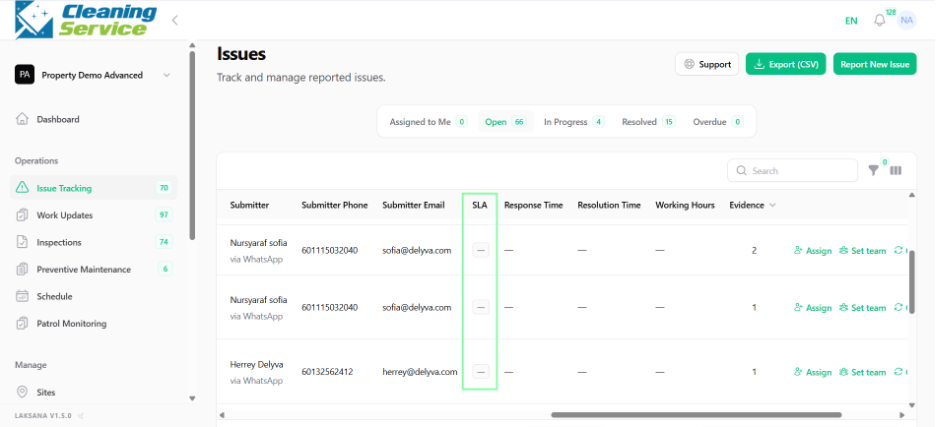
Use the working hours field to understand actual time spent from in-progress to resolution.