
Overview
Issue status helps users track progress from reporting until closure. Closing an issue indicates that it has been completed and no further action is required.
Steps to change status
Go to Operations.
Open Issue Tracking.
Find the issue.
Open the action menu.
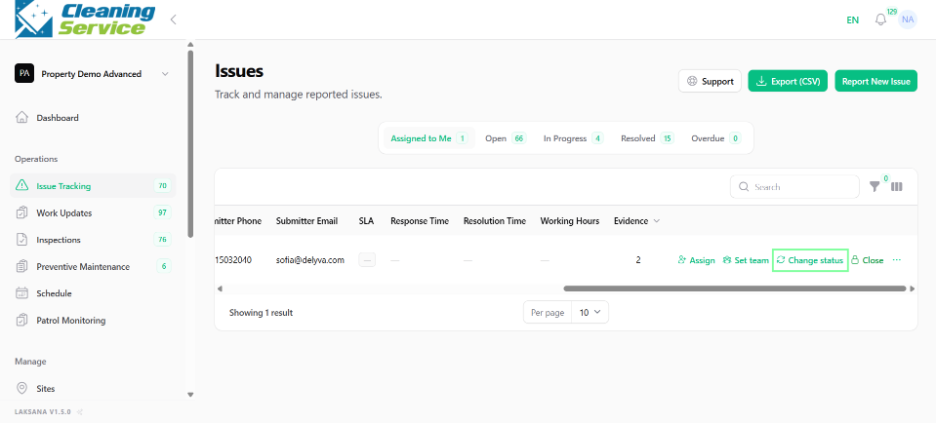
Click Change Status.
Select the new status.
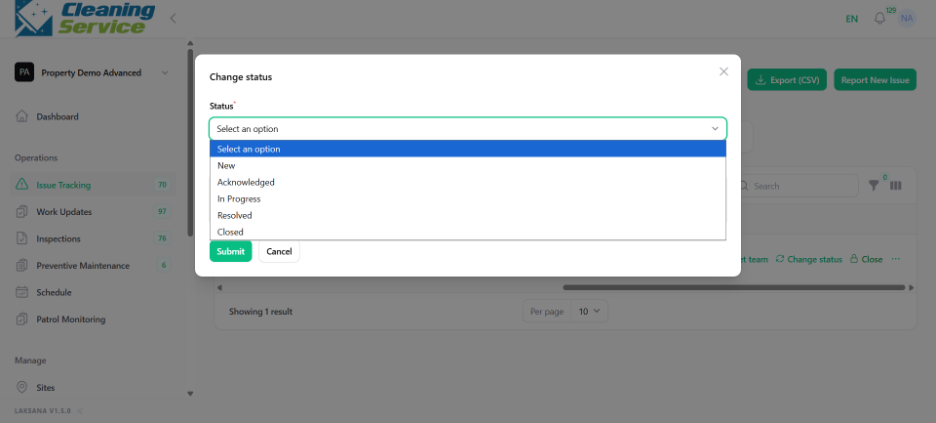
Save the update.
Steps to close issue
Open the issue.
Review the details, evidence, and resolution.
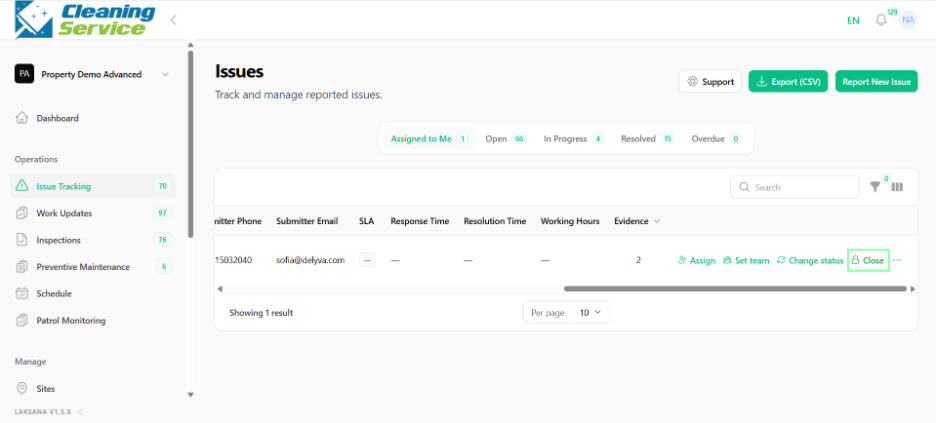
Click Close.
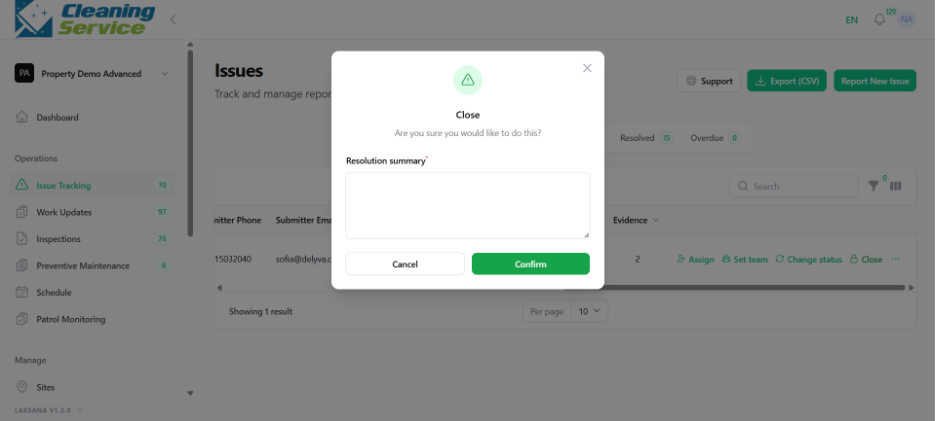
Add closing remarks if required.
Confirm closure.
Tips
Do not close an issue until resolution evidence has been reviewed.
Use clear statuses so managers can understand progress.
Review the timeline before closing important issues.