
Overview
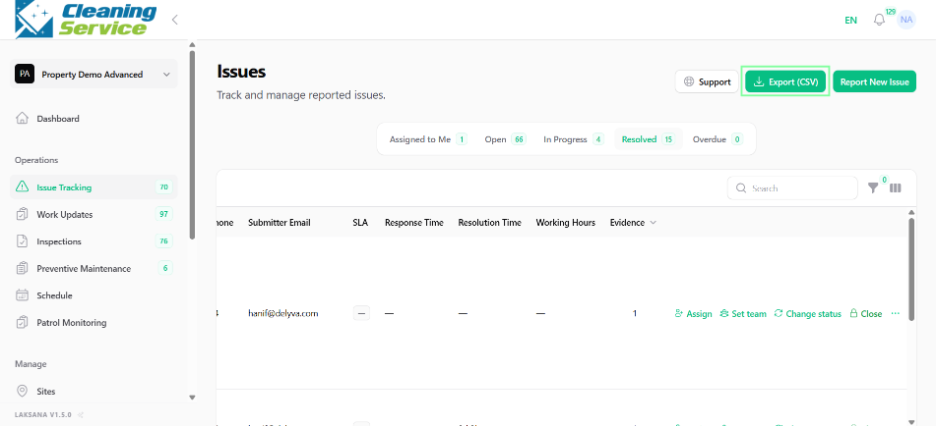
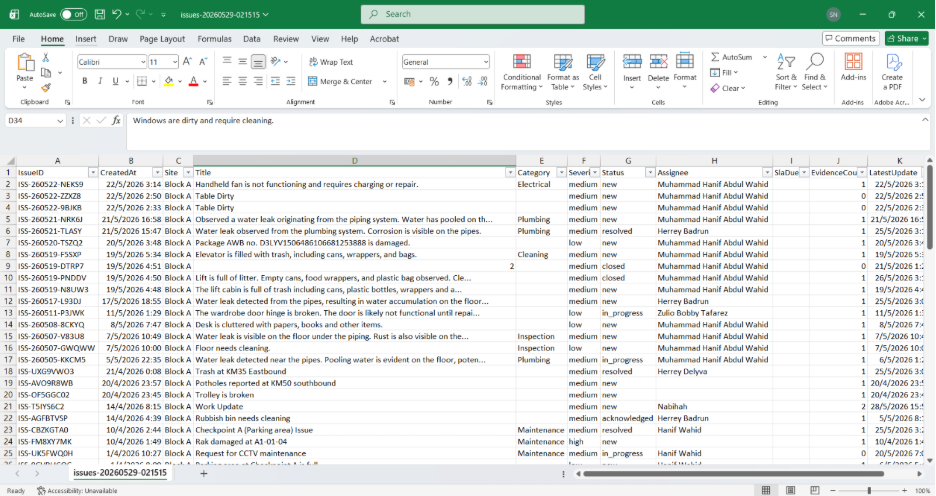
Users can export issue listings to CSV for further analysis, reporting, or record keeping.
Steps
Go to Operations.
Open Issue Tracking.
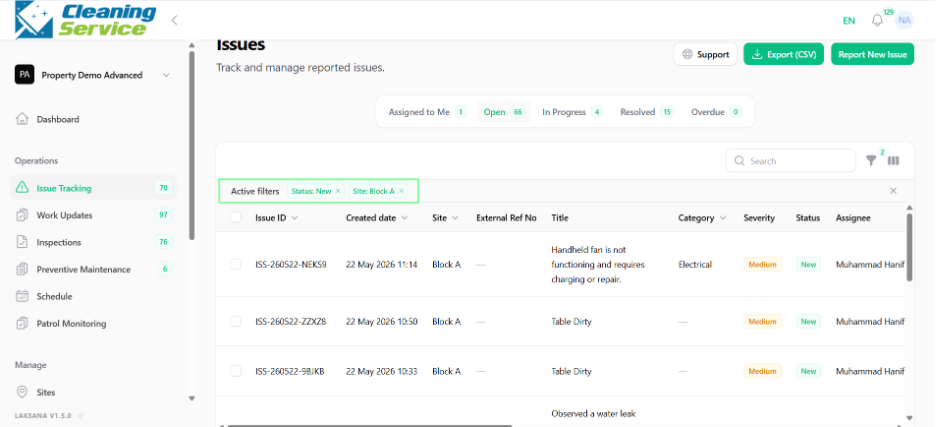
Apply filters, if required.
Click Export.
Download the CSV file.
Tips
Apply filters before exporting if you only need certain records.
Use exported data for internal analysis or reporting.
For presentation-ready reports, use Summary Report or Detailed Report instead.