
Overview
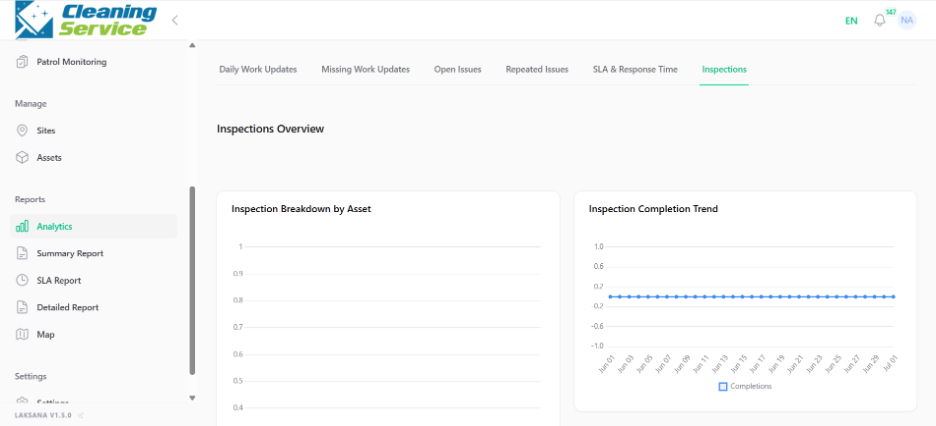
The Analytics page provides standard operational views for work updates, missing work updates, open issues, repeated issues, SLA and response time, and inspections.
Steps
Go to Reports.
Open Analytics.
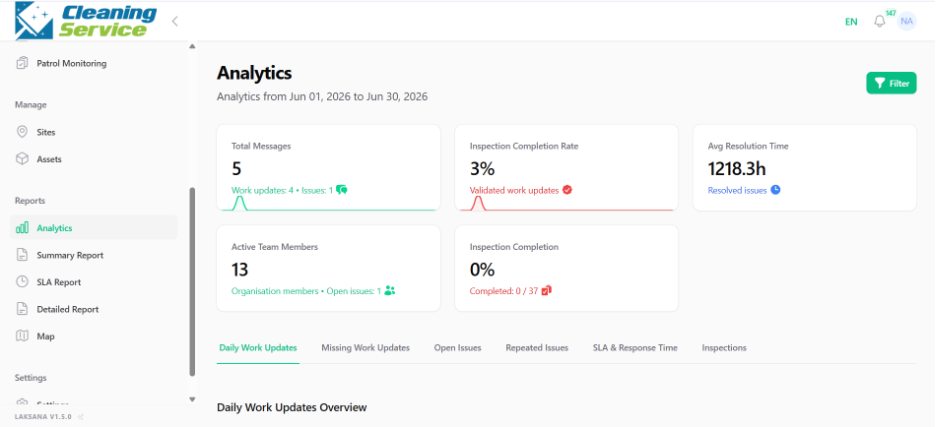
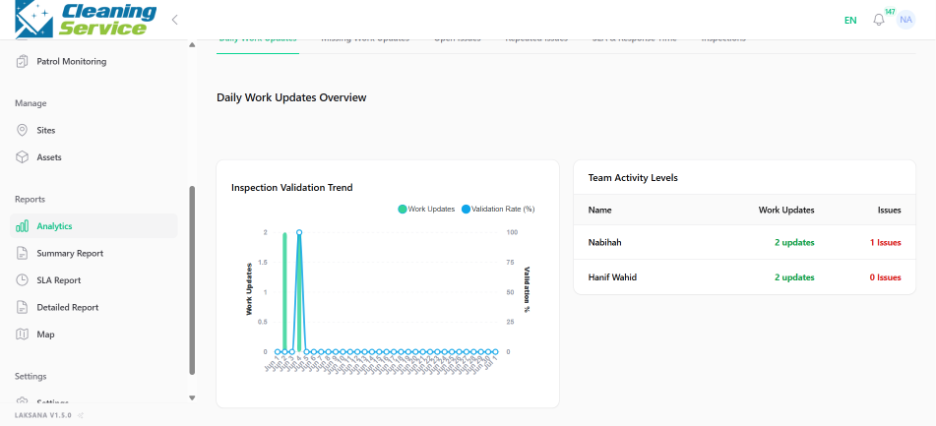
Select the date range.
Apply filters such as site, category, asset, created by, assignee, or team.
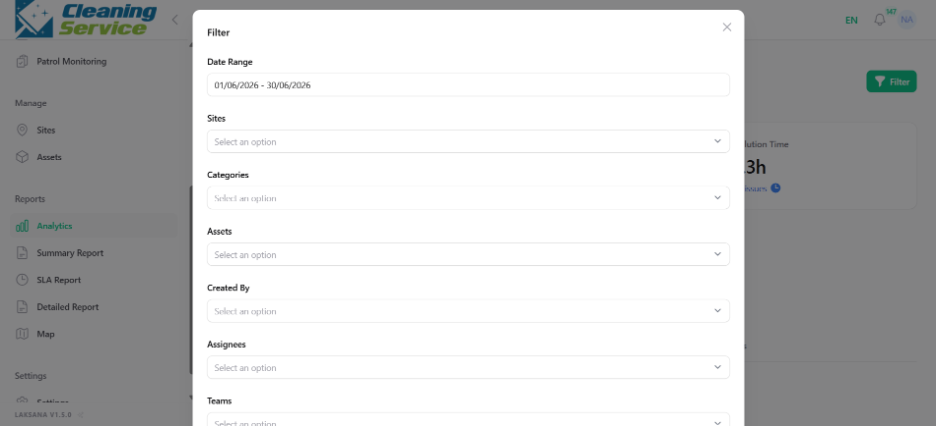
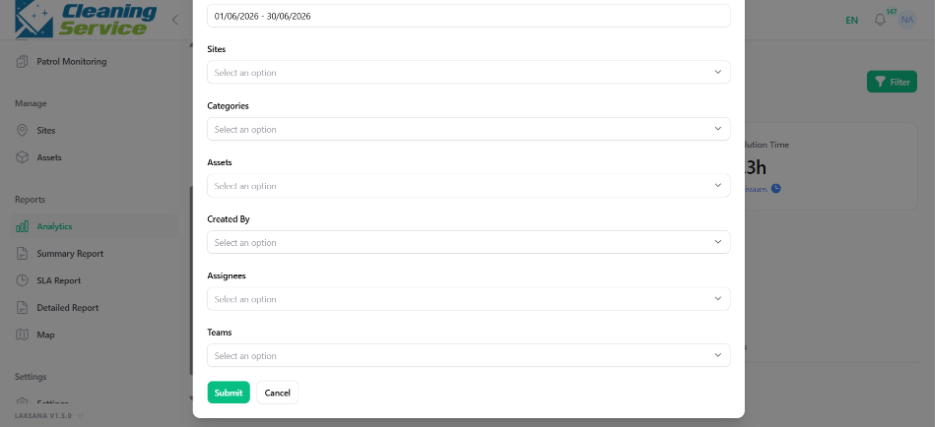
Review the analytics results.
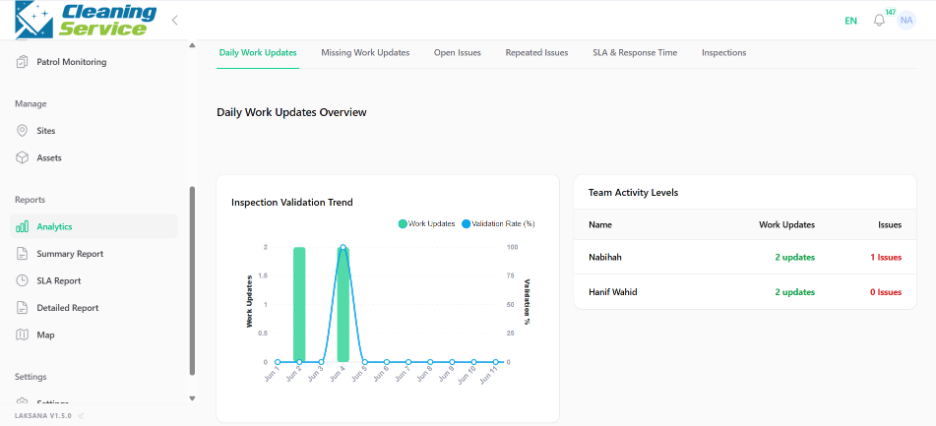
Common analytics views
Work Updates.
Missing Work Updates.
Open Issues.
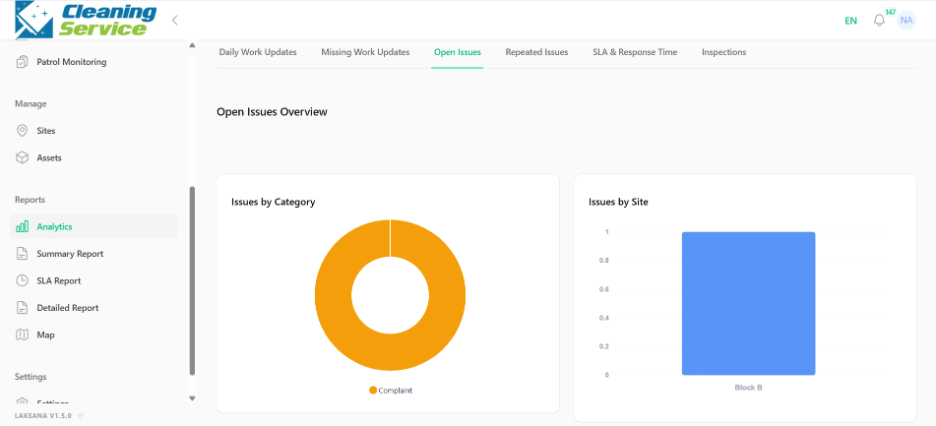
Repeated Issues.
SLA & Response Time.
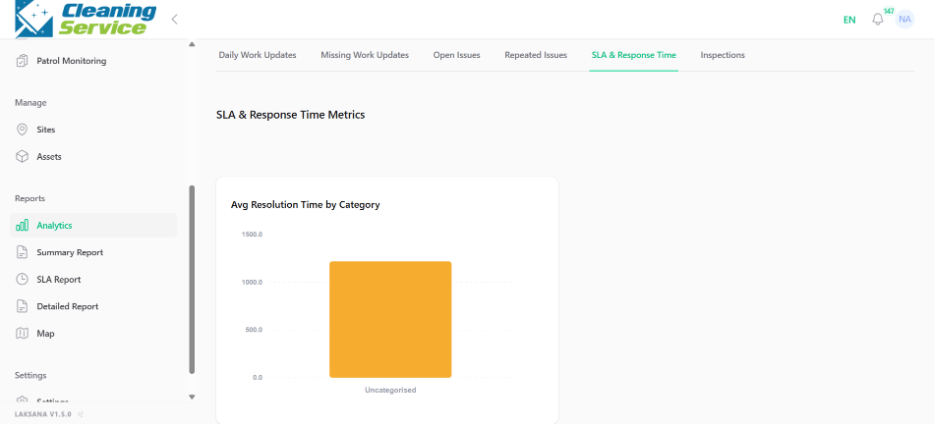
Inspection.
Tips
Use filters to focus on a specific site, team, or period.
Review repeated issues to identify recurring asset or site problems.
Use missing work updates to improve field reporting discipline.