
Overview
The Map page shows issues, work updates, and inspections in map view. Users can click any item on the map to open its details.
Steps
Go to Reports.
Open Map.
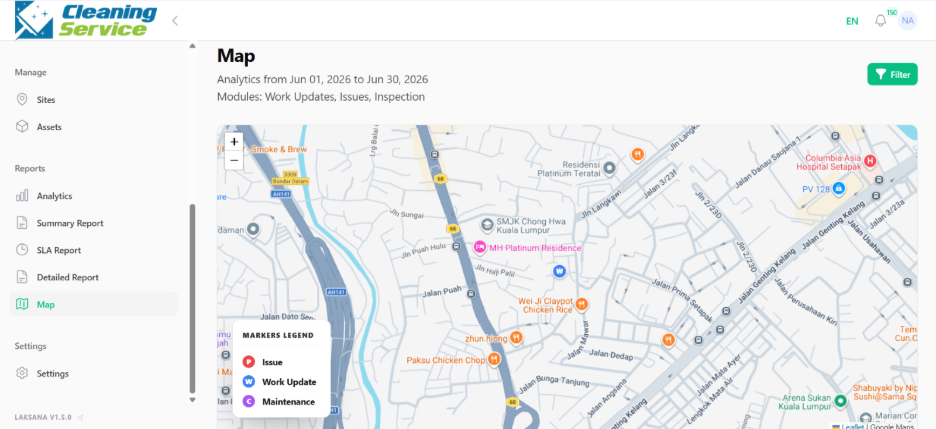
Review the operational items displayed on the map.
Click an item to open its details.
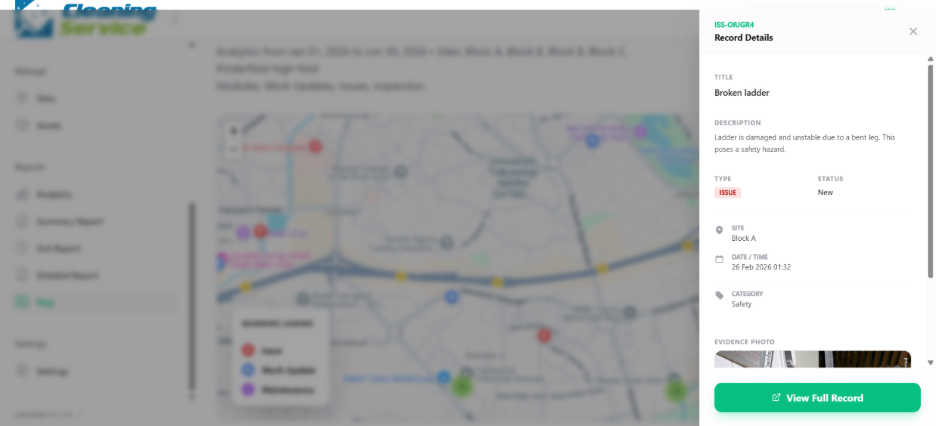
Example use case
A regional manager uses the map to view where issues or updates are happening across multiple sites.
Tips
Use map view when location context is important.
Make sure field submissions include accurate location information where required.
Use map view together with detailed reports for investigation.