
Overview
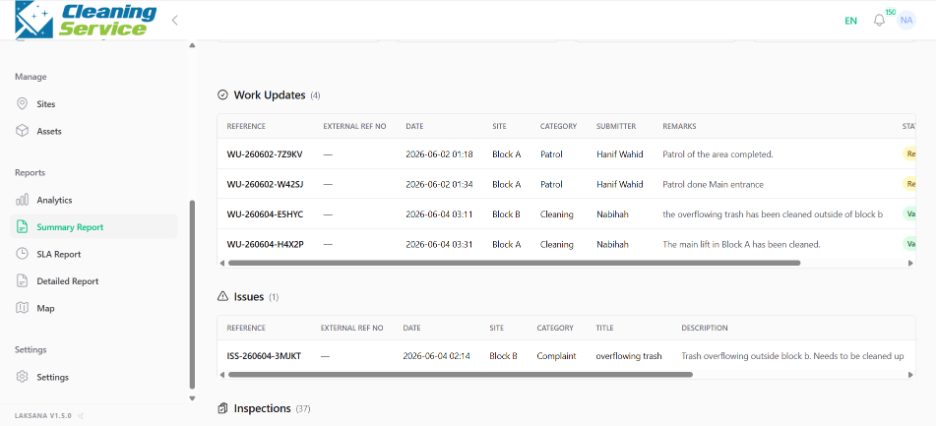
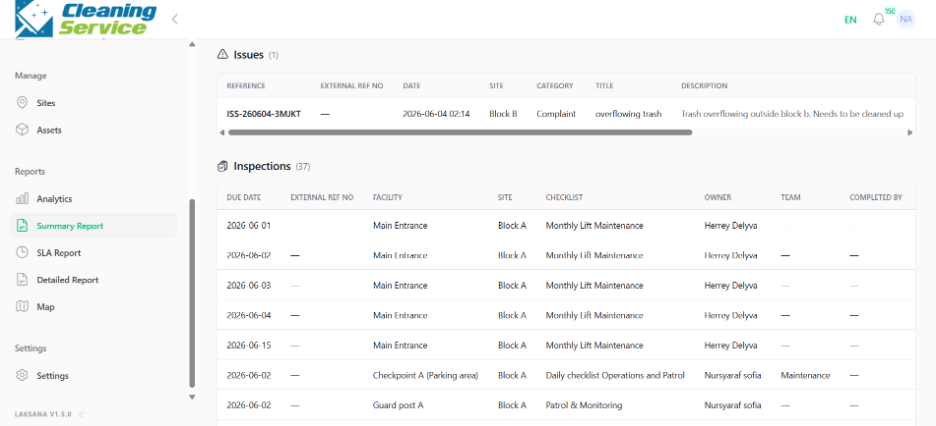
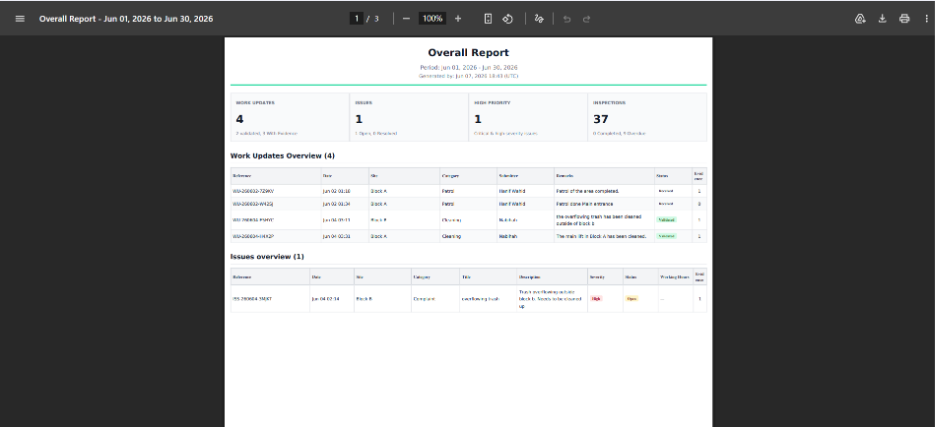
The Summary Report provides a summarised list of work updates, issues, and inspections. It can be filtered and exported as a PDF or shared through a public link.
Steps
Go to Reports.
Open Summary Report.
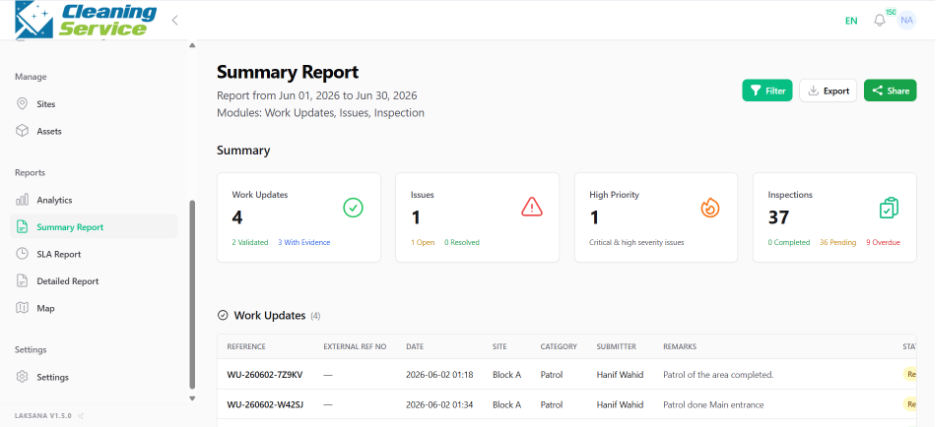
Select the date range.
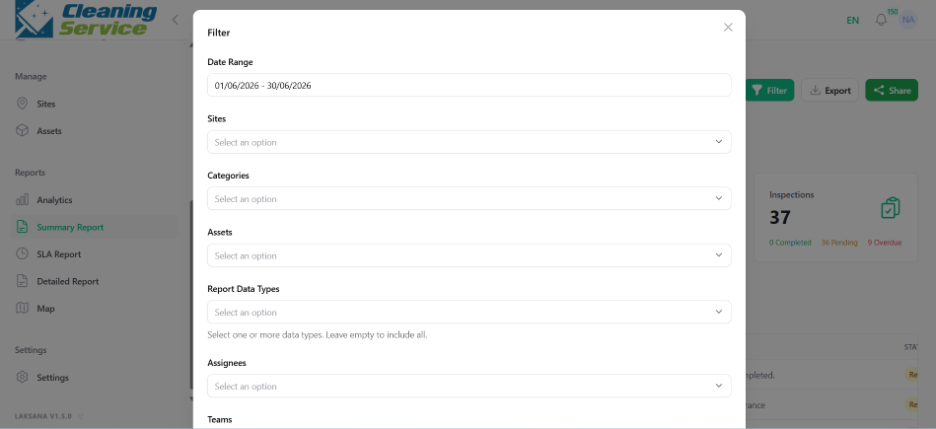
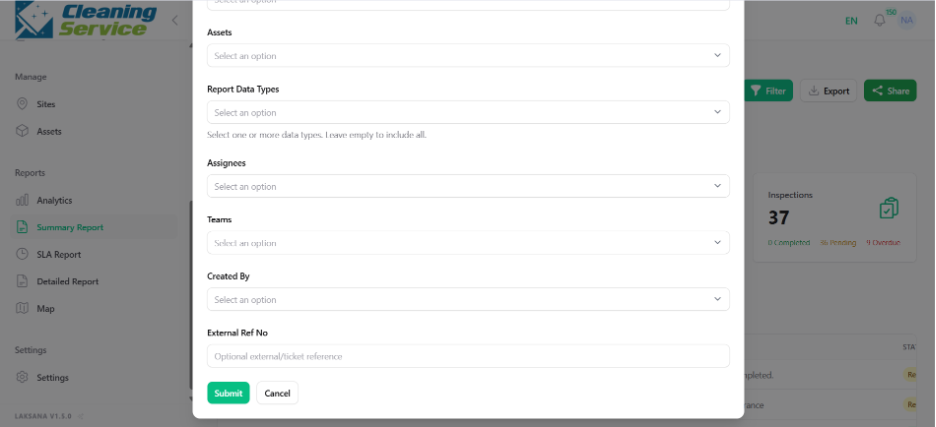
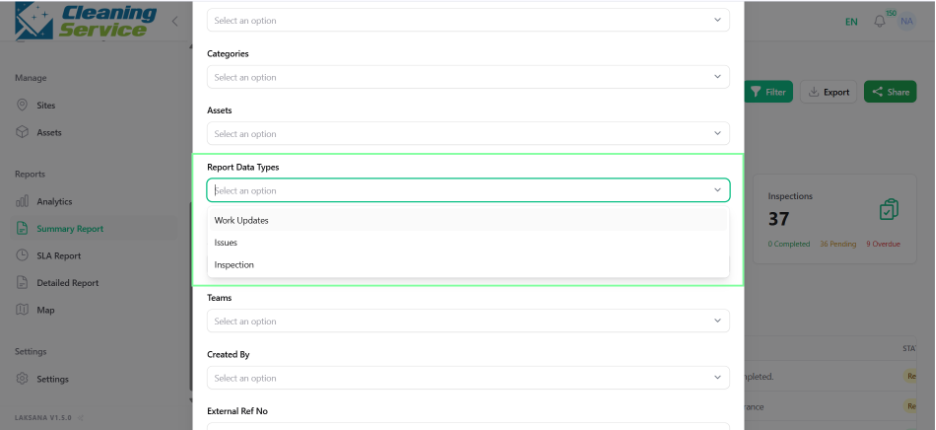
Apply filters such as site, category, asset, report data type, created by, assignee, or team.
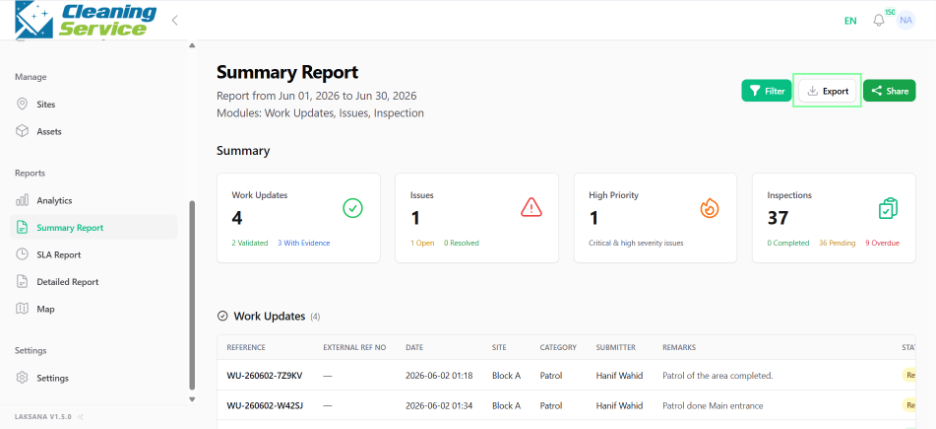
Review the summary list.
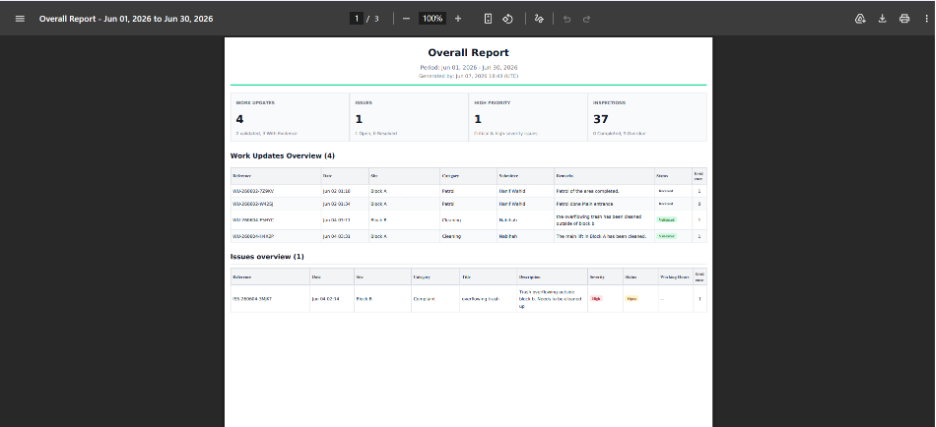
Click Export to generate a PDF.
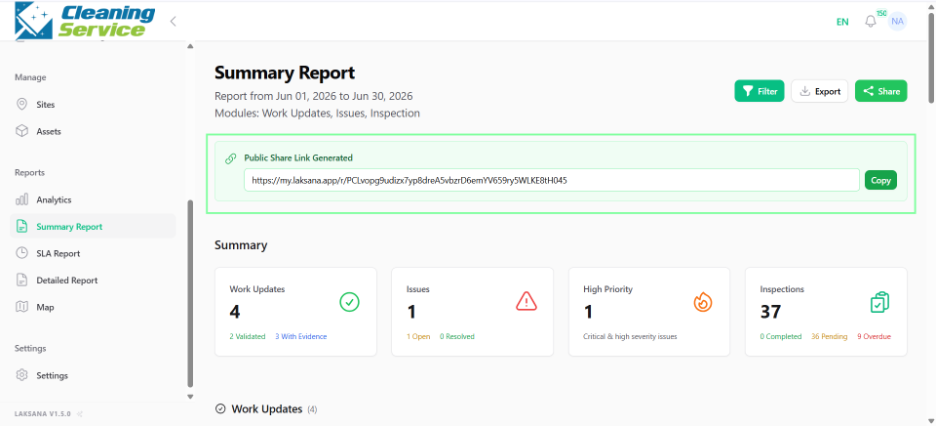
Click Share to generate a public link, if required.
Tips
Use Summary Report for management review.
Filter by site when preparing site-specific reports.
Use Share when you need to send a viewable report link to stakeholders.