
Overview
Users can manage personal notification preferences to control how they receive alerts from Laksana.
Steps
Go to Settings.
Open Messaging & Integration.
Select Notification Settings.
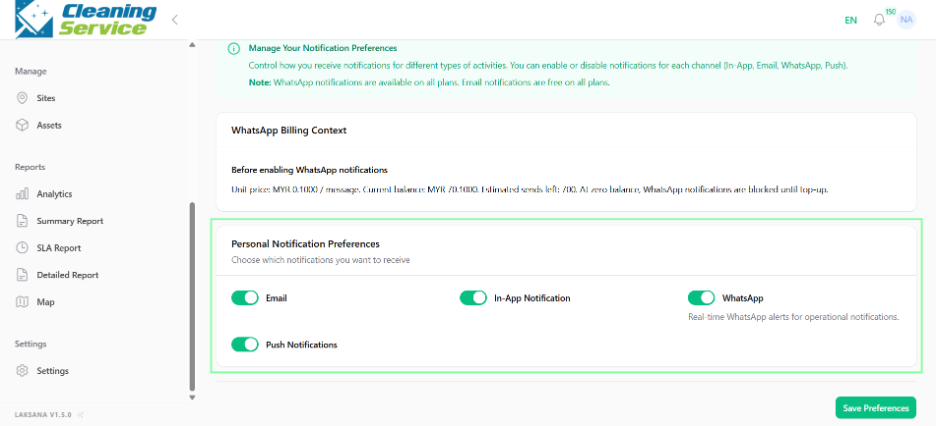
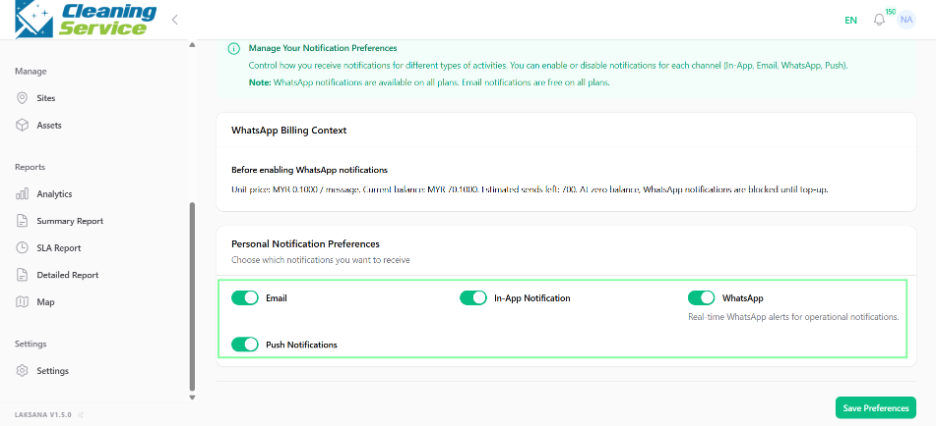
Choose preferred notification options.
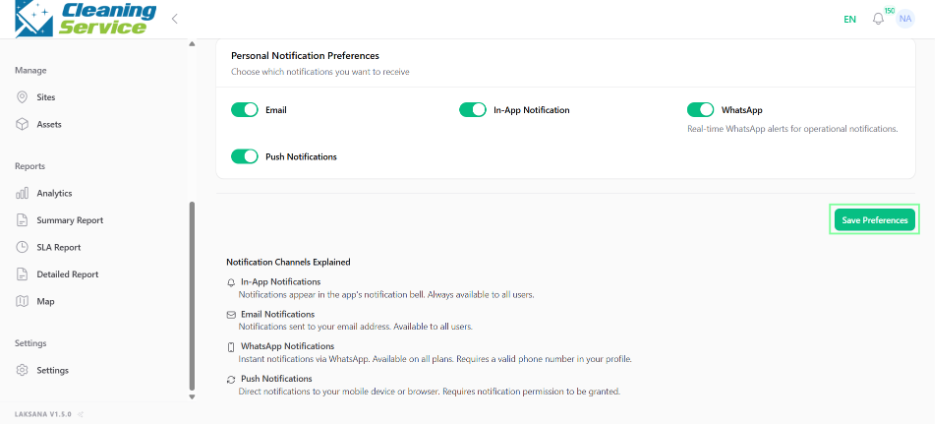
Save the settings.
Tips
Enable important assignment and escalation notifications.
Avoid unnecessary notifications to reduce noise.
Review notification preferences if you are not receiving expected alerts.