
Overview
API tokens allow technical users to connect Laksana with other systems or integrations.
Before you start
Only authorised admin or technical users should create API tokens.
Steps
Go to Settings.
Open Messaging & Integration.
Select API Token.
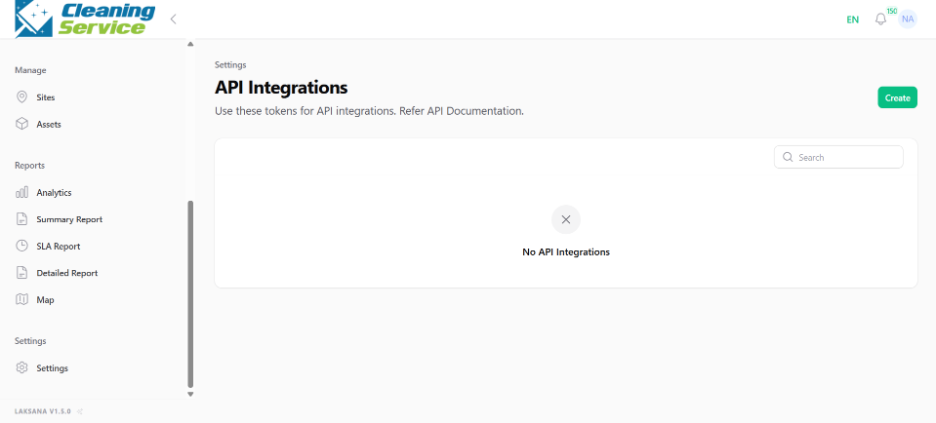
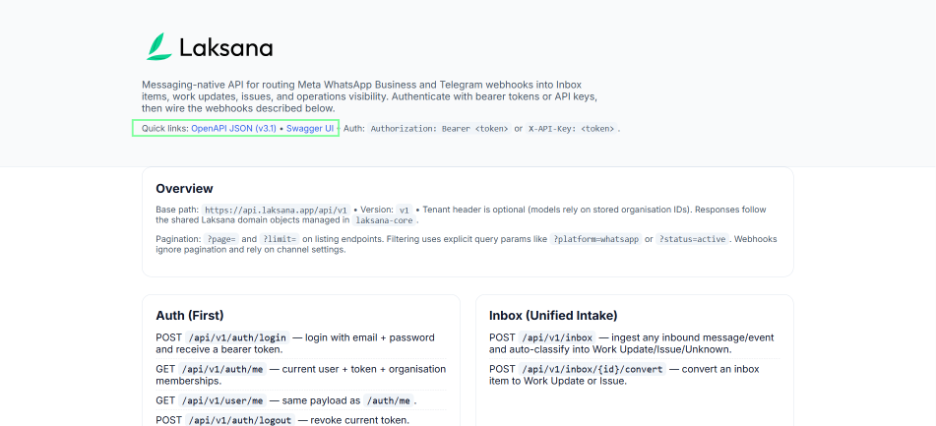
Open API documentation if you need integration details.
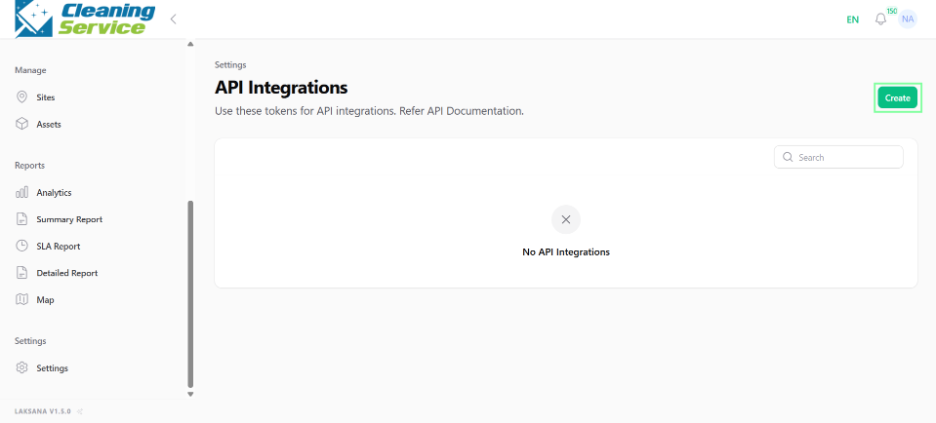
Click Create API Token.
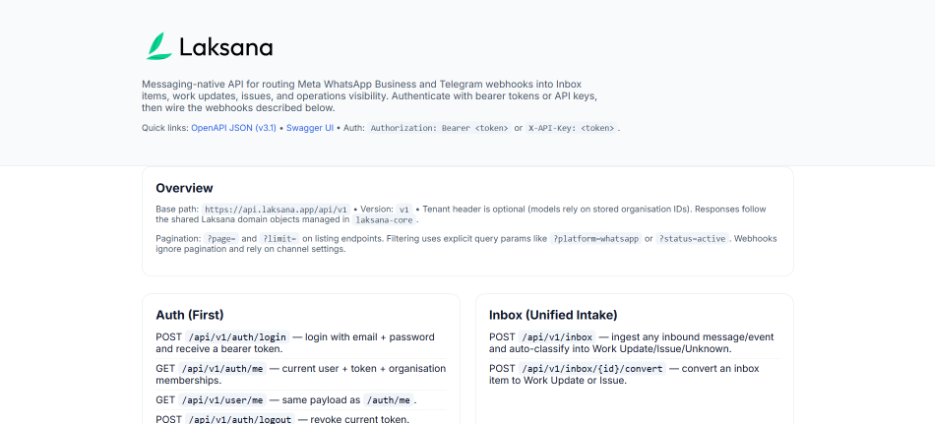
Enter token details, if required.
Save or copy the token securely.
Security tips
Do not share API tokens publicly.
Blur or hide token values in screenshots.
Revoke unused tokens.
Create separate tokens for different integrations where possible.