
Overview
Webhooks allow Laksana to send event information to another system. This is useful for integration with external platforms.
Before you start
You need the webhook endpoint URL from the receiving system.
Steps
Go to Settings.
Open Organisation Profile.
Select Webhooks.
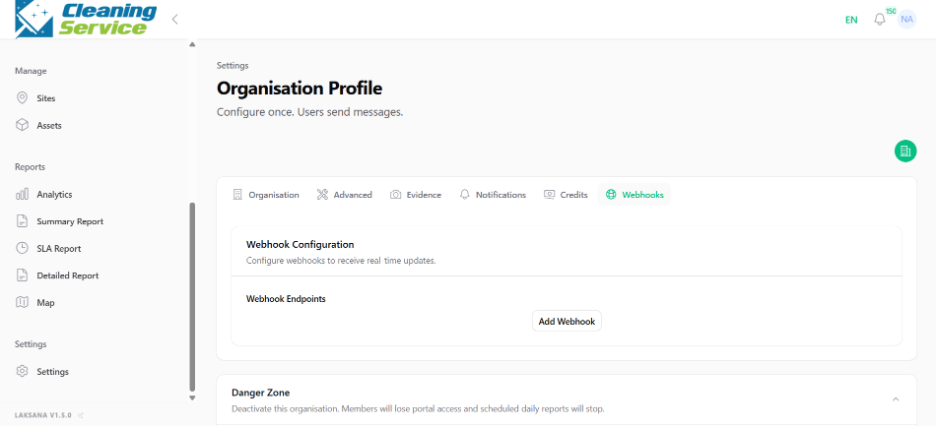
Enter the webhook URL.
Select events or configuration options, if available.
Save the webhook configuration.
Test the webhook, if test function is available.
Tips
Use a secure HTTPS endpoint.
Test webhook configuration before going live.
Coordinate with your technical team or integration partner.