
Overview
Notification logs help admins review notification records and check whether notifications were generated or delivered.
Steps
Go to Settings.
Open Messaging & Integration.
Select Notification Logs.
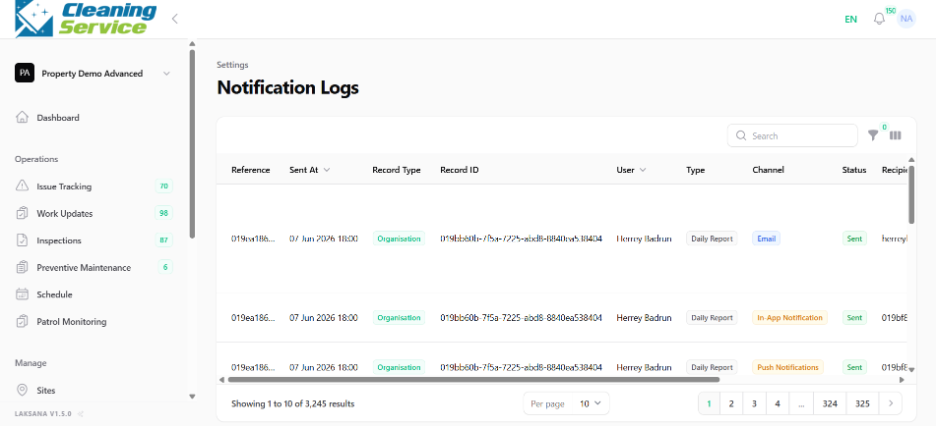
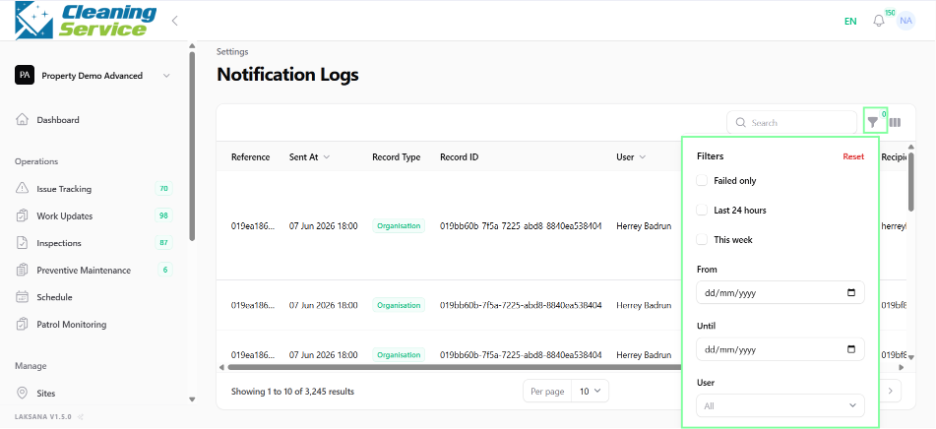
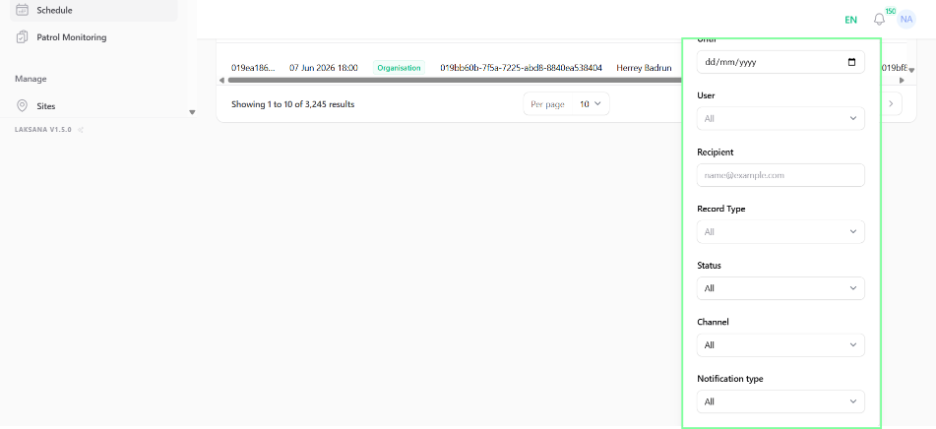
Search or filter the records, if available.
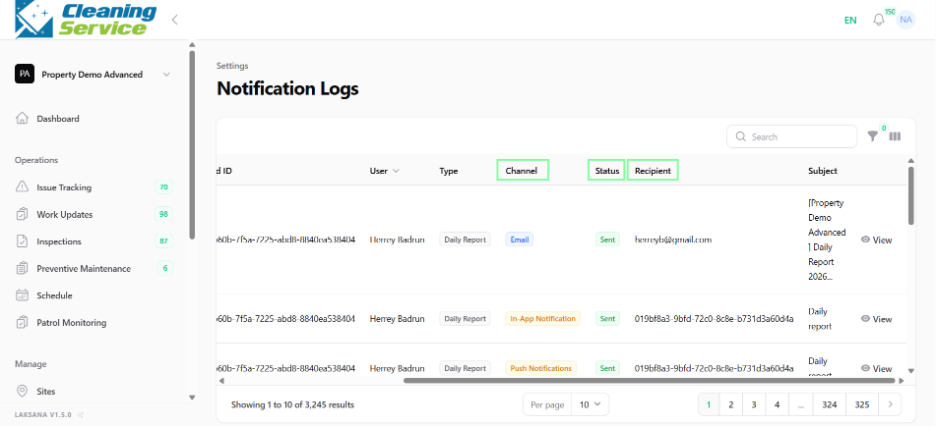
Review the notification status.
Common use cases
Check whether an assignment notification was sent.
Troubleshoot missing WhatsApp notifications.
Review notification history for a user.